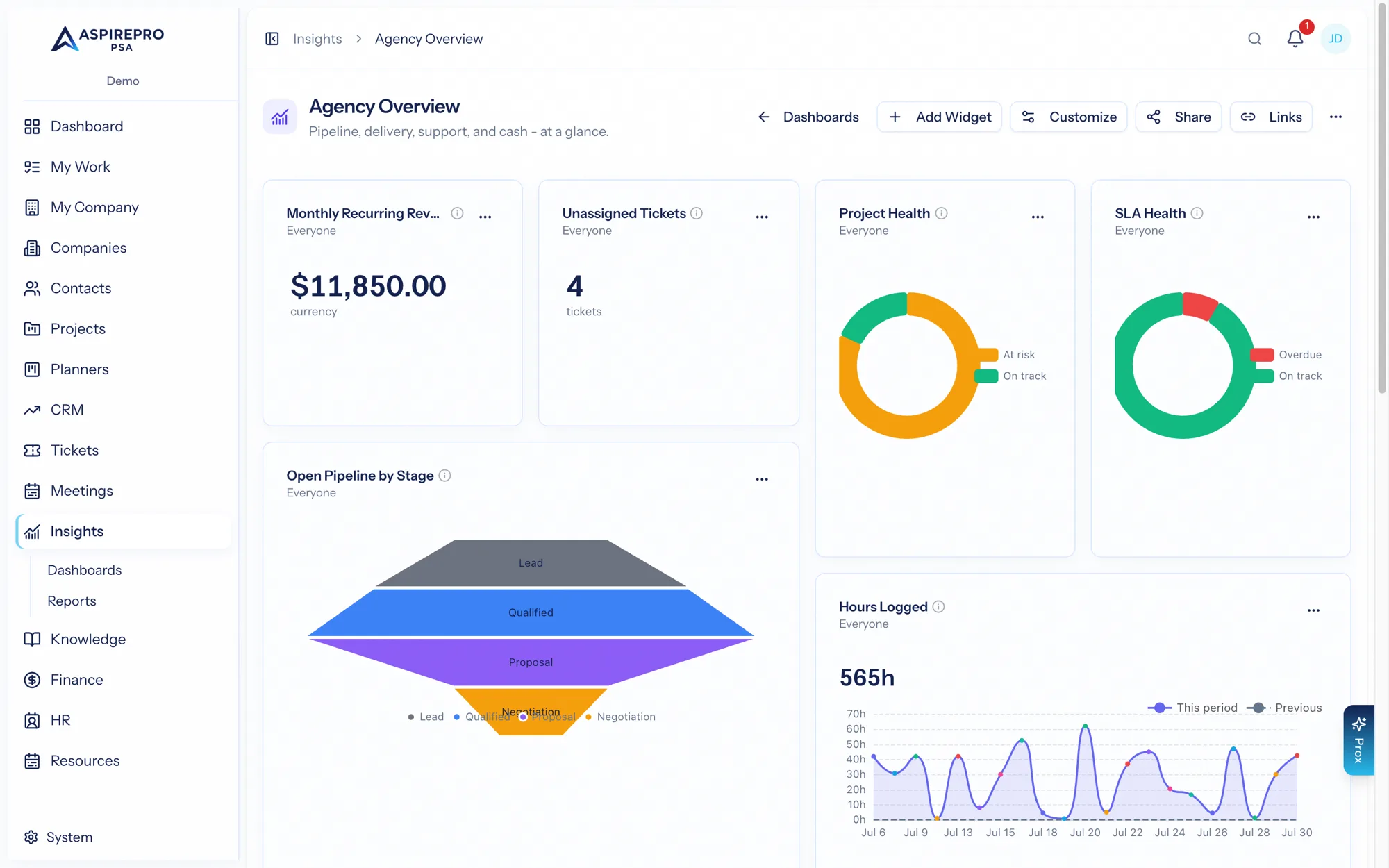
Insights → Dashboards can carry Profitability numbers as widgets, so a return on time figure can sit next to a ticket backlog and a utilization figure on one screen. This page says which widgets read which numbers, and — where two surfaces can legitimately disagree — exactly why.
The seven metrics#
Metric | Group | Reads | Permissions |
|---|---|---|---|
Return on Time by Client | Finance | The stored monthly numbers, counting revenue the way you chose: | View profitability |
Return on Time by Agreement | Finance | The same stored numbers and the same calculation, per agreement | View profitability |
Return on Time by Project | Finance | The same stored numbers per project: what was invoiced for its work, plus its share of the agreement fee by the value of the work, minus the cost of the team's time on it. Only while Projects is on | View profitability |
Revenue Mix | Finance | Products against services: product sales and their margin, labor revenue and the return on the team's time, and the blend — the Revenue mix tab as a widget | View profitability |
Effective Rate | Finance | The stored monthly numbers, counting revenue the way you chose: | View profitability |
Billing Efficiency | Finance | The stored monthly numbers: labor invoiced ÷ the value of the work at bill rates, by client (the default) or by agreement. Needs no cost rates | View profitability |
Share of Work by Client | Clients | The same two stored numbers as the Share of work column | Companies access, plus Service Desk access when that module is on |
All six Finance metrics read the numbers the page reads, through the same calculation, so none of them can disagree with the page on the same settings. The Finance ones appear only while Profitability is switched on.
Related Finance metrics — revenue trend, recurring revenue, monthly recurring revenue movement, collection rate, outstanding invoices, days sales outstanding — read invoices and agreements directly rather than the profitability numbers. They are documented in the metrics catalog.
Return on time and Effective Rate follow how you count revenue#
Return on Time by Client, Return on Time by Agreement and Effective Rate consult the organization's Count revenue from setting and state it in the widget's note, matching Finance → Profitability. Switch the setting and the widgets move with the page. They follow Include client expenses in return on time too: while it's off, pass-through money is left out of revenue, just as on the page.
This was not always true. Before the fix these widgets summed the stored, invoiced-only column while the page defaulted to counting what agreements should bill, so the same client showed two different dollar figures on two surfaces the product tells you to compare. Return on Time by Agreement used to be a separate calculation from source records, too. They now agree by construction.
Both Return on time widgets also carry the same rules the page carries:
- When revenue exists and no cost was recorded anywhere, the note says so plainly — the bars are revenue, not return — because a bar chart cannot hide a value the way a table cell can.
- When hours carry no cost rate, the note says how many.
- Where counting what agreements should bill adds to what was invoiced, each bar's subtitle shows both figures.
Their drills differ: Return on Time by Client opens the client's invoices in the period (when counting what agreements should bill, those invoices are not the whole revenue behind the bar, since expected revenue has no document); Return on Time by Agreement and Effective Rate open the time entries behind the figure.
Every one of these widgets caches its result for five minutes, keyed to the viewer's permissions, so a lower-privileged viewer is never served a higher-privileged person's numbers.
Billing Efficiency is invoiced only#
Billing Efficiency is the Efficiency figure as a widget: labor invoiced divided by the value of the logged hours at your bill rates (every hour, billable or not). It needs no cost rates, so it works from the first month you log time.
- It is always invoices only, whatever Count revenue from says — otherwise an uninvoiced time-and-materials month would score a perfect 1.0 for having billed nothing. Its note says so, and says how much work isn't invoiced yet.
- Under 0.8 reads red, over 1.2 blue — above the hours is a description, not a warning. The headline is the whole organization's ratio, weighted by work.
- Its drill opens the invoices behind the ratio.
Share of Work is the same number as the page#
The metric reads the same stored work-item counts and the same stored monthly total the Share of work column reads, so the two are identical by construction rather than by coincidence. It adds two things the grid shows as lines rather than rows:
- Companies that paid nothing and work not linked to any client appear as their own slices, and past the 25 busiest clients the rest are aggregated into Other clients rather than dropped, so the shares add to 100%.
- The note names the whole months the share was counted over, and says how many months in the period were left out because work had not been counted yet.
- Periods are whole months. Work is stored per month, so the widget offers only month-aligned periods (this month, last month, this quarter, this year, last 12 months). A widget saved earlier with a partial preset such as "Last 7 days" is answered with the month(s) that range falls in, and its note says so.
Three behaviours are worth knowing:
- The total is organization-wide. Two people with different access see the same share, because a finance share that varies by viewer is not a finance number.
- The drill is not. It returns tickets only — a mixed list of tickets, tasks and meetings has no fair shared columns — and it re-derives row-level access from whoever is drilling. When it had to leave records out, the modal says so: "Showing the N tickets you can open, of M closed in ."
- It is not offered as drillable when Service Desk is off, because there would be no tickets to return. A widget advertising a drill that opens an empty modal is the failure that check exists to prevent.
The metric requires Service Desk access whenever that module is on, which is a deliberate tightening: ticket volume per client is ticket data wherever it is reported.
Prox reads the same numbers#
Prox reads Profitability through get_profitability, one view at a time (clients, agreements, projects, revenue_mix, members (needs View member economics), movement, signals or basis, over 3, 6, 12 or 24 months, optionally for one company). It reads on the invoiced revenue basis, so its figures can sit below the page's when the page counts what agreements should bill; it is told to say so. Each response carries the same basis notes as the "What's behind these numbers" panel, and Prox is told to relay them. A client row carries work_items and effort_share_pct for the share of work; ledger_costs (client expenses) only while Include client expenses in return on time is on, and Prox must not mention expenses when it is absent; and, when a team cost rate is set, effort_cost_estimate, estimated_hours, estimated_margin and estimated_margin_low / estimated_margin_high. A row with cost_not_measured: true is reported as "no costs recorded", never as a 100% return, and none of it is ever to be called profit.
Prox can also change the settings through manage_profitability_settings, within the Finance settings permission and after asking you to confirm: the signal limits, the estimate assumptions including assumed_hours_range_pct (0–75), and include_client_expenses (true or false) to flip the client-expenses switch. Every change applies at read time, so the page and every widget move together.
Which surface is authoritative#
- "What did this client earn us?" → the Profitability Clients tab or the client report. The widgets agree with it; the page is where the revenue setting, the cost banner and the "What's behind these numbers" panel live.
- "How much of the team does this client take?" → either. The Share of work column and the Share of Work widget are the same number.
- "Which contract earns least per hour?" → the Agreements tab, or Effective Rate (by agreement). Return on Time by Agreement is the same tab's return figure.
- "Are we billing what the work was worth?" → the Efficiency figures, or Billing Efficiency.
- "Did the business make money?" → neither. That is Statements.
Worked example — the same client on both surfaces#
Rivera Group, June 2026, organization on the default revenue setting, with client expenses switched on.
Surface | Figure | How |
|---|---|---|
Profitability Clients tab | $2,868.70 | $9,900.00 − $6,437.00 − $594.30 |
| $2,868.70 | the same subtraction, the same settings |
Share of work column | 8.4% | 61 of 728 items |
| 8.4% | the same two stored numbers |
Switch to Invoices only and both return figures move together to −$1,031.30. There is no combination of settings in which the page and these widgets disagree.
The same holds on one of Rivera's agreements:
Surface | Rivera Monthly Retainer | Why |
|---|---|---|
Agreements tab | $1,398.70 | $6,000.00 − $4,427.00 team cost − $174.30 card fee |
| $1,398.70 | the same subtraction, the same settings |
The card-processing fee counts as a client expense on both while the switch is on; with the switch off, both read $1,573.00.
If a dashboard and this page ever disagree by an amount you cannot explain from this page, check the widget's period and the "Updated " indicator first. A widget answered from its five-minute cache can trail the page for those few minutes after the nightly update or a rebuild.