The numbers, live, on one screen
Every metric reads live from the same records your team is working in, every number drills to the rows behind it, and every dashboard can email itself on a schedule.
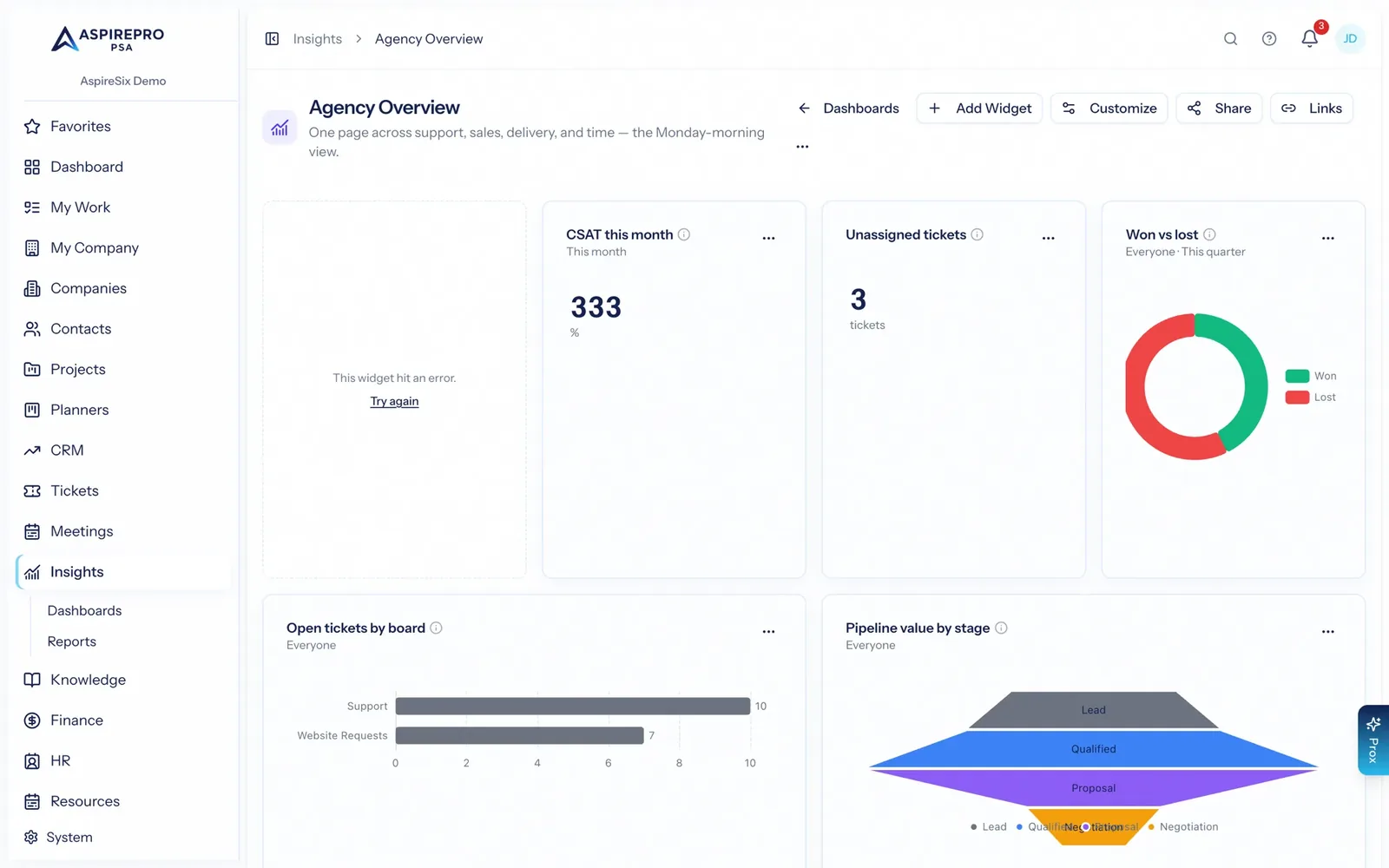
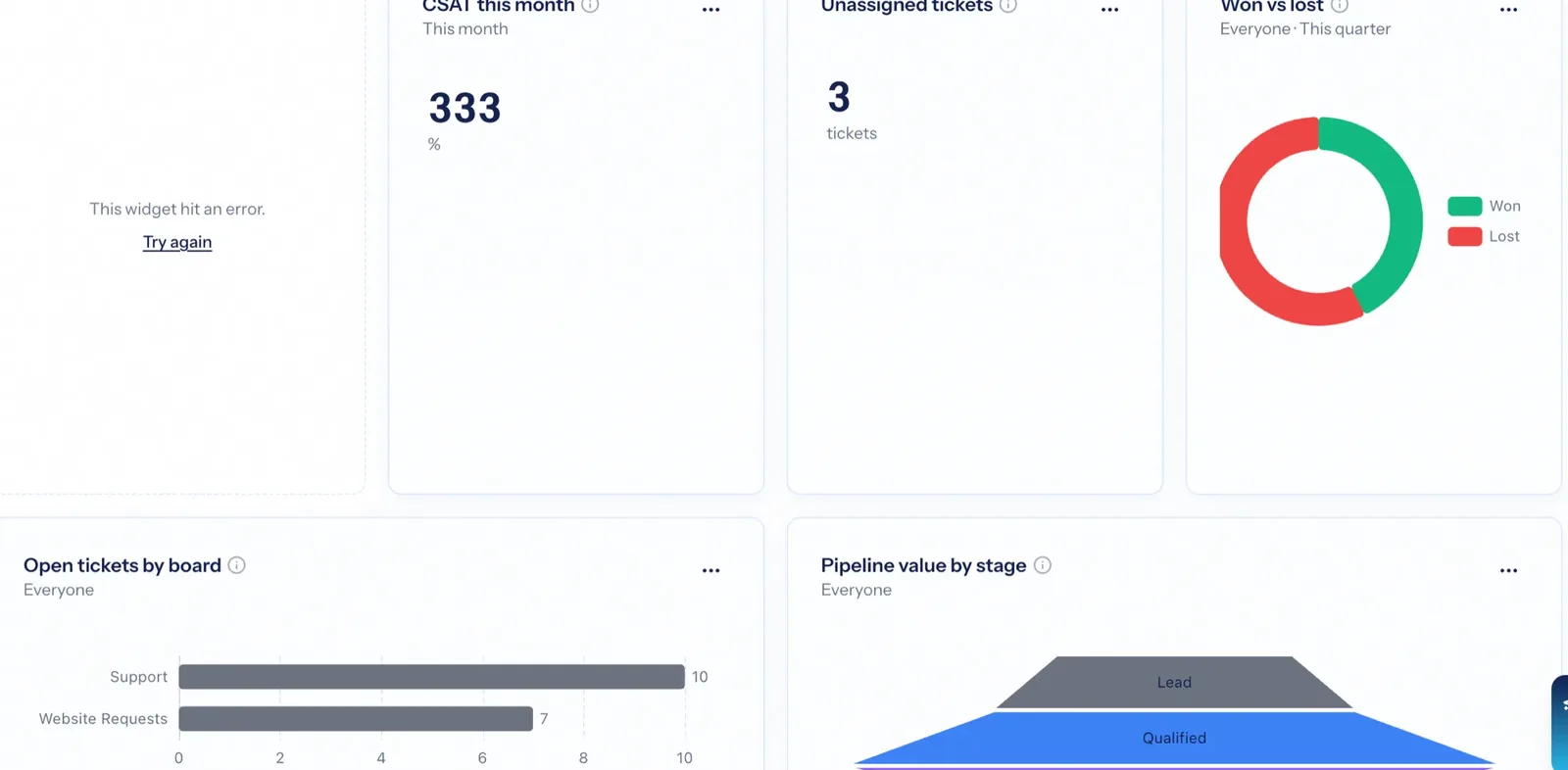
Reporting software is only as good as the distance between the number and the work. When your sales pipeline, service desk, timesheets and invoices live in one system, a dashboard does not need a warehouse, a nightly export or a data team — the metric is a query against the records your team updated an hour ago, and clicking it shows you exactly which ones.
No export, no data warehouse
Metrics query the working records directly, so a dashboard is never a day behind the business.
Click the number, see the rows
Every widget drills to the records behind it — under your permissions, not the dashboard owner's.
It arrives without anyone asking
Any dashboard can go out as a PDF or spreadsheet on a schedule, to the people who would never log in for it.
One set of metrics, every module
Ticket volume, first-response time, satisfaction, deal win rate, pipeline value, billable hours, how busy people are, revenue, work in progress, overdue invoices, tasks completed — all defined once and available to any widget. Add a widget, choose the metric, pick a chart, set the scope.
- KPI tiles, bar, line, donut and table widgets from the same metric definitions
- Scope a widget to you, your team, or everyone
- Comparison periods and target lines where they make sense
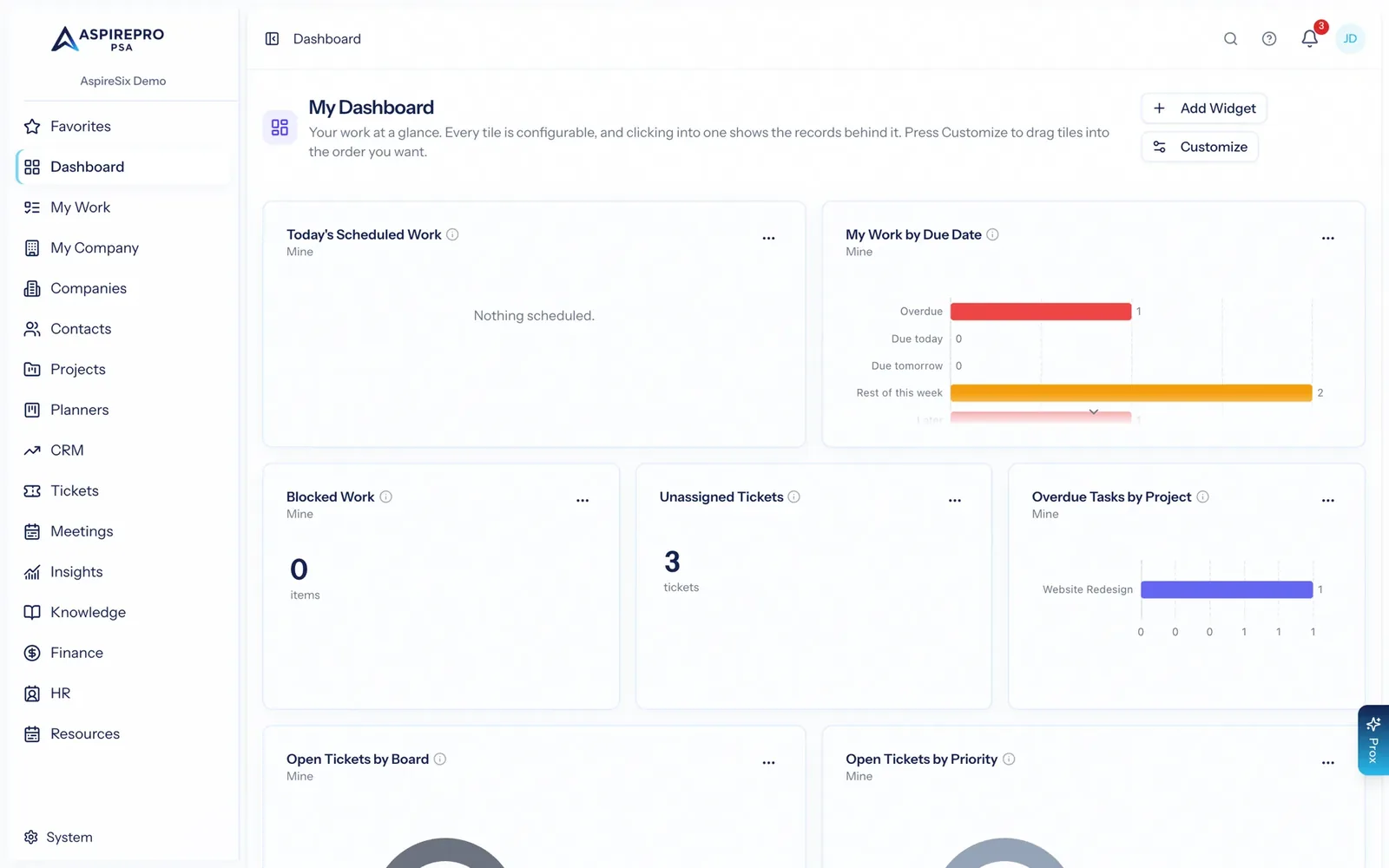
- Drag to rearrange; every dashboard is laid out by the person who uses it
Yours, and the ones you share
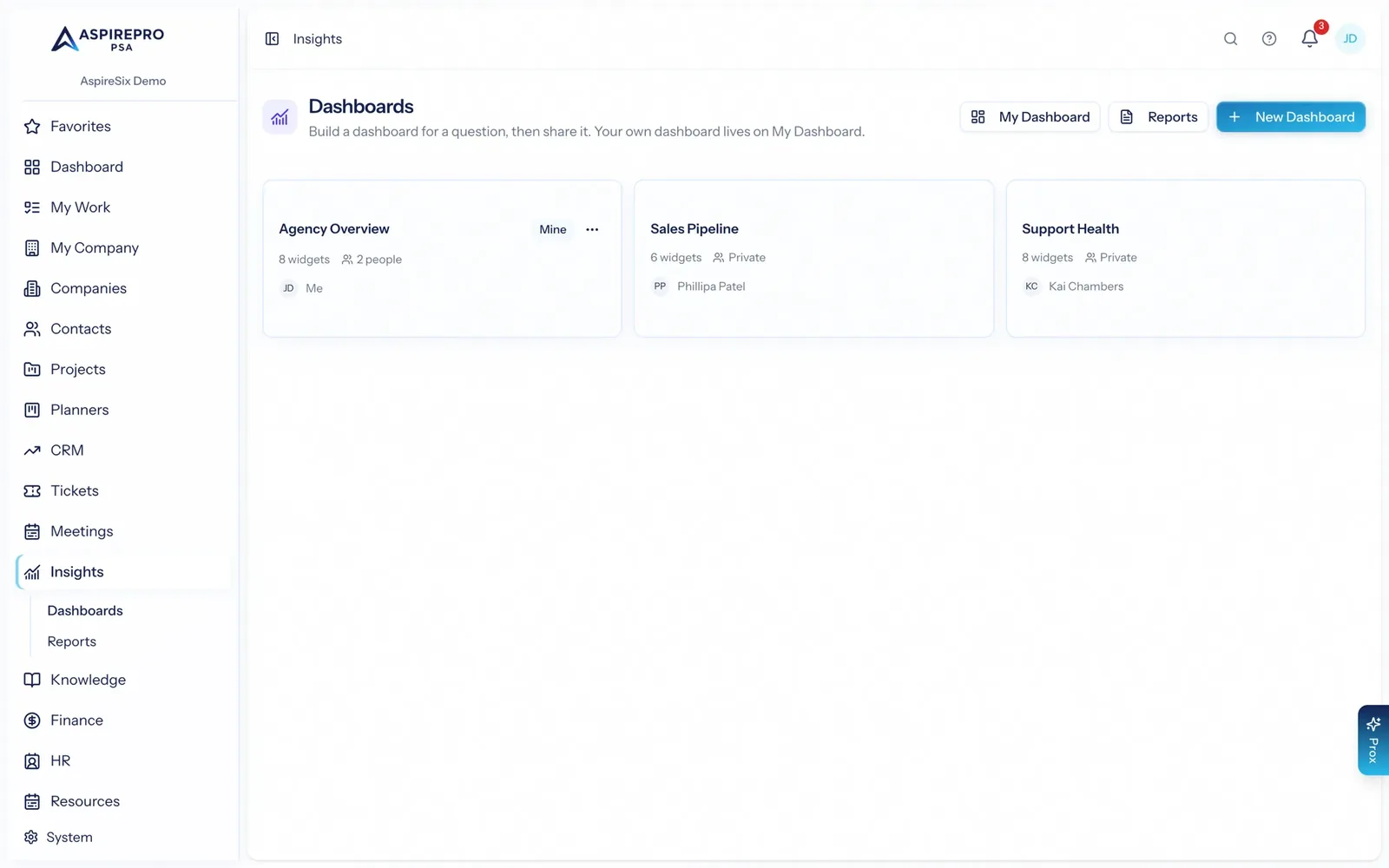
My Dashboard is always on and private — your work at a glance. Insights adds as many shared dashboards as you like: an agency overview for leadership, support health for the service desk, pipeline for sales. Suggested dashboards get you started in one click — curated sets like Profitability Watch, Company Health and Sales Pipeline that you apply to a new or existing dashboard. New dashboards start private, and you choose who to share them with.
- Eight one-click suggested dashboards, from Finance Overview to Team Utilization
- Share with individual people or whole teams — sharing is a deliberate act
- Public share links, when someone outside needs a read-only view
Reports that send themselves
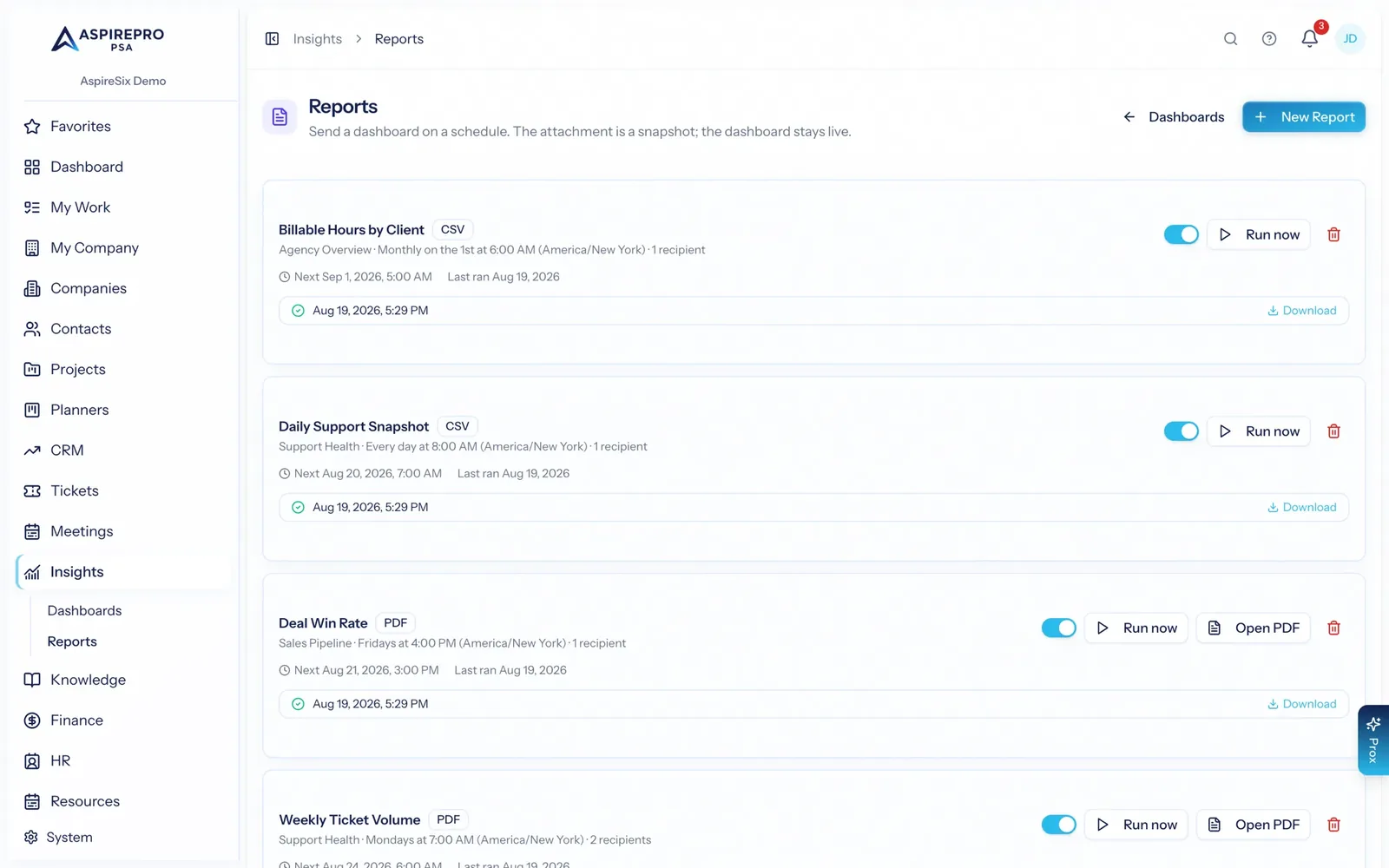
Turn a dashboard into a scheduled report: daily, weekly, monthly or quarterly, as a PDF, Excel workbook or CSV, to a list of recipients. Choose the period each report covers and what it is compared with, and every email carries the headline numbers and how they changed. The people who want the number but will never open the app get it in their inbox, generated from the same live metrics.
- Daily, weekly, monthly and quarterly schedules with a chosen send time
- PDF, Excel or CSV, over the period you choose and compared with the last one, with run history you can download
- Run one on demand when someone asks for it early
Sharing a dashboard never shares the data behind it
Access is checked twice — when the metric list is built and again when a metric executes — and drilling re-derives scope from the person clicking rather than trusting what the widget was configured with. A dashboard shared with you never becomes a route to data your role does not allow.
- Metric access gated at both listing and execution
- Drill-through re-derives scope for the viewer, every time
- Caching is keyed by that scope, so results cannot cross between viewers
From question to standing answer
Start with a question
One dashboard per question — support health, delivery load, pipeline, cash. Not one dashboard for everything.
Add the widgets
Pick metrics, choose visualisations, set the scope, and drag them into the order that reads well.
Share it
With the people or teams who need it. It stays private until you do.
Schedule it
Send it as a PDF, Excel workbook or CSV on a cadence, so the answer arrives without anyone asking.
What Dashboards & Reporting connects to
Nothing here is a standalone tool — each of these reads the same clients, people and permissions.
Frequently asked questions
Where does the data come from?
Can I see the records behind a number?
What is the difference between My Dashboard and Insights?
Can reports be emailed automatically?
Is it safe to share a dashboard widely?
Which metrics are available?
Read the documentation
The full how-to for this module, written for the people who use it every day.
Bring your whole services business together
Stop stitching together five tools. Run sales, delivery, support, and billing from one organization — with an AI assistant on every page.