Order it, receive it, deliver it — and the client record already knows
Purchase orders from your catalogue, receiving that adds to a stock ledger you never type into, drop-ship and deliver-from-stock that create a Pro Card on the client for every serialized unit, and RMAs when a unit goes back to the vendor.
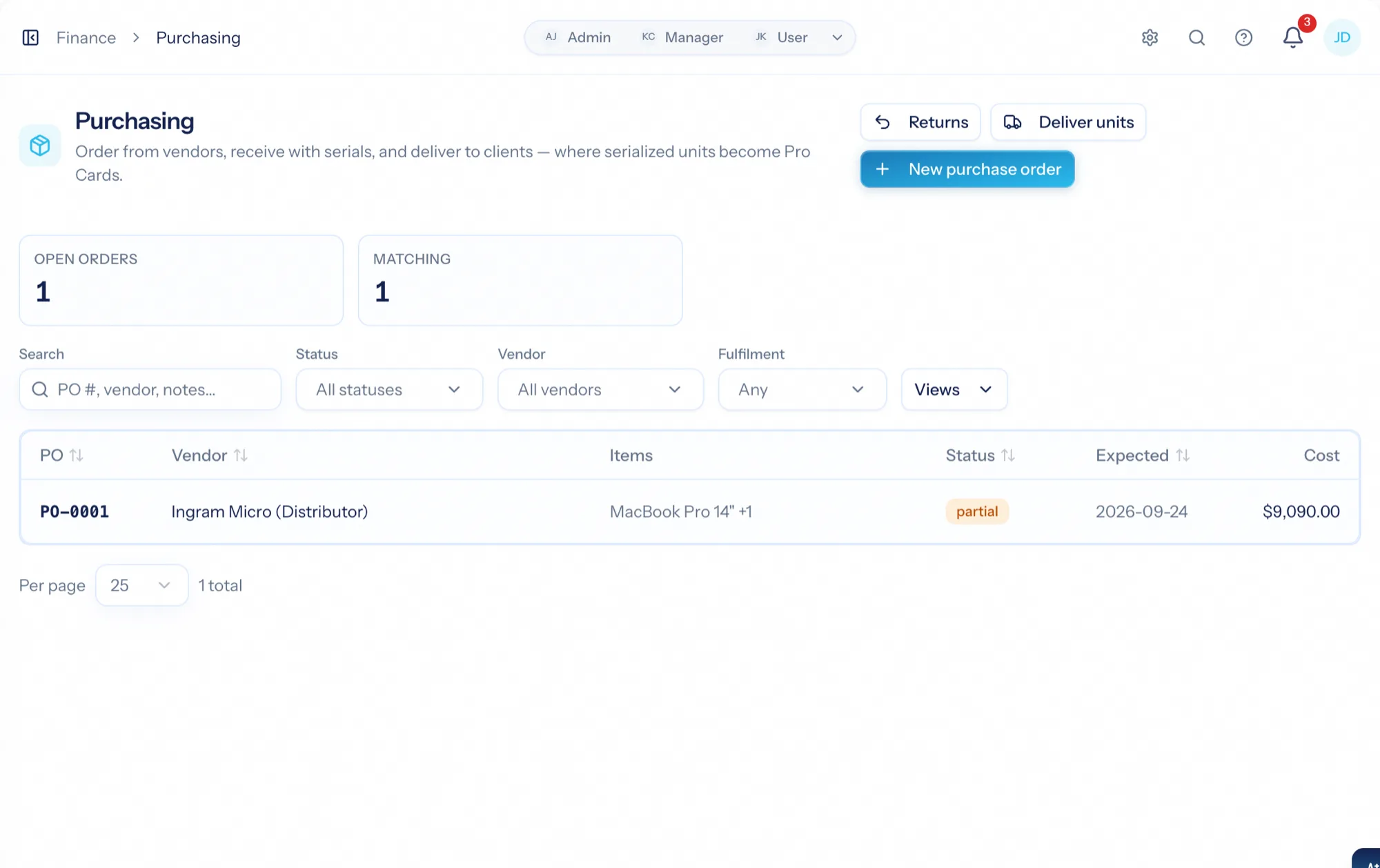
Purchasing software for a services firm has one job most tools miss: connect the box you ordered to the client it ends up with. AspirePro's purchasing is deliberately simple — a purchase order picks a vendor and catalogue items, receiving happens as boxes arrive, and the on-hand figure is always the sum of the ledger — and deliberately connected: a serialized laptop or firewall delivered to a client becomes a Pro Card on that client with the serial pre-filled, so a year later the serial is on the record when they call.
The same items you quote and bill
Purchase orders price from the products and services catalogue, costs default from it, and the vendor comes with the item.
On hand is always the sum
Received units add, delivered and damaged units subtract, every row says why. Nobody types a stock count.
Delivered hardware becomes a client record
A serialized unit delivered or drop-shipped to a client becomes a Pro Card there, built from the item's template.
Vendor, items, receive as boxes arrive
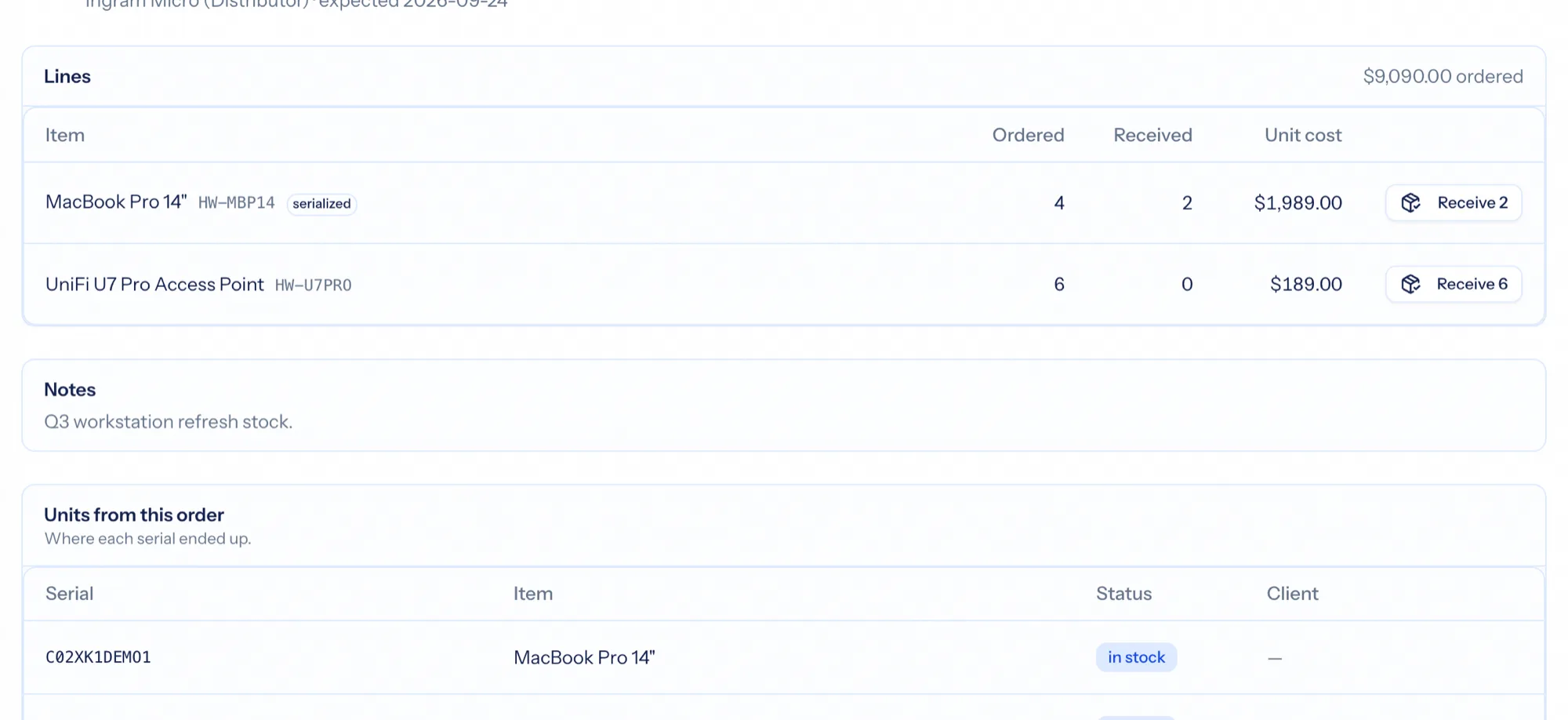
Pick a vendor, add items — costs default from the catalogue — and send the order. Receive as boxes arrive: partial receipts move the order from ordered to partially received to received, and each received unit lands in the stock ledger. Serialized items ask for the serial at receiving.
- Vendors on catalogue items
- Partial receiving with a status that follows it
- Serial numbers captured at the door
- Saved views for the orders you watch
One location, one ledger
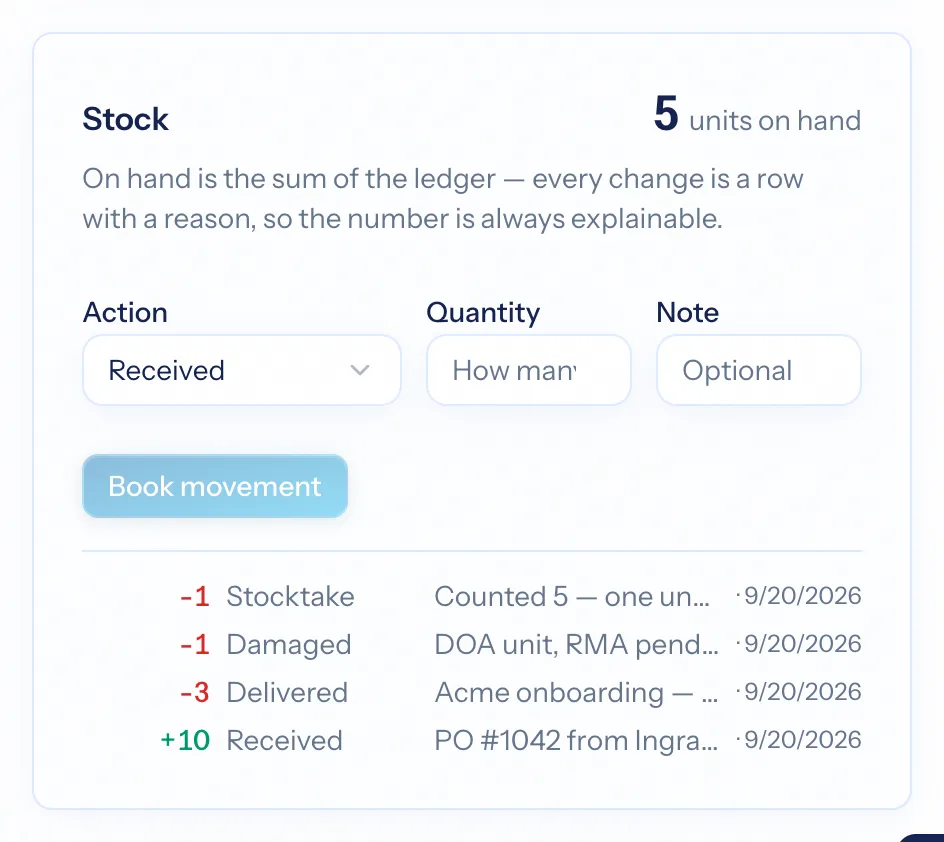
A stocked product carries a ledger on its page: received, delivered, damaged, adjusted — each row with a reason and who did it. The on-hand number is never typed; it is the sum. One location, deliberately: no warehouses, no transfers, nothing to reconcile.
- Stock ledger per item
- On hand derived from the ledger
- Damage and adjustments with a note
Drop-ship or from the shelf — either way, a Pro Card
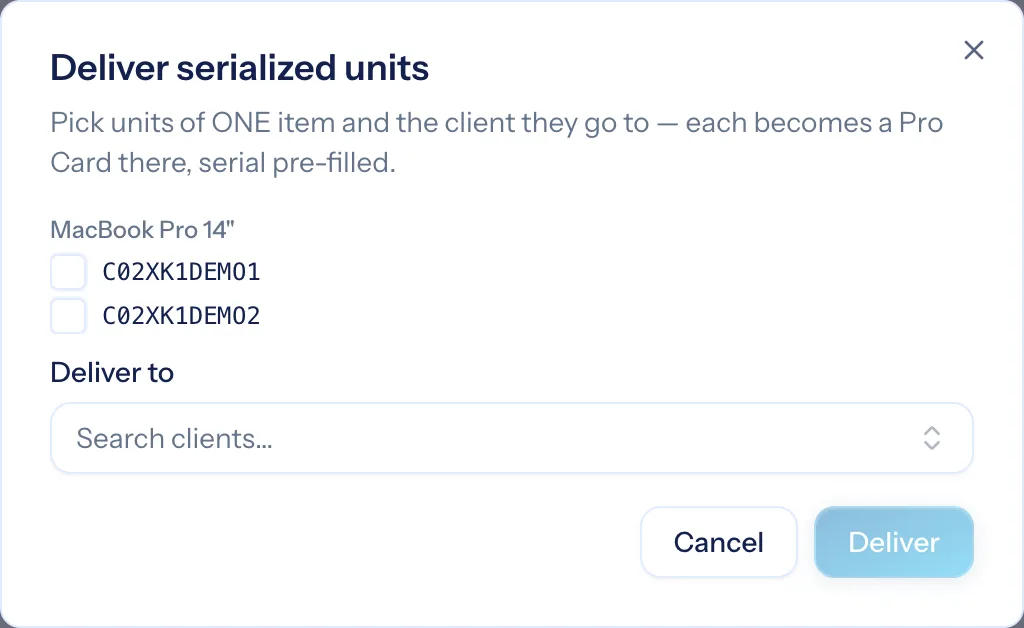
Drop-ship orders flip one switch and pick the client: receiving skips stock because the box never touched your shelf, and serialized units become Pro Cards on that client immediately. Delivering from stock works the same way: pick in-stock serialized units and the client, and each becomes a Pro Card built from the item's template, serial in the title and the field.
- Drop-ship straight to the client
- Deliver from stock to a client
- A Workstation or Firewall card on the client, serial pre-filled
- The card links back to the order it came from
RMAs that keep the record straight
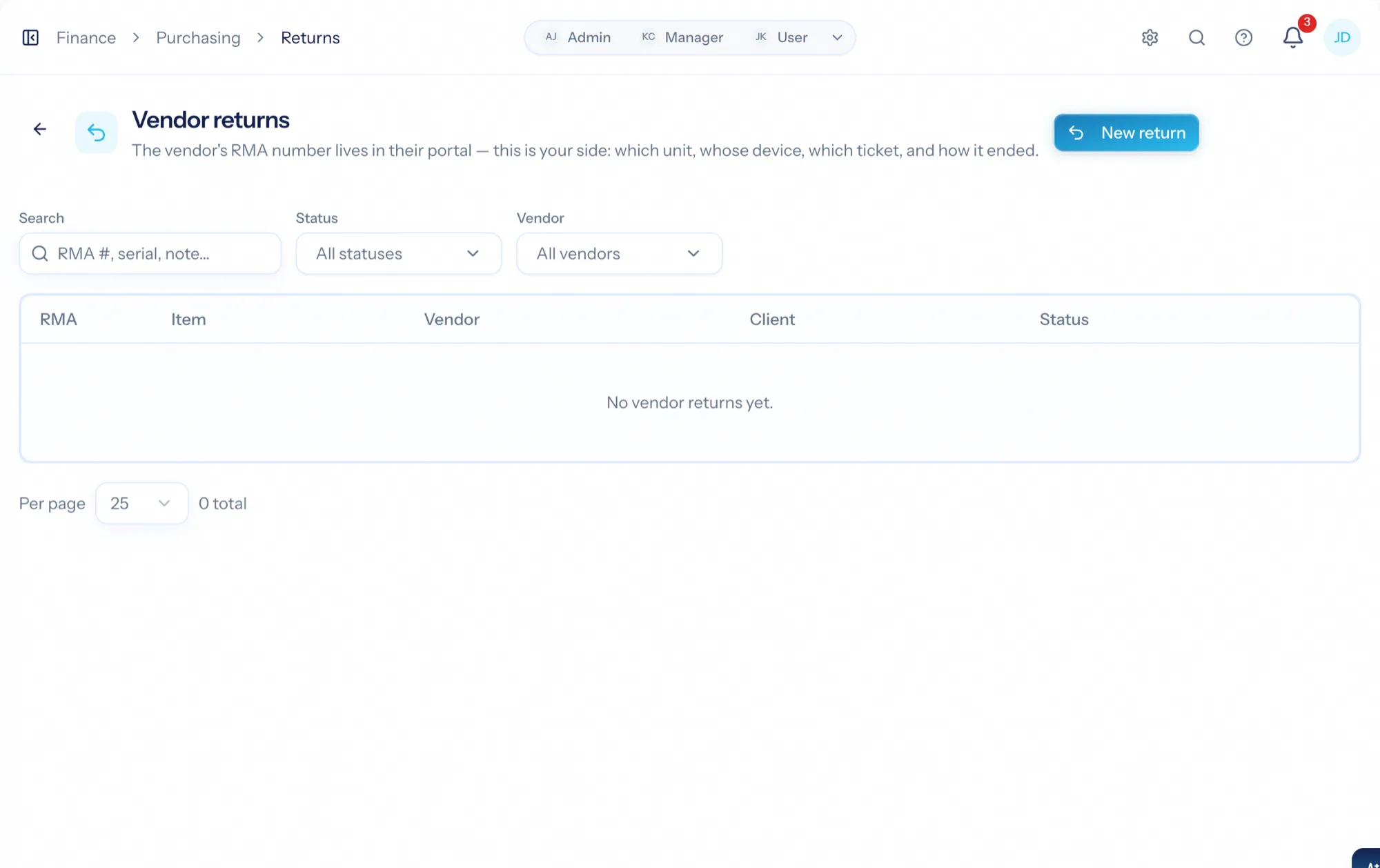
When a unit fails, open an RMA: pick the unit — delivered or on the shelf — the vendor it goes back to, and the vendor's RMA number. Mark it sent when the box ships, and close it with the outcome: a replacement swaps the new serial onto the client's card, a credit or repair is recorded against the unit.
- RMA per unit with the vendor's reference
- Sent and closed states
- Replacement serials update the Pro Card
Box to client record
Raise the order
Vendor and catalogue items, costs already filled in.
Receive it
Partial or full, serials captured; the ledger adds the units.
Deliver it
From stock or drop-shipped; each serialized unit becomes a Pro Card on the client.
Handle the failures
An RMA per unit, with the replacement serial landing back on the card.
What Purchasing & Inventory connects to
Nothing here is a standalone tool — each of these reads the same clients, people and permissions.
Frequently asked questions
Is this a full inventory system?
How does a delivered laptop become a client record?
Who can receive and deliver?
What happens when a unit is replaced under RMA?
Do costs reach profitability?
Read the documentation
The full how-to for this module, written for the people who use it every day.
Bring your whole services business together
Stop stitching together five tools. Run sales, delivery, support, and billing from one organization — with an AI assistant on every page.