Bring your own AI to your business data
One connector URL for Claude, ChatGPT and any MCP client. Sign in, choose your organizations, and the assistant can read and act on clients, tickets, projects, time and finance — as you, with your permissions, and nothing more.
An MCP server exposes an application's capabilities as tools an AI client can call — the Model Context Protocol is how Claude, ChatGPT and agent frameworks connect to outside systems. AspirePro's MCP server presents the same abilities the app itself has: the tools Prox uses inside the product are the tools an external client gets, over 350 of them, covering companies, contacts, deals, tickets, projects, time, agreements, invoices, Pro Cards and more. A client acts as the person who connected it, under that person's permissions in each organization, and every action is audited like any other.
The same connector for everyone
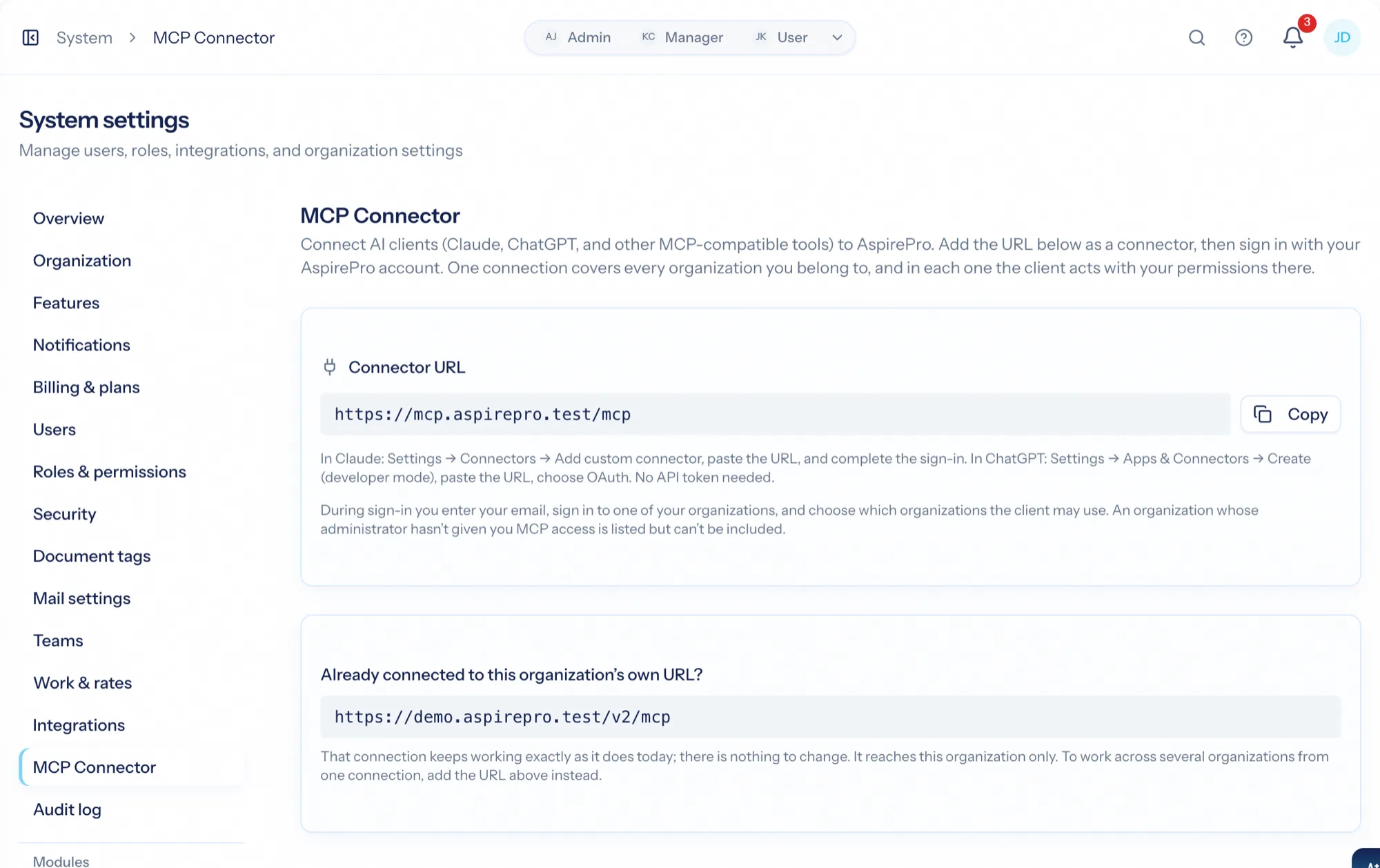
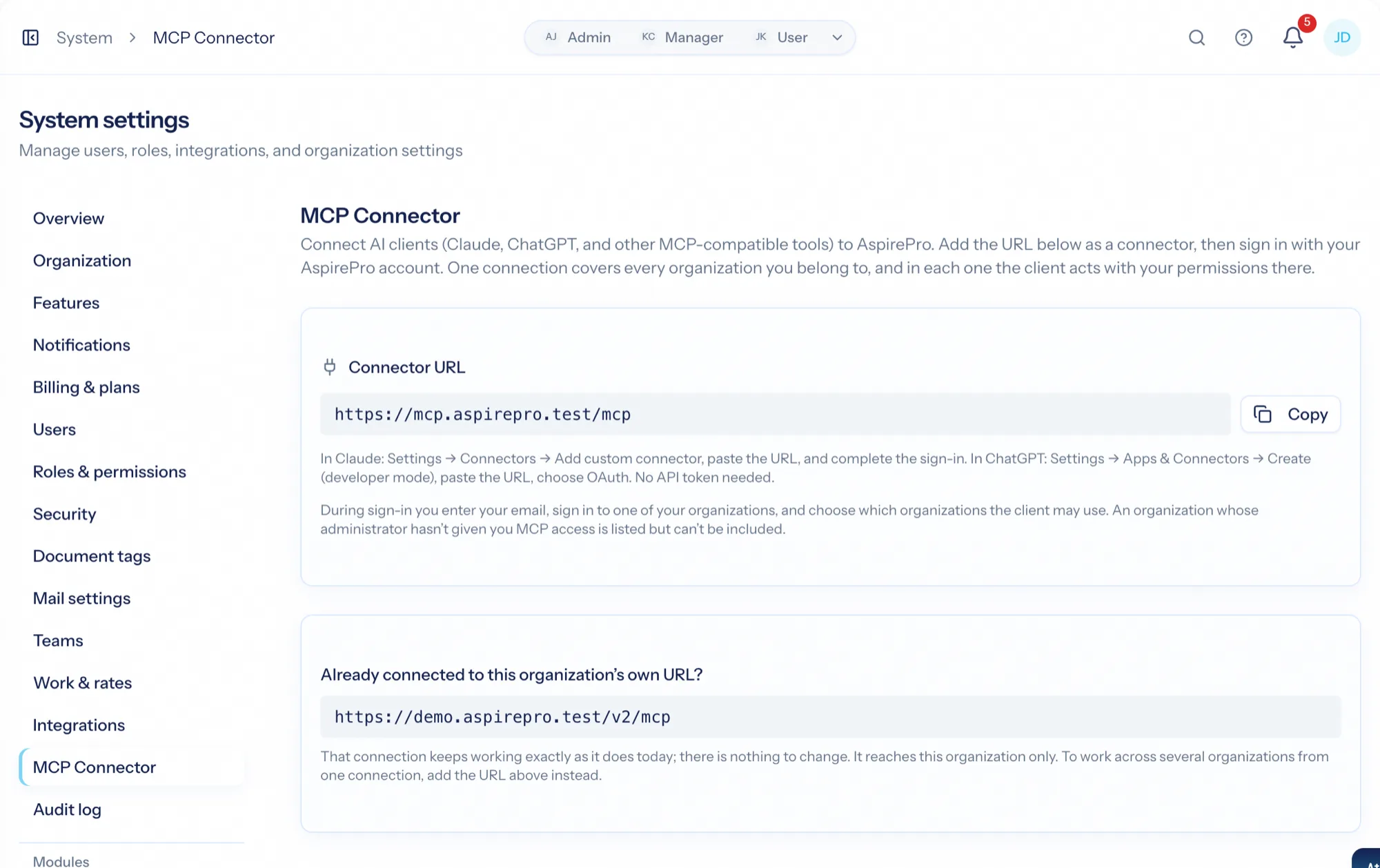
https://mcp.aspirepro.io/mcp — add it to Claude or ChatGPT, sign in, pick your organizations. One connection covers all of them.
Never more than the person
The client acts as whoever connected it, with their role in each organization. Withdraw MCP access and the connection stops that instant.
350+ tools, growing with the product
Every module ships its tools; a new capability in the app is a new tool for your assistant automatically.
Three steps from a settings page
From Profile Settings → Integrations (or System → MCP Connector) copy the connector URL. In Claude, Settings → Connectors → Add custom connector; in ChatGPT, Settings → Apps & Connectors. Sign in when prompted, choose which of your organizations the client may use, and you are connected — no tokens to paste.
- Claude, ChatGPT and any MCP-compatible client
- OAuth sign-in with organization selection
- Legacy token connections keep working on the organization's own URL

Read, and act, across the whole platform
Ask for the tickets open for a client and their agreement; log a call; create a task on a planner; draft a quote from the catalogue; pull this month's time by person; read a Pro Card's hosting details. The tools are the same ones Prox uses in the app, with the same guards — a quote still needs the Manage Quotes permission, whoever is asking.
- Companies, contacts, lists, deals and activities
- Tickets, projects, planners, time and timesheets
- Agreements, quotes, invoices, catalogue and purchasing
- Pro Cards, lifecycle, knowledge and HR
A permission, a refusal by name, an audit trail
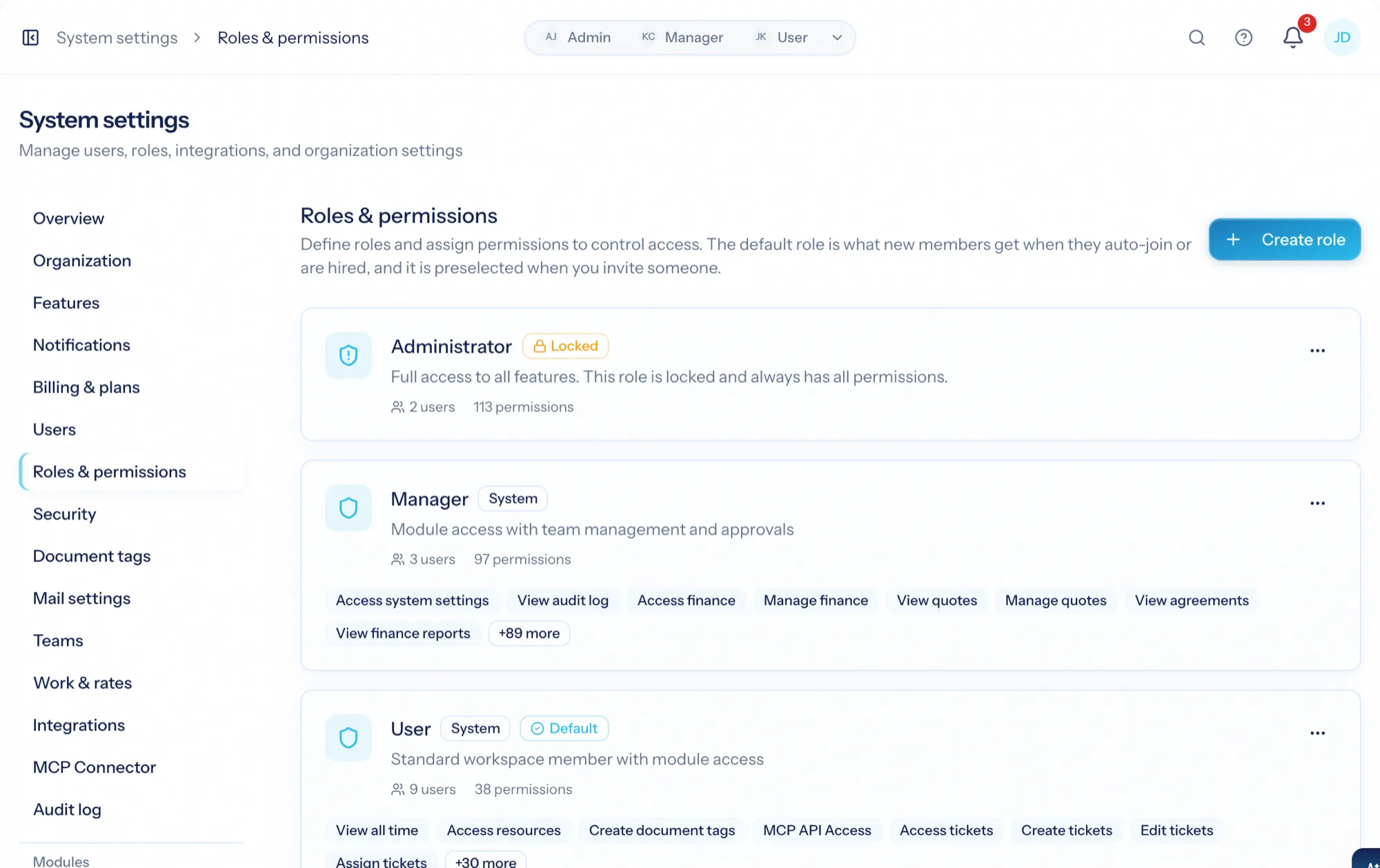
MCP API Access is a permission in a role. A person without it is told so by name when they connect; a person whose access is withdrawn is refused on the next call. Administrators see connected clients and can revoke legacy tokens, and every action through MCP is in the audit log like any other.
- MCP API Access per role
- Immediate refusal when access is withdrawn
- Connected clients and legacy tokens on System → MCP Connector
- Audit log entries for every MCP action
From settings page to working assistant
Copy the connector URL
It is the same for every organization: https://mcp.aspirepro.io/mcp.
Add it to your client
Claude, ChatGPT or an agent framework — as a custom connector.
Sign in and choose organizations
One connection covers every organization you include.
Ask
The assistant reads and acts as you, under your permissions, with every action audited.
What MCP Server connects to
Nothing here is a standalone tool — each of these reads the same clients, people and permissions.
Frequently asked questions
What is an MCP server?
Which AI clients work?
Is it safe to connect an AI to our data?
Do I need this to use AI in AspirePro?
What can it actually do?
Read the documentation
The full how-to for this module, written for the people who use it every day.
Bring your whole services business together
Stop stitching together five tools. Run sales, delivery, support, and billing from one organization — with an AI assistant on every page.