Meetings that turn into tasks by themselves
The bot joins from your calendar, records and transcribes, and writes the summary — then the action items become tasks and tickets on the client they belong to, instead of dying in a notes app.
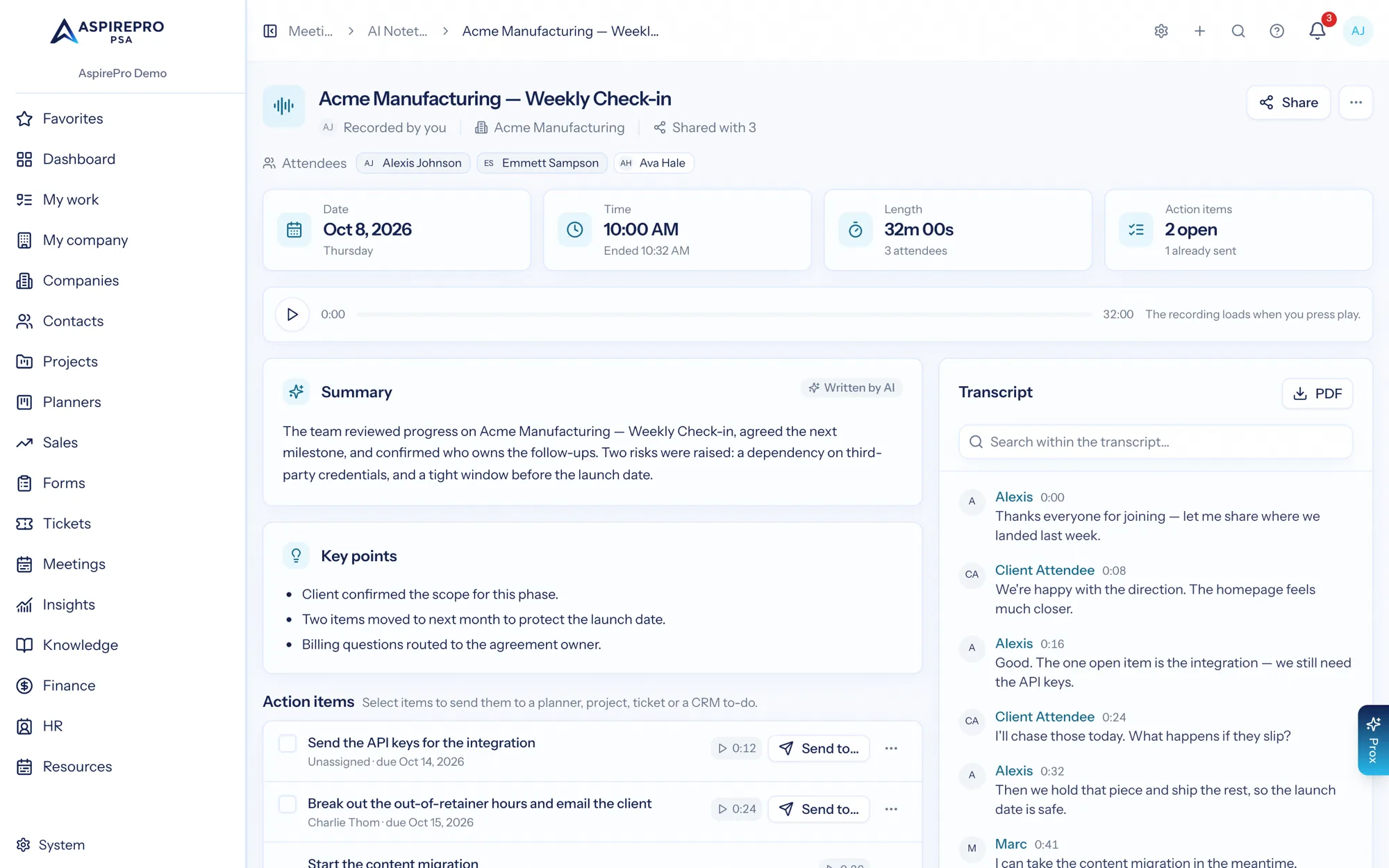
An AI meeting notetaker is a bot that joins your calls, records and transcribes them, and produces a written summary with the decisions and follow-ups. The gap in most of them is the last mile: the summary is an artefact nobody acts on. AspirePro is the home for that output — the meeting attaches to the client, and its action items convert into tasks your team already tracks.
Filed with the client, not in a folder
A recorded call sits with the company and the people it involved, alongside the tickets and projects it was about.
“What did we promise them in March?”
Search runs over titles, summaries and full transcripts, so the answer is a search away.
Follow-ups become tasks
Action items are pulled out with owners and due dates, and convert into real work items.
What was said, and what it meant
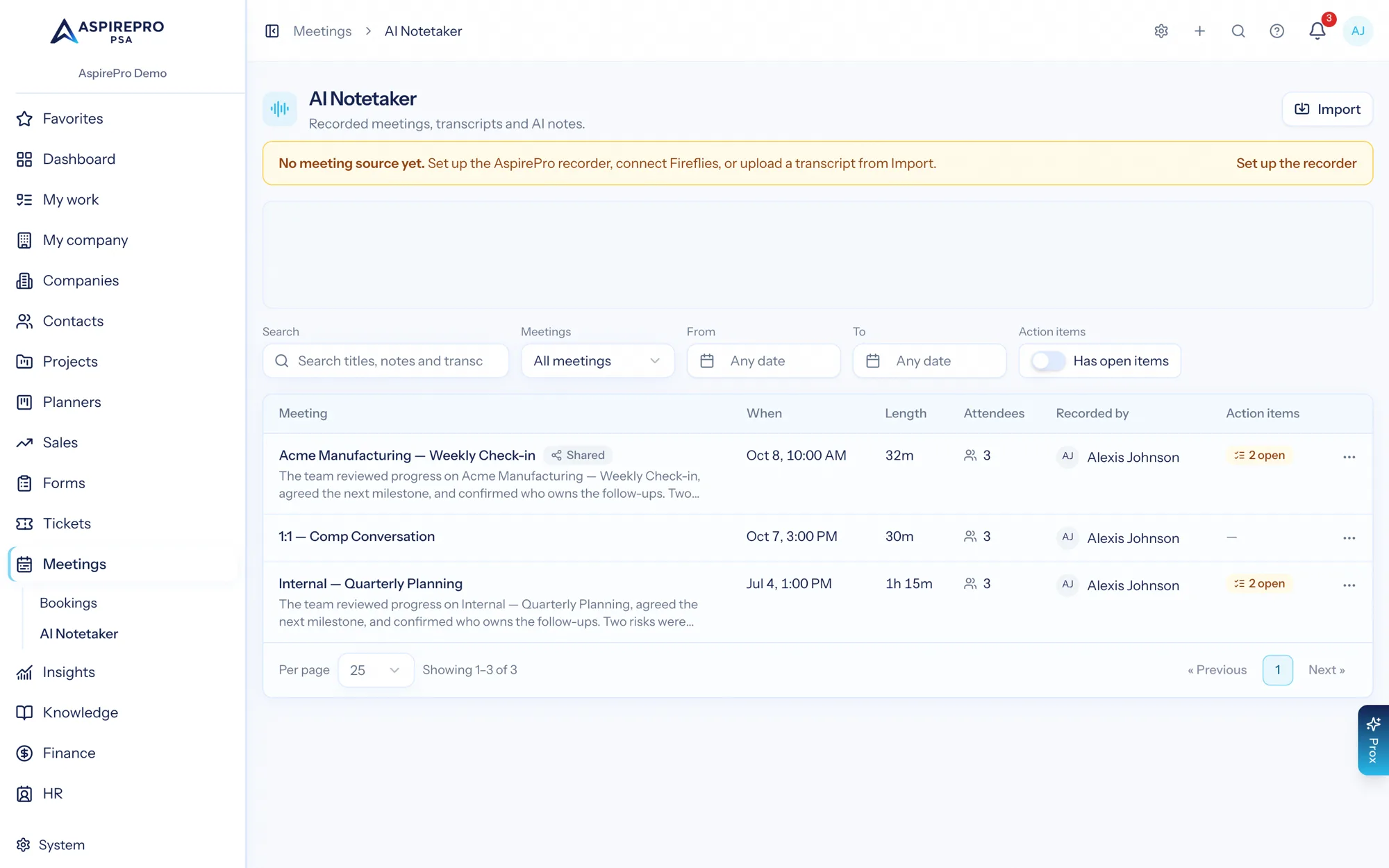
The meetings feed shows each recorded call with its status, a summary teaser, date, duration, attendee count and how many action items are still open. The Upcoming tab lists your next couple of weeks of calendar events so you can decide what gets recorded.
- Auto-join everything, pick per meeting, or start a recording on demand
- Filter by ownership, date, or whether a meeting still has open action items
- Status shown while the bot is recording, processing and writing notes
Summary, key points, decisions — and the follow-ups
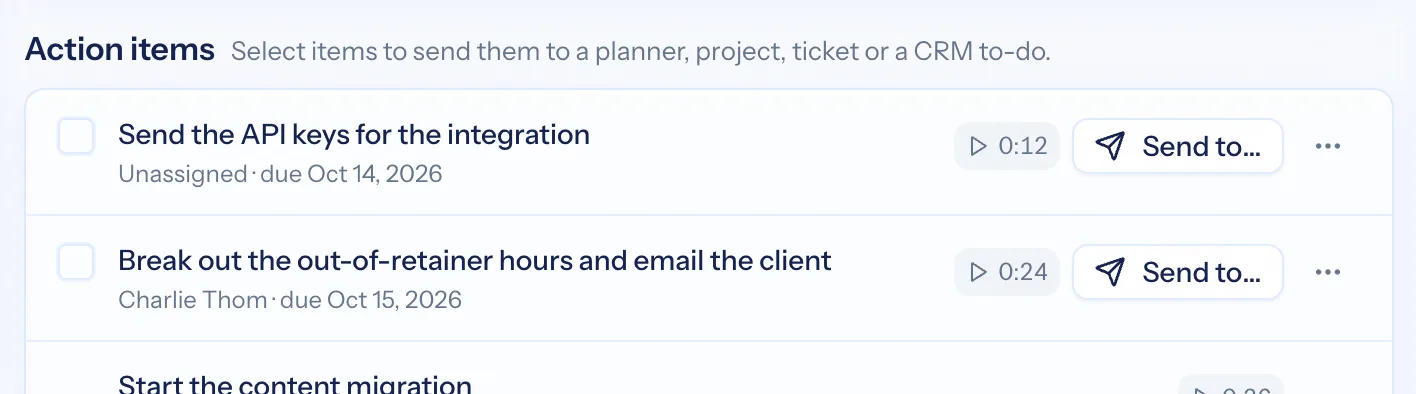
Each meeting produces a short narrative summary, the key points, and a list of action items with owners and timestamps back into the recording. Play the moment an item came from if you want to check the wording before you commit to it.
- Summary and key points written from the transcript, not the calendar invite
- Action items with owner, due date and the timestamp they were raised
- Convert an action item into a task or a ticket in one step
- Client meetings link to the company, contact and deal — and log a facts-only activity on the timeline (attendees and time, never your notes)
The transcript, with the search you need
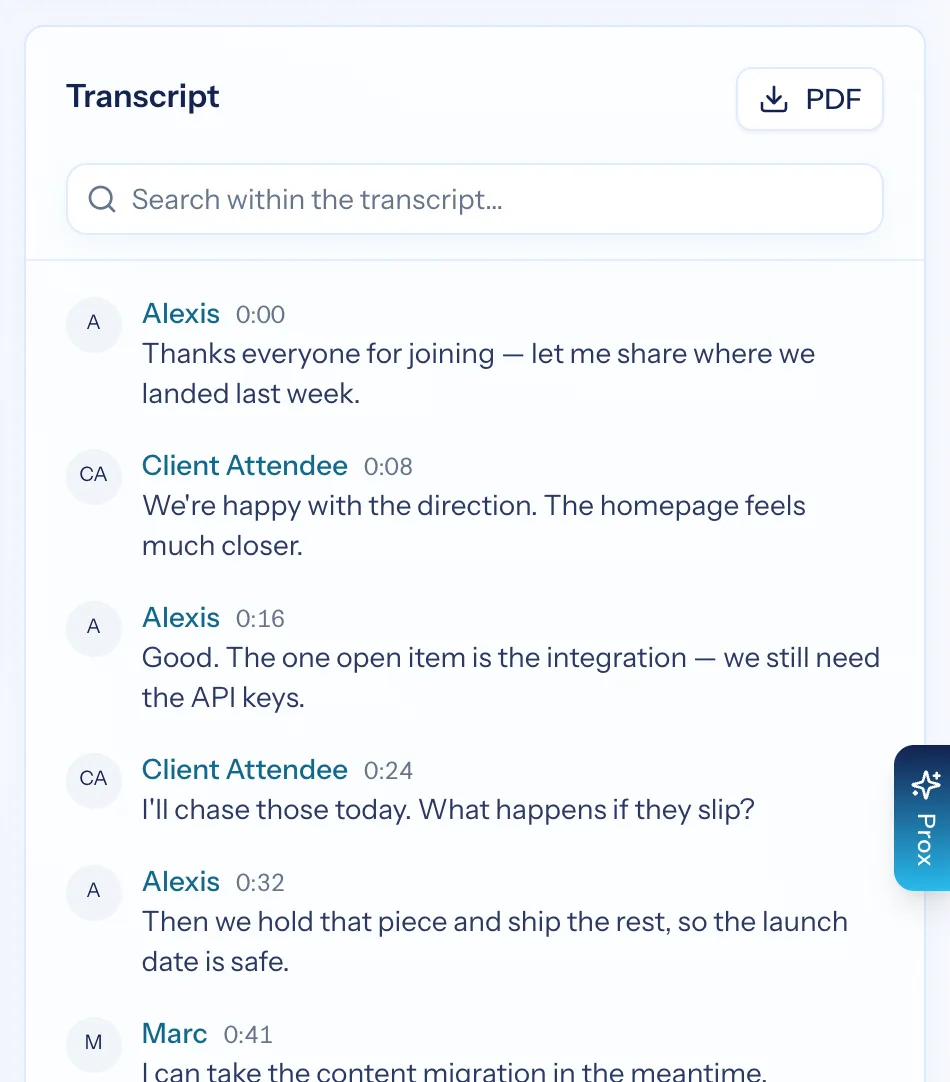
Speaker-attributed, timestamped, and searchable within the meeting or across all of them. Export to PDF when someone wants the record of what was agreed, and share a single meeting's notes with a link when the person who needs it is not in your organization.
- Speaker attribution and timestamps throughout
- Search inside one transcript, or across every transcript you can see
- PDF export, and share links for a meeting's notes (never the transcript or recording) when your administrator allows them
Your recorder, your rules
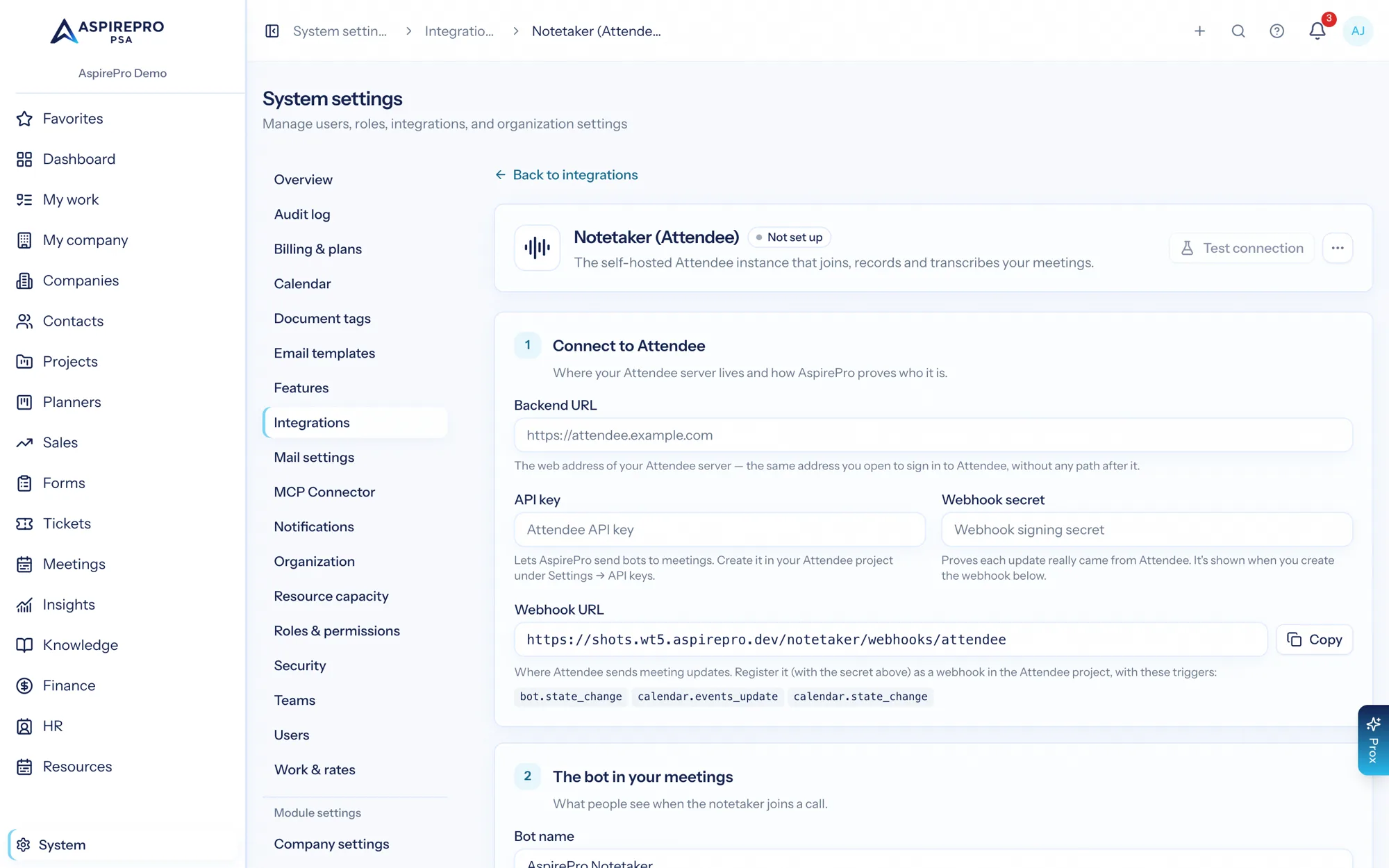
AspirePro does not supply the bot: you connect your own compatible notetaker service. That keeps recording, retention and consent under your organisation's control and your existing agreements — AspirePro becomes the place the output lives and gets acted on. Privacy is deliberate here: there is no admin override that opens everyone's meetings.
- Bring your own meeting-bot provider, connected once by an administrator
- Default sharing set per organisation — private, or shared with the team
- No admin skeleton key: access to a meeting comes from ownership or sharing
From a call to a closed loop
Connect your service
An administrator connects your meeting-bot provider once — or each person connects their own Fireflies account, or uploads transcripts from any notetaker.
The bot joins
Auto-join from your calendar, or choose per meeting. Status shows while it records and processes.
Read the output
Summary, key points and action items land with the transcript, attached to the client.
Turn it into work
Convert action items into tasks or tickets so the follow-up is tracked where everything else is.
What AI Notetaker connects to
Nothing here is a standalone tool — each of these reads the same clients, people and permissions.
Frequently asked questions
Does AspirePro record my meetings itself?
I already use Fireflies or Otter — do I have to switch?
How does a meeting get recorded?
What does it produce?
Can I search across transcripts?
Who can see a meeting?
Can I share a meeting with someone outside your organization?
Read the documentation
The full how-to for this module, written for the people who use it every day.
Bring your whole services business together
Stop stitching together five tools. Run sales, delivery, support, and billing from one organization — with an AI assistant on every page.