Works with the tools you already pay for
Your accountant keeps QuickBooks or Xero. Your billing runs on Stripe. Your sales team keeps HubSpot. Your calendar stays where it is. AspirePro connects to them rather than asking everyone to move.
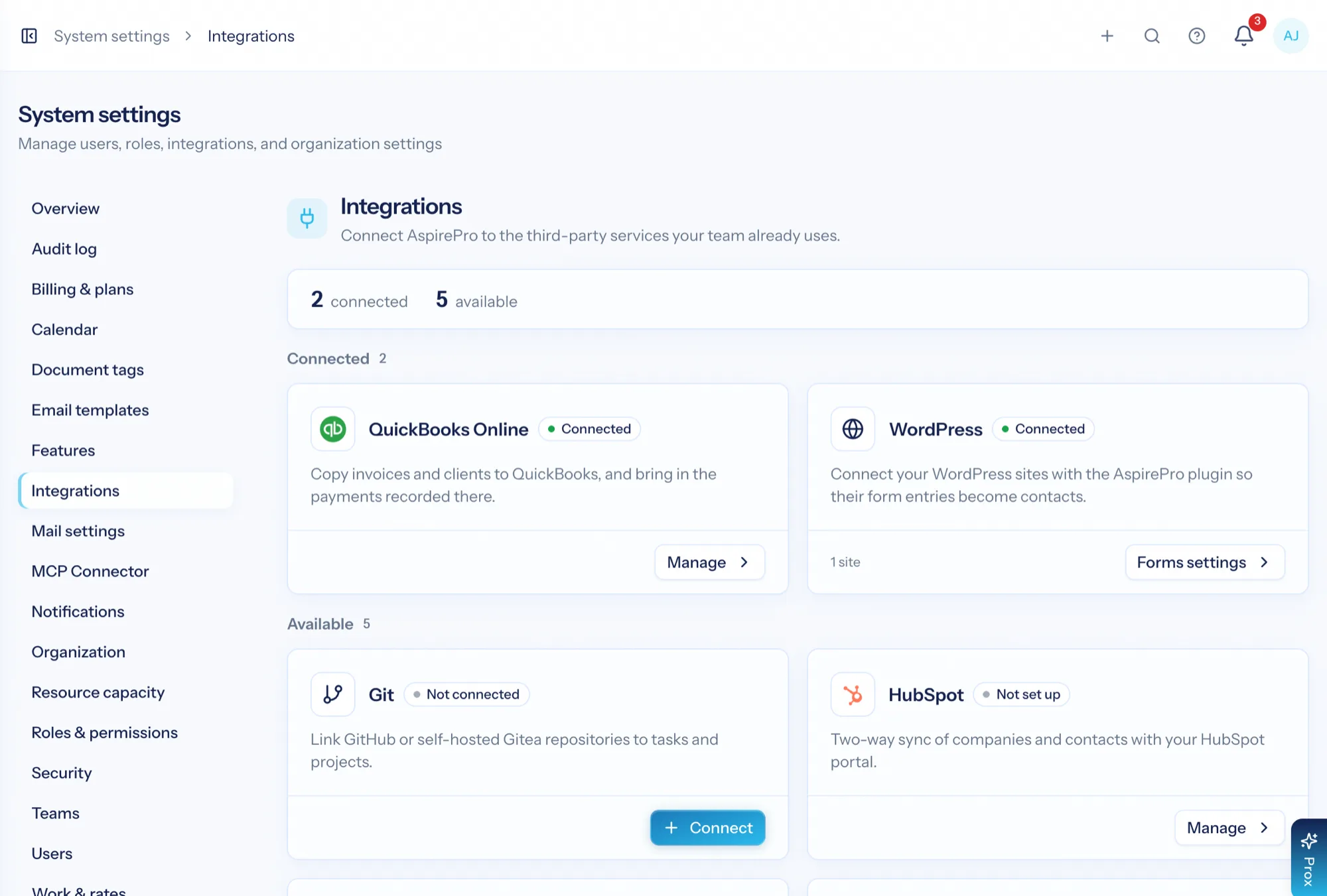
An all-in-one platform only works if it knows what to leave alone. AspirePro owns the money events it creates — time, invoices, reimbursements — and mirrors the ones your ledger owns. It owns delivery, support and resourcing, and syncs with the system your sales team refuses to leave. The integrations exist to keep those boundaries honest.
Both directions, where that's right
HubSpot companies, contacts, lists, Lead Status, tasks and activities sync both ways — whole deal pipelines too — with safeguards so a bad sync never overwrites good data.
Your books stay your books
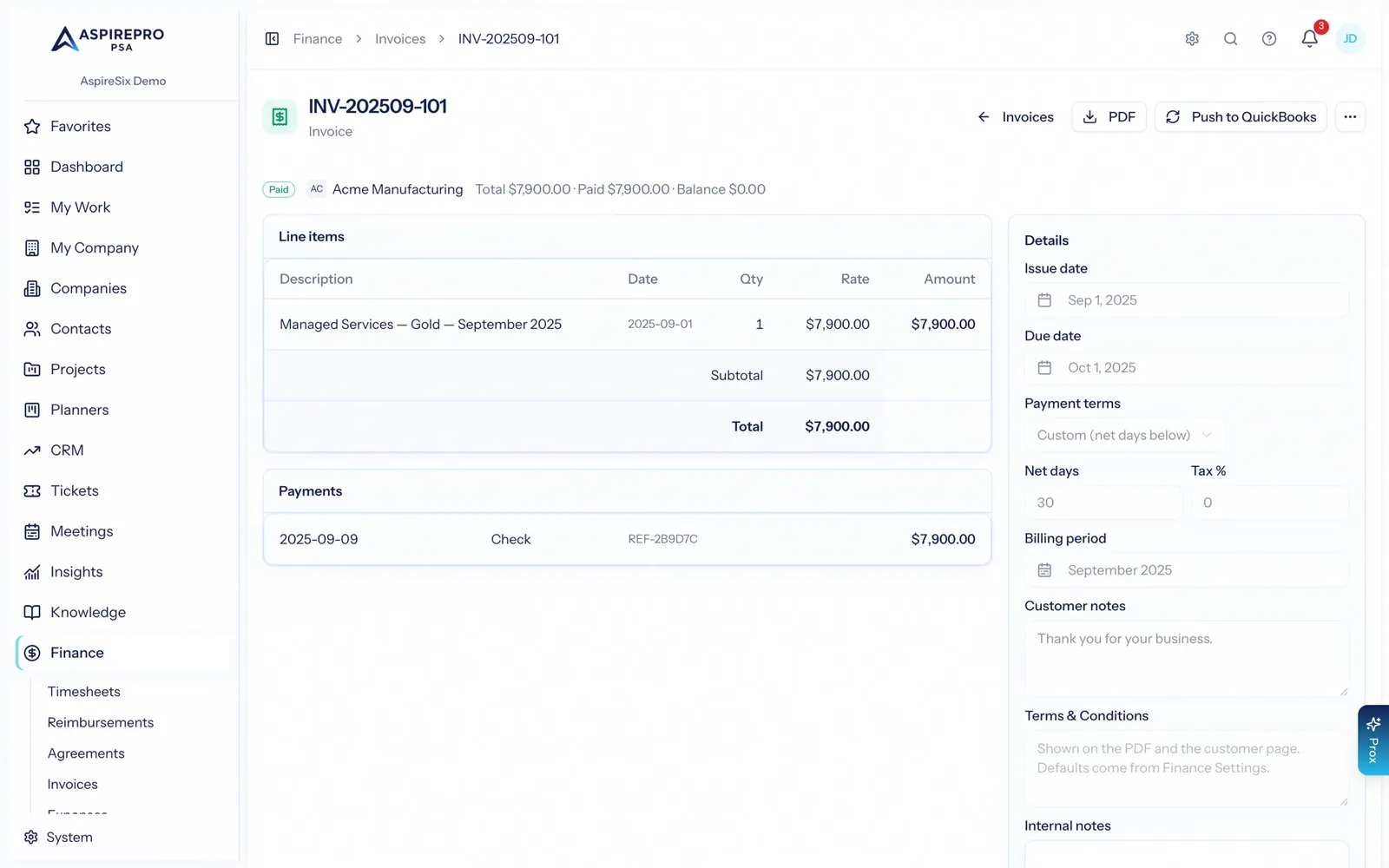
Push invoices and customers to QuickBooks or Xero, pull payments and statements back. Auto-create stays off until you turn it on.
Bring your own AI
Every Prox ability is available to Claude, ChatGPT or any assistant that speaks the open Model Context Protocol, through one connector address you sign in to.
QuickBooks Online — the ledger stays the ledger
Map companies to QuickBooks customers, push invoices across, and pull payments back so the invoice list shows what has actually been paid. Vendors and expenses mirror in, and the statements screen reads a live P&L, balance sheet, cash flow and A/R aging.
- Manual customer mapping, with optional auto-create (off by default)
- Push invoices to QuickBooks; pull payments back on a schedule
- Vendor and expense mirroring, plus live financial statements
- Reimbursements can write back as bills, when you want that
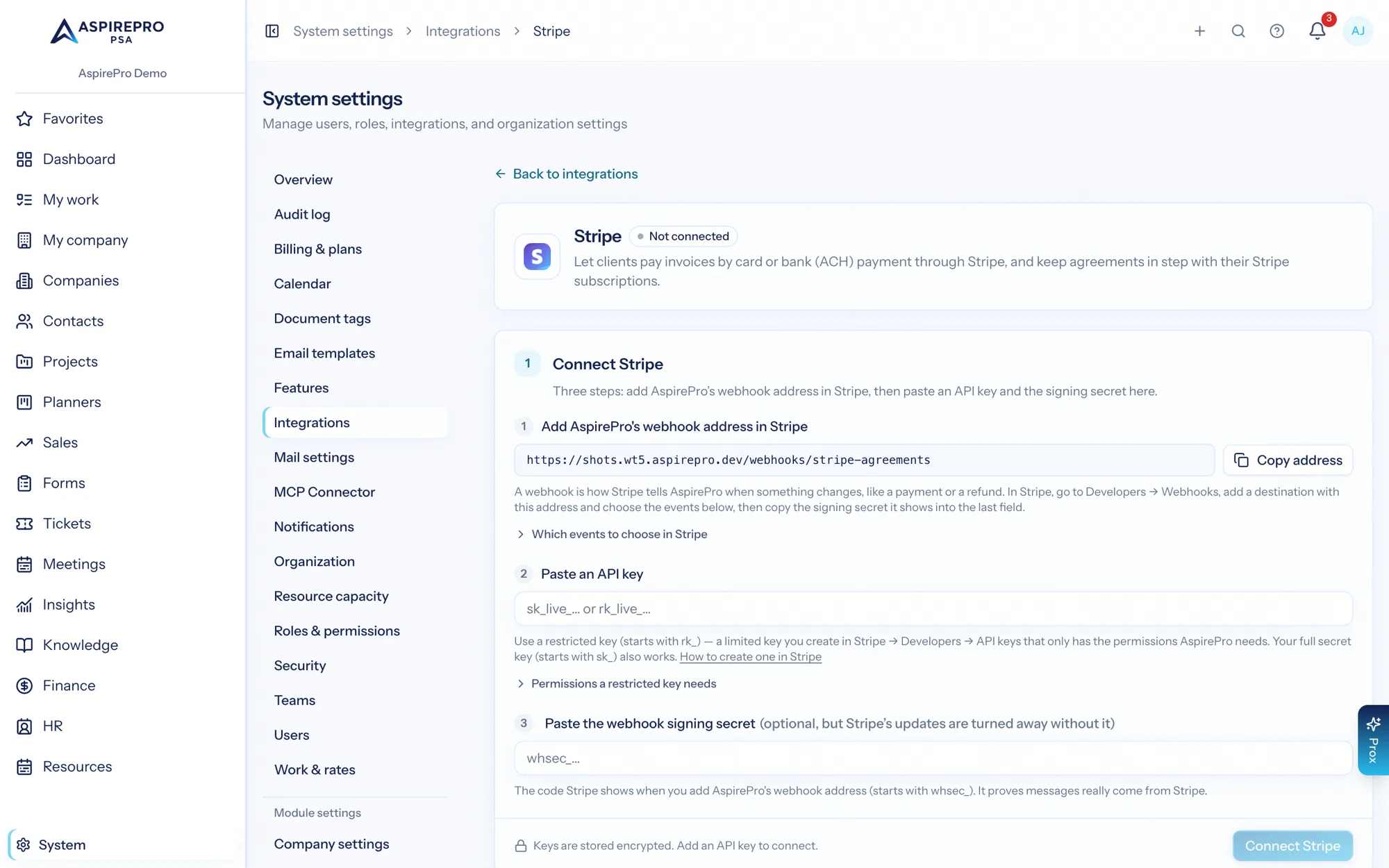
Stripe — subscriptions, hosted invoices, and payments that record themselves
Link agreements to Stripe subscriptions and push changes back with a proration choice and a live next-charge preview. Pair companies with Stripe customers and send invoices through Stripe's hosted payment page — your invoice numbers, their card rails. Payments, failures, and refunds flow back automatically, and a nightly sweep catches anything a webhook missed.
- Two-way agreement ↔ subscription sync with drift detection
- Send invoices through Stripe's hosted payment page — Stripe emails it, or you send the link
- Payments record themselves; failed payments alert finance once, not per retry
- Works with or without an accounting system connected
Xero — the same depth, on Xero rails
Connect your organisation, pair companies with Xero contacts, and push invoices as approved sales invoices carrying your numbering — totals identical to the cent. Invoices your team writes in Xero come into AspirePro too, so a client's Finance tab shows every invoice whichever system it was made in. Payments your bookkeeper records come back within 15 minutes while an invoice is unpaid, and if one is deleted in Xero the correction comes back too.
- One-click OAuth connect; sales account and tax defaults come live from your org
- Push invoices as approved (AUTHORISED) sales invoices, optionally emailed by Xero
- Invoices made in Xero brought in for paired clients — read-only, never doubled
- Payments back within 15 minutes while an invoice is unpaid — including corrections
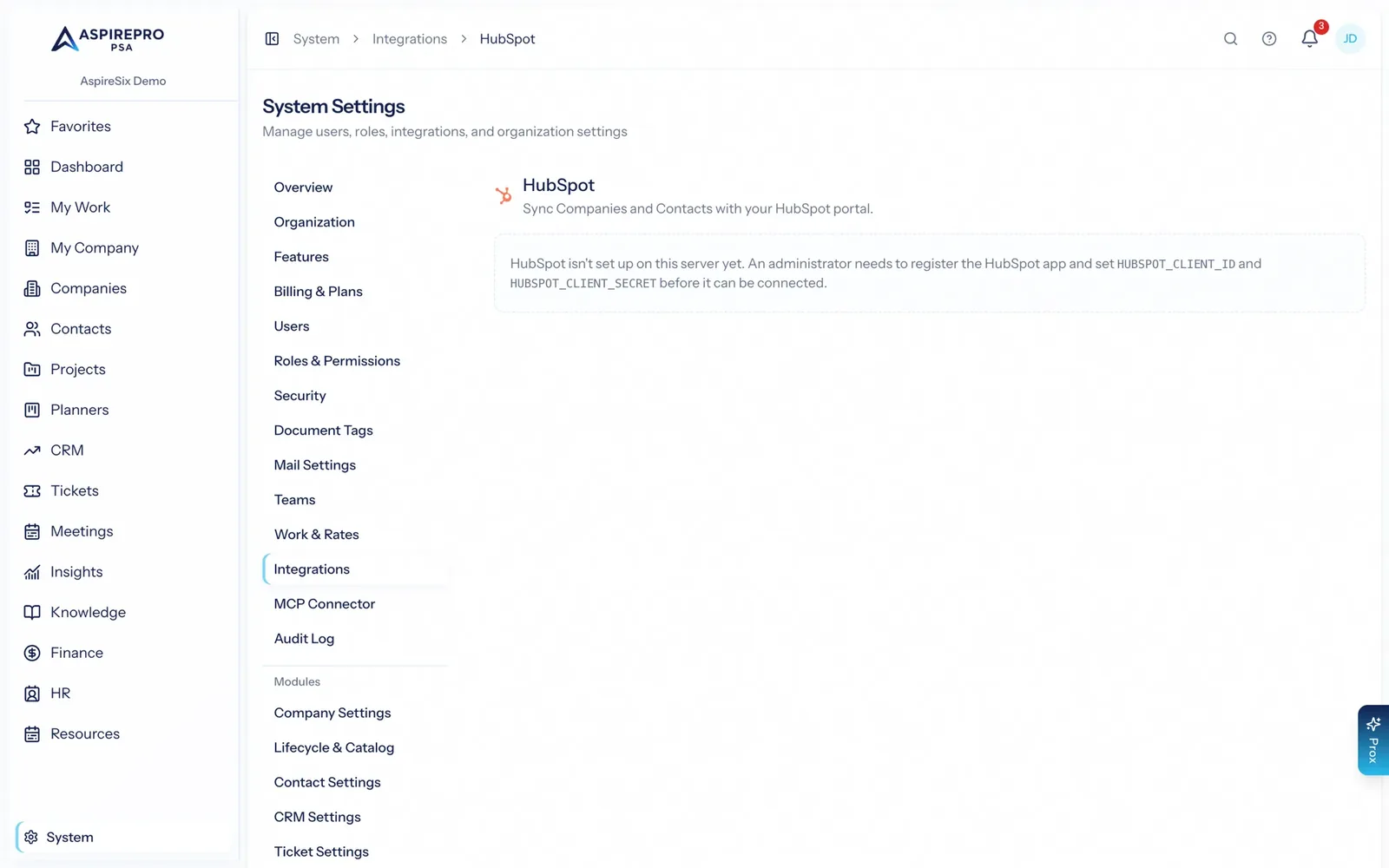
HubSpot — keep selling where you sell, or move off it entirely
Two-way company and contact sync, including owner mapping, so delivery and support run against the records your sales team maintains. Whole deal pipelines come across too: import one, some or all of them, and HubSpot keeps ownership of the stages while the deals become fully workable AspirePro records. The safeguards are the point: blank values never overwrite good data, sync can be paused per object or per pipeline, and you can run create-only when that is safer.
- Two-way company and contact sync with field-level mappings — phone and mobile numbers by kind
- Mirror HubSpot lists, and work a client's list as an outbound block: their tasks land in your queue, your calls land on their timeline
- Lead Status as its own field, synced the moment it changes
- Match your own HubSpot fields to AspirePro custom fields, and let automations update HubSpot
- Import whole deal pipelines — stages, deals, owners and history
- Per-pipeline mode: two-way, inbound only, or paused
- Blank-overwrite guard, per-object pause, and create-only mode
- Duplicate and conflict screens rather than silent merges
- A real way out: convert any pipeline to native and keep everything
Outlook (Microsoft) and Google — mail and calendar
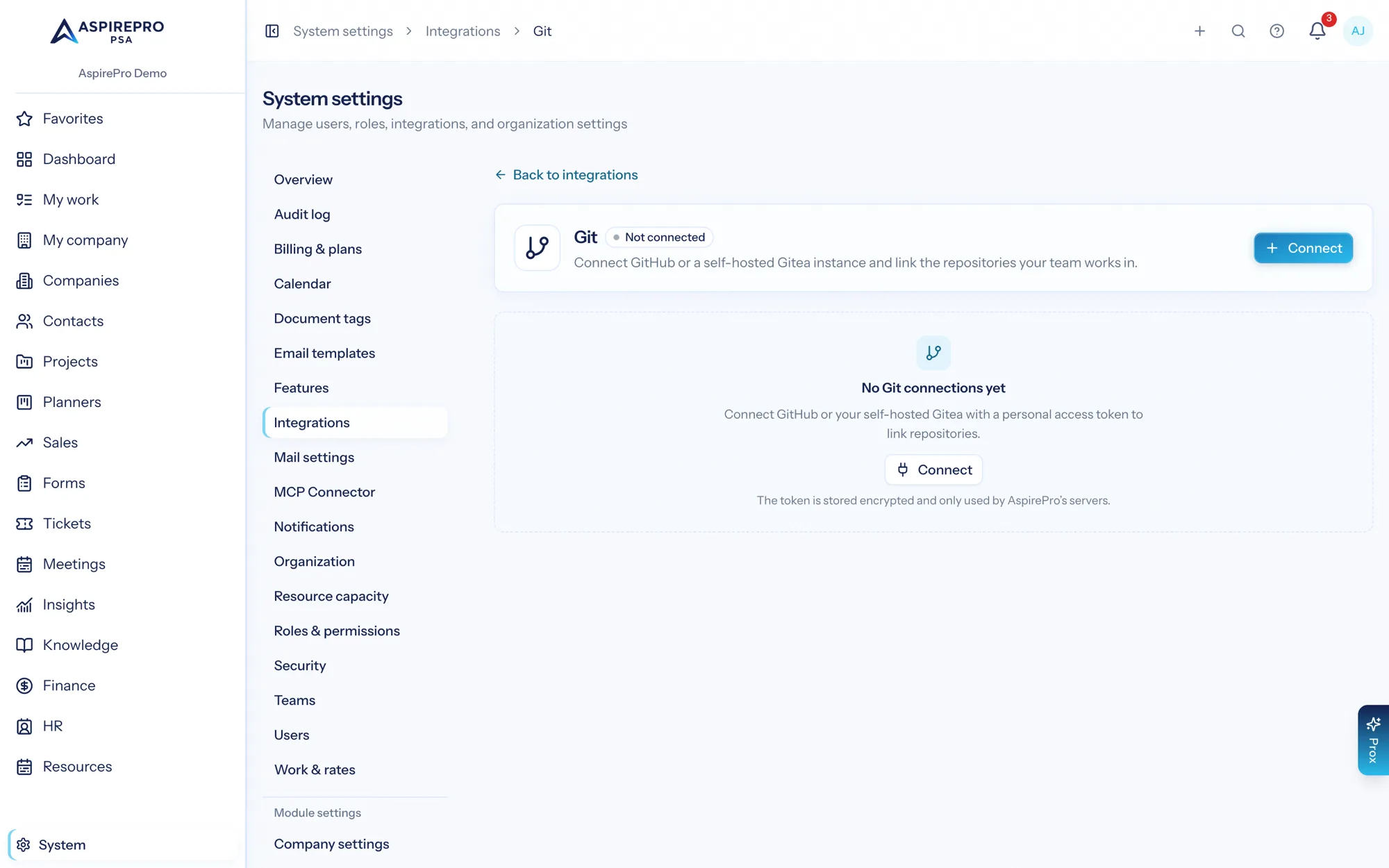
Connect an Outlook (Microsoft) mailbox with a normal sign-in and AspirePro reads and sends from it, for email-to-ticket and for sending from a board or a deal. A Google mailbox is send-only: AspirePro sends as it and never reads it, so a Google support address reaches a ticket board by forwarding. Connect calendars for booking-page availability, meeting logging and the notetaker. Outlook (Microsoft) and Google calendars push changes as they happen, so a meeting booked elsewhere shows up in seconds, with a 15-minute check as a safety net.
- OAuth mailbox connections with no password sharing: Outlook (Microsoft) is read and sent from, Google is send-only
- Calendar sync for availability, meeting logging and recordings
- Near-instant calendar updates for Outlook (Microsoft) and Google
- Also connects iCloud and other CalDAV calendars, and read-only calendar links
- Single sign-on with Microsoft or Google for staff logins
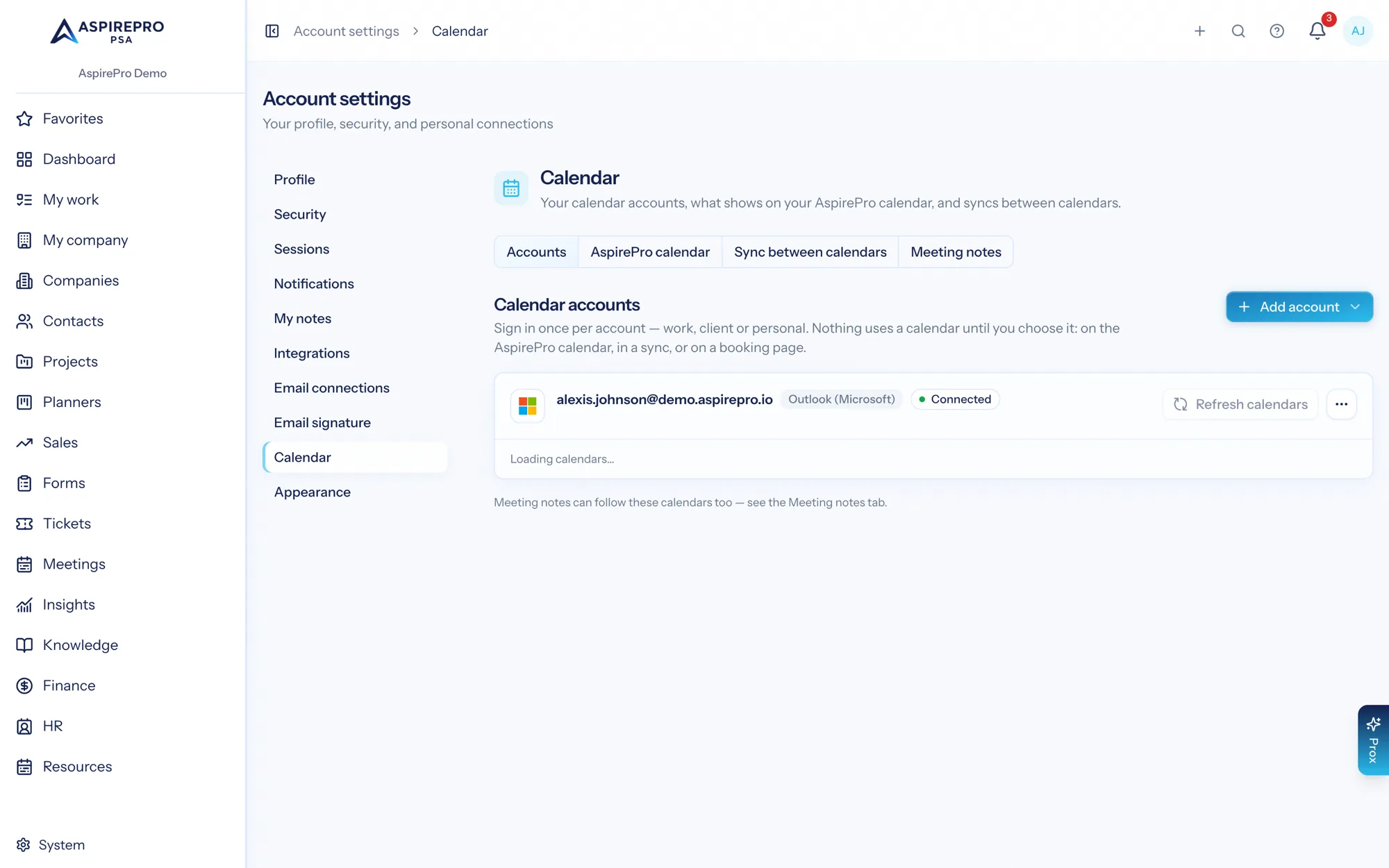
WordPress — your website forms, straight to contacts
Install the free AspirePro plugin on your WordPress site and switch on the forms that matter. Each entry from Gravity Forms, Contact Form 7 or WPForms finds or creates the contact and their company, lands on their timeline, and records exactly what it changed. Entries are queued on your site and retried, so nothing is lost if a connection drops.
- Gravity Forms, Contact Form 7 and WPForms
- Capture switched on per form; sensitive fields never leave your site
- Update rules decide what a form may change on an existing contact
- Pause, replace the key or disconnect a site at any time
An open door for your own AI
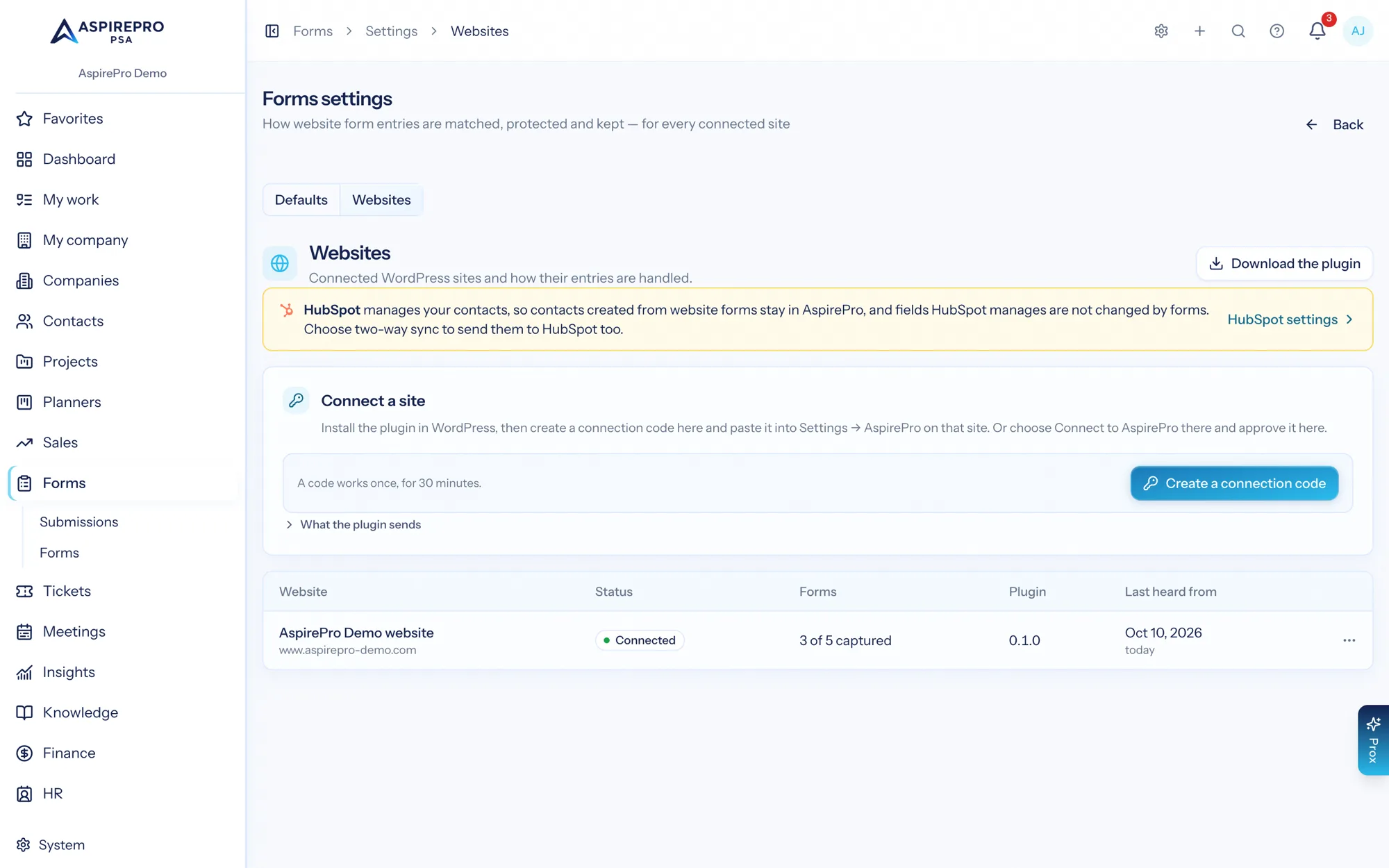
AspirePro has one connector address for the open Model Context Protocol, https://mcp.aspirepro.io/mcp: add it to Claude, ChatGPT or any assistant that supports it, sign in and pick an organization — no tokens to paste — and it can use the same tools Prox uses, under the same permission checks, with the same audit trail. Every new tool the platform gains appears there automatically.
- One connector address for every organization, with OAuth sign-in and no tokens to paste
- The same permission model as the app — no wider service account
- Hundreds of actions across every module you have switched on
Git, for the teams that ship code
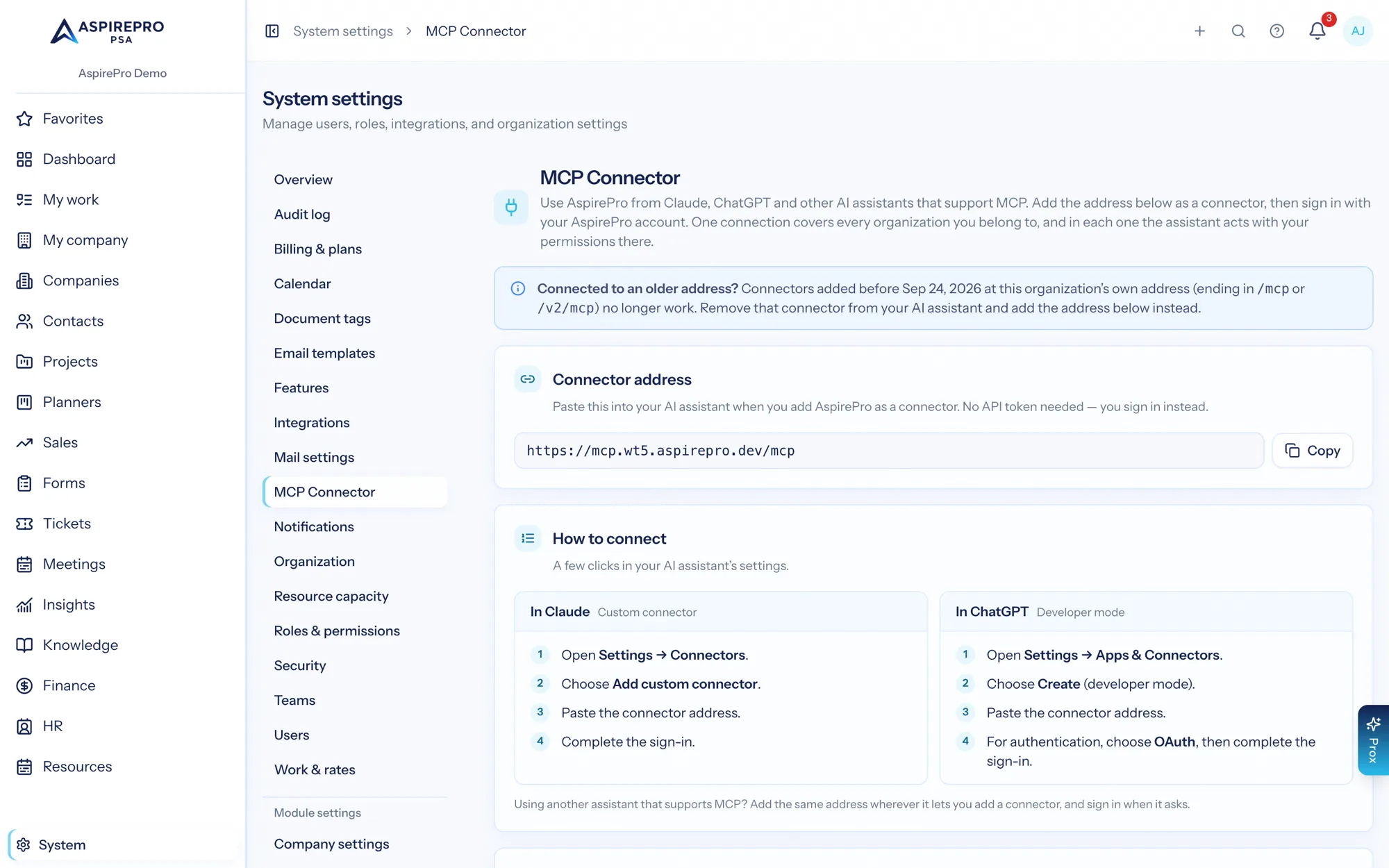
Link project and planner tasks to branches and pull requests on GitHub or a self-hosted Gitea, and the task shows its development activity. It is opt-in per project, because most people running a delivery board are not developers and should not have to look at commits.
- GitHub and self-hosted Gitea connections
- Task-to-branch and task-to-pull-request linkage
- Enabled per project or planner, off everywhere else
Connecting things safely
Connect with a sign-in
An administrator authorises the connection. AspirePro never asks for a password to another system.
Map deliberately
Companies to QuickBooks customers, fields to HubSpot properties. Auto-create stays off until you choose it.
Start narrow
Create-only mode, a single HubSpot list, one board's mailbox. Widen once you trust what you see.
Watch the guards
Conflict and duplicate screens, pause per object, and a log of everything a sync changes.
What Integrations connects to
Nothing here is a standalone tool — each of these reads the same clients, people and permissions.
Frequently asked questions
Which accounting systems do you support?
Can I keep using HubSpot as our sales tool?
How does email connect?
How fast does calendar sync update?
What is the MCP endpoint?
Do you support single sign-on?
What if the tool we use is not listed?
Read the documentation
The full how-to for this module, written for the people who use it every day.
Bring your whole services business together
Stop stitching together five tools. Run sales, delivery, support, and billing from one organization — with an AI assistant on every page.