System → Security is where you set the sign-in policy for your whole organization. These controls protect your organization's data by raising the bar for who can get in and how.
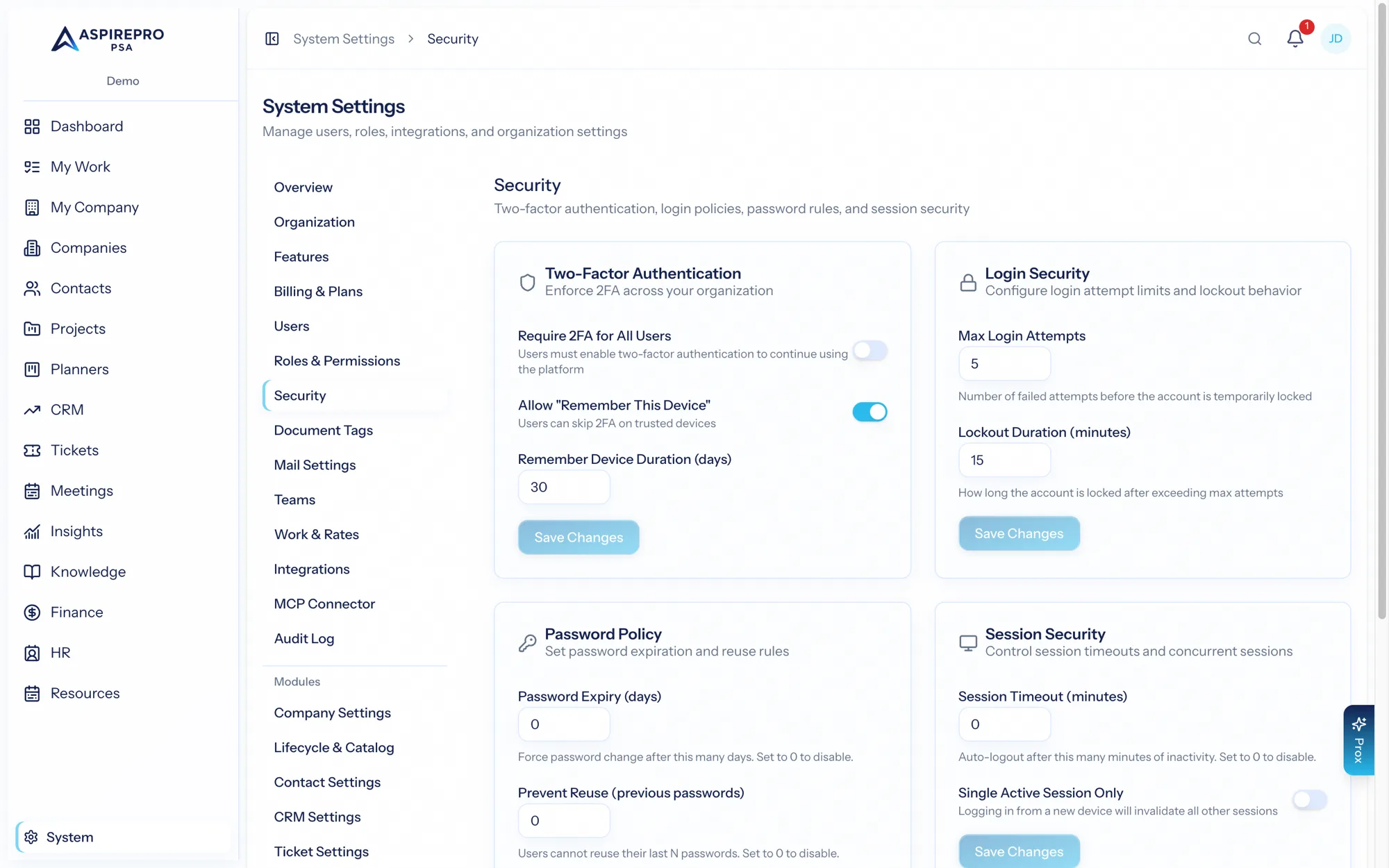
Requiring two-factor authentication#
The most impactful control here is requiring two-factor authentication (2FA) for everyone. When you turn this on:
- Every user must set up an authenticator app to sign in.
- Anyone without 2FA is prompted to configure it the next time they sign in and can't skip it.
- A stolen password alone is no longer enough to access an account.
For organizations handling client data, requiring 2FA is a strong, low-effort security win. See Accounts & signing in for the individual's setup steps.
Passkeys and the 2FA requirement#
Anyone can add a passkey (Face ID, Touch ID, Windows Hello, a security key) from Account settings → Security and sign in with it in one step. A passkey is possession of the device plus the biometric or PIN that unlocks it — two factors already — so a passkey sign-in never asks for an authenticator code. Requiring 2FA still means everyone must set up an authenticator app: that protects the password path, which stays available as the fallback. Passkey enrolment, renaming and removal appear in the audit log like any other account change.
Single sign-on#
If your organization uses Microsoft or Google for identity, enabling single sign-on lets your team sign in with those accounts — centralizing access control with your identity provider and reducing password sprawl. SSO configuration lives alongside your security and integration settings.
Good security practice#
- Require 2FA across the organization once your team is set up.
- Use roles to grant least-privilege access — people should have what they need and no more (see Roles & permissions).
- Deactivate users promptly when they leave (see Users).
- Encourage everyone to review their active sessions and sign out ones they don't recognize (see Your profile & preferences).
- Rely on the audit log to review significant changes (see Audit log).
Security is layered: 2FA protects sign-in, roles limit blast radius, and the audit log gives you accountability after the fact. Use all three together.