System → Teams lets you group users into teams — a natural way to organize how work is assigned and shared across your organization. Where roles answer "what can this person do?", teams answer "which group does this person belong to?"
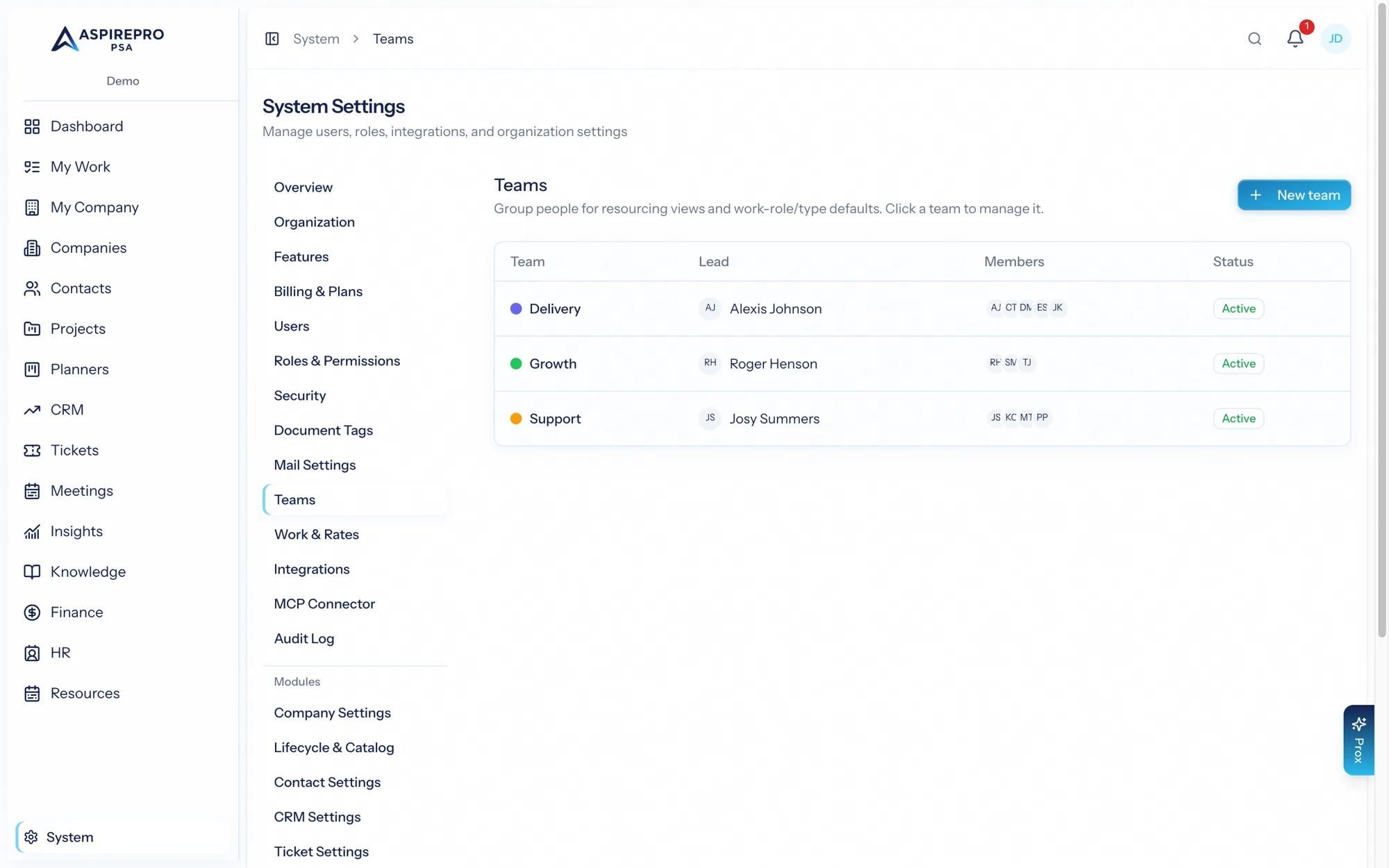
Creating a team#
- Open System → Teams and create a team.
- Name it after the group it represents — "Support," "Delivery," "Sales East."
- Add members.
Open a team to see and manage its membership at any time.
What teams are used for#
Teams show up across the product wherever it's useful to think in groups rather than individuals — for example organizing planners around a team, or filtering work by the team responsible for it. Grouping people once, here, keeps that consistent everywhere teams appear.
Teams and people#
A user can belong to more than one team, and team membership is independent of their roles — someone can be on the Support team with a support-focused role, or on two teams at once. Add and remove members as your organization changes; the effects flow through wherever the team is referenced.
Teams complement roles: roles govern permissions, teams govern grouping. Use both together — a role to say what a support agent can do, a team to say which support group they're part of.