System → Billing is where you manage your AspirePro subscription — your plan, your seats, your payment method, and your invoice history. It's available to administrators with the organization-management permission, and also appears as a card on the System settings home.
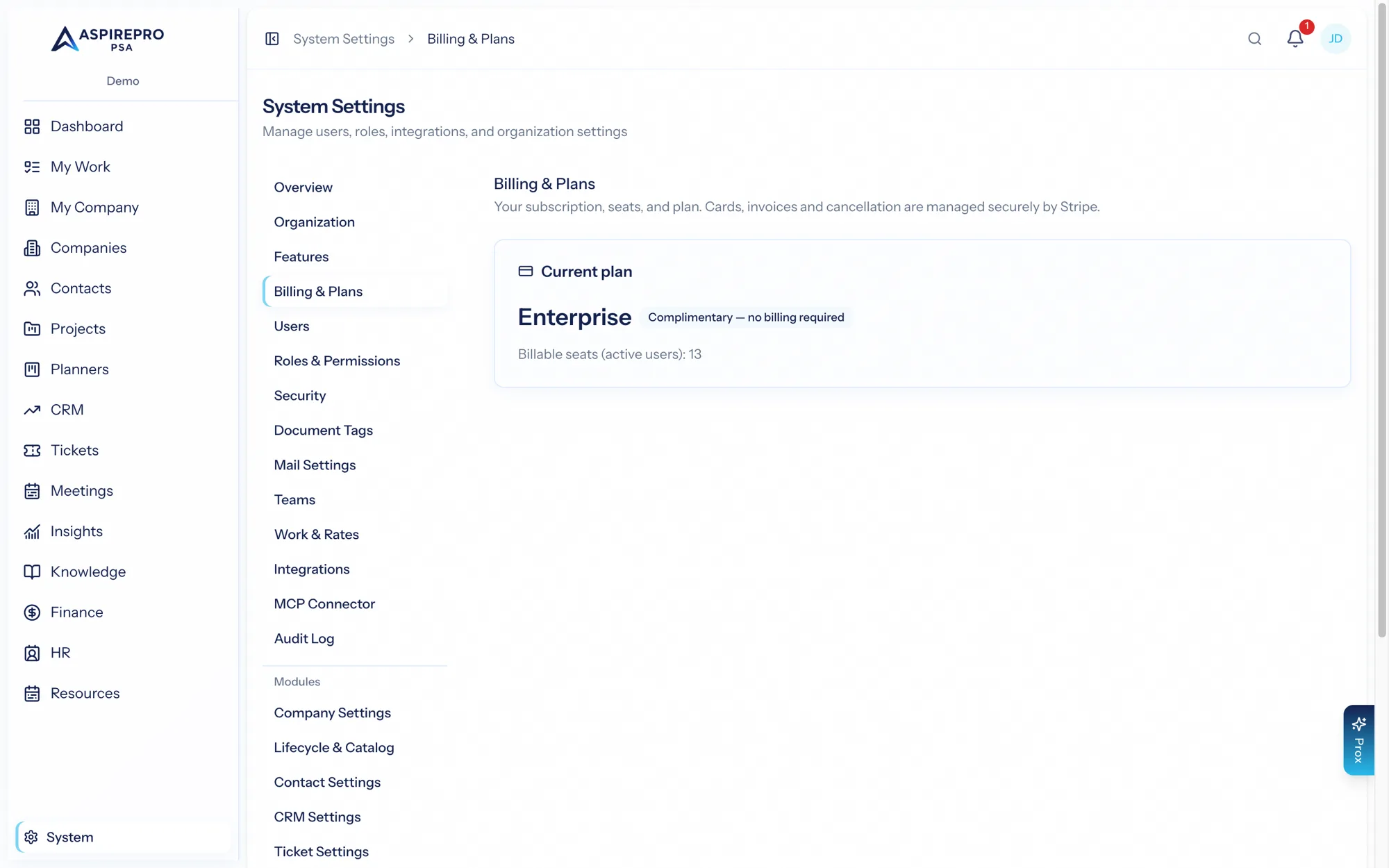
Your plan#
Your subscription is based on a plan and the number of seats (active users) on it. The Billing page shows:
- Which plan you're on and what it includes.
- Your seat count and how it maps to your active users.
- Your current status — trialing, active, or otherwise — and any renewal details.
Seats#
Most plans are per-seat: each active user occupies a seat. Adding users may increase your seat count; deactivating users frees seats (see Users). The Billing page reflects your current usage so there are no surprises at renewal.
Payment method and the billing portal#
Manage your payment method and review invoices from the billing area, which connects to a secure billing portal. From there you can update your card, download past invoices, and see upcoming charges. Payment details are handled by the payment processor — AspirePro never stores your card number.
Trials#
If your plan includes a free trial, you can get started without entering a card up front and add payment details before the trial ends to continue uninterrupted. Whether a trial is offered, and its length, is set on the plan.
If billing lapses#
If a subscription lapses (for example, a payment fails and isn't resolved), the organization can enter a billing-locked state that restricts access until it's sorted out. Update your payment method from the billing page to restore access. Your data is never deleted because of a billing lapse — it's preserved while you resolve the issue.
Coupons and promotions#
If your organization was given a promotion code, you can apply it during checkout to receive the associated discount. Only one code applies per checkout.
Keep at least one administrator with billing access, and keep your payment method current — the billing-locked state is easy to avoid and easy to exit, but it does restrict the organization until resolved.