When the Client Portal is enabled, projects can share specific work with the client while keeping everything else internal. You control this at a fine grain — comment by comment, file by file — so clients see the progress you want them to see and none of your internal chatter.
This capability is unique to Projects (Planners have no portal).
What you can share#
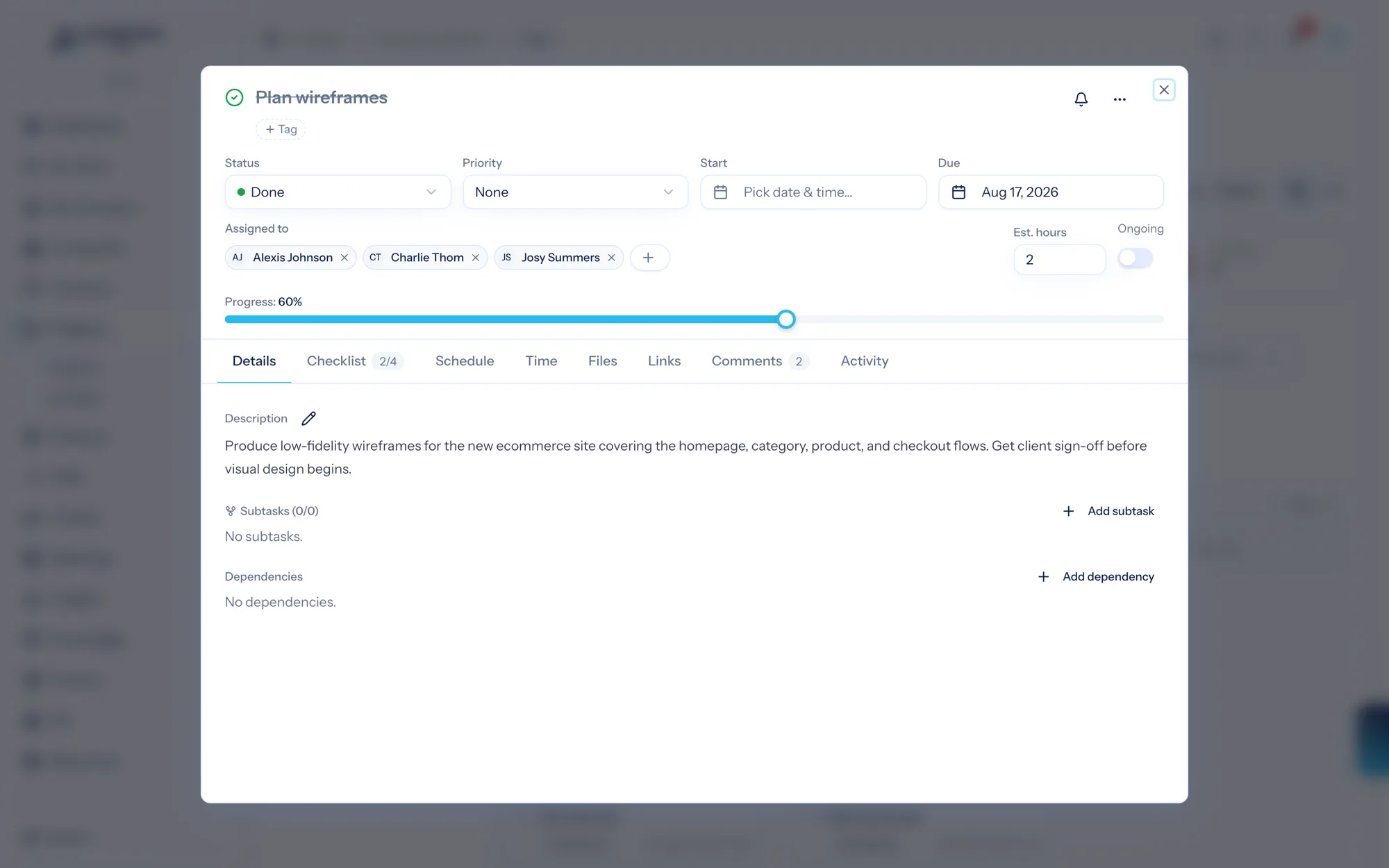
Three things on a project task can be marked visible to the client or kept internal:
- Comments — share an update with the client, or keep a note between your team. You can set this when you post a comment (internal by default) or flip it later.
- Files — make an attachment client-visible or internal.
- Links — the same for related URLs.
Everything defaults to internal, so nothing reaches the client until you deliberately share it.
What clients see#
In the client portal, a client sees their project as a simplified organization — the tasks, checklists, comments, attachments, and links you've shared — without any internal-only details like time entries, the activity log, or assignees. Sharing is always a deliberate act on your side.
Each share (and un-share) is recorded in the task's audit trail, so there's always a clear record of what was made visible to the client and when.
Use client visibility to turn a project into a lightweight client update: share the milestones-worth of comments and the deliverable files, keep the working notes internal, and your client gets a clean window into progress. For the client's side of the experience, see the Client Portal documentation.