For teams that ship code, Git links connect a task to the pull requests and branches that deliver it — so your project board reflects what's actually happening in the repository, and developers don't have to update two places.
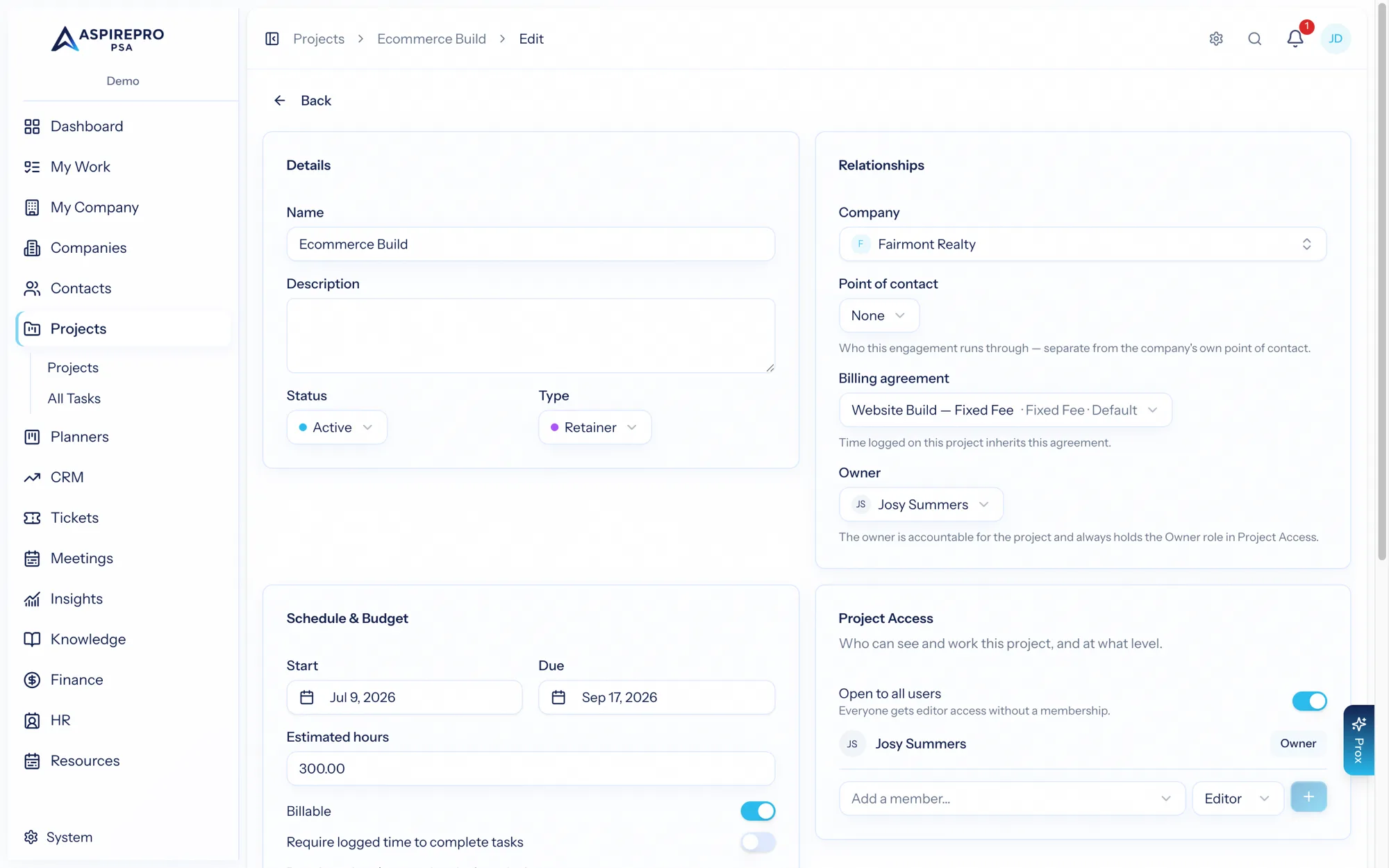
Git links require a connected Git integration (Gitea or GitHub) — see the Integrations documentation. Once connected, enable Git on the projects that need it.
Turning it on for a project#
In a project's edit screen, enable the Git integration section and pick a default repository. When Git is on, tasks show a Git card (branch name and linked pull requests), and branches, PRs, and commits can auto-link to tasks and move their status.
Linking a task to a pull request#
From a task's Git card, link a pull request by pasting its URL or number against a repository (GitHub /pull/… and Gitea /pulls/… are both understood). AspirePro pulls a snapshot of the PR — its state, title, and author — and the link succeeds even if the provider is momentarily unreachable, filling in the details when it next hears from the repository.
Links come in a few kinds — branch, pull request, and commit — and can be created manually or discovered automatically.
Automatic linking and status moves#
With Git enabled and webhooks configured, AspirePro links work to tasks on its own: a branch or PR that references a task links to it, and events like PR opened and PR merged can move the task's status automatically. The task's Git card lights up as these events arrive, giving non-developers a live view of engineering progress without leaving the project.
Git links are opt-in per project, so you can keep them on for delivery teams that write code and off everywhere else. The task board becomes a shared source of truth for both the people planning the work and the people building it.