The HR module is your people operations hub. It holds a rich profile for everyone on your team — employment, compensation, documents, goals, reviews, time off — and adds performance management, recruiting, an asset register, onboarding checklists, reporting, and a company directory. If Companies and Contacts are about the people you work with, HR is about the people you work alongside.
HR is a toggleable module; an administrator turns it on under System → Features.
The people roster#
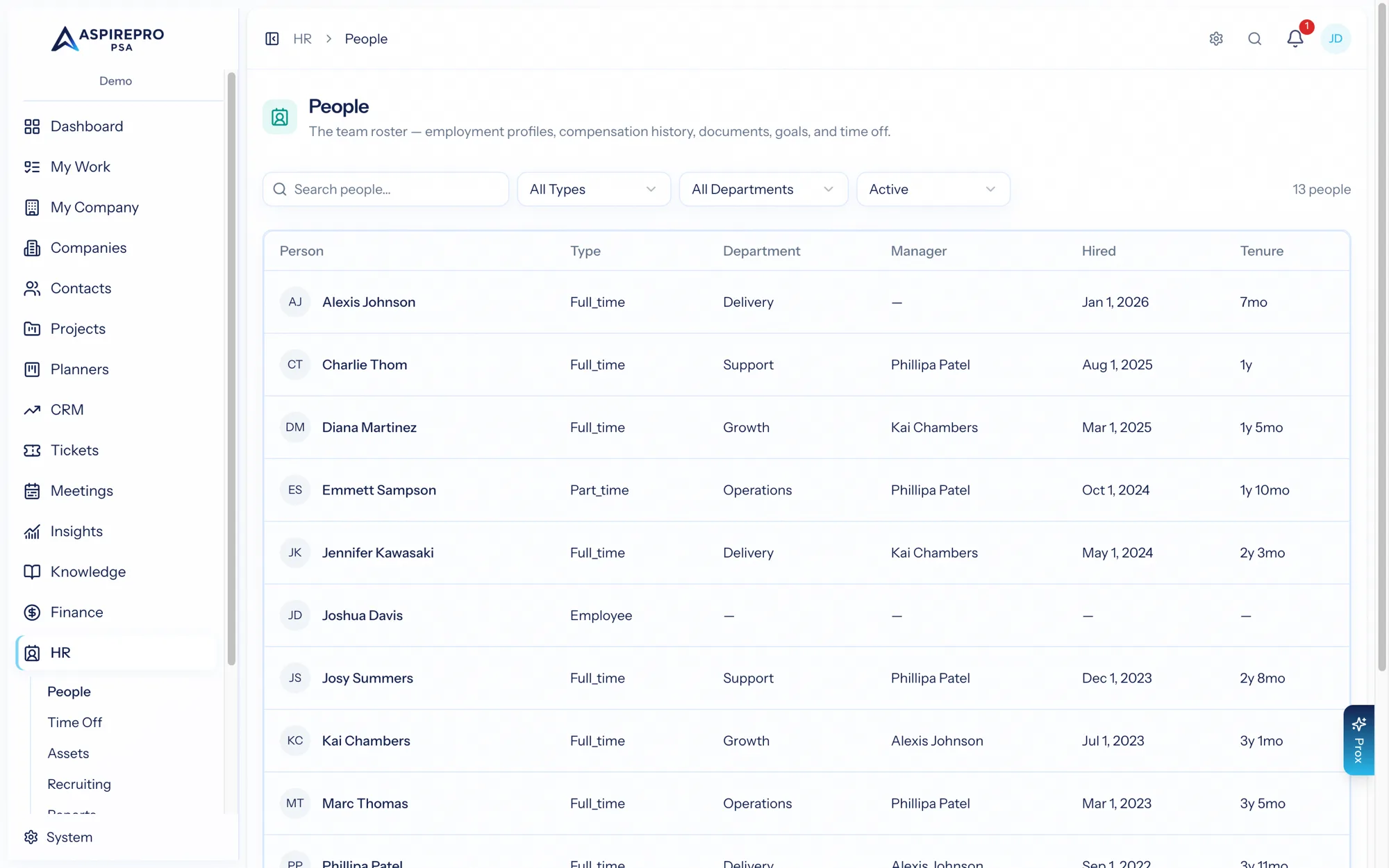
HR → People is the roster of everyone in your organization. Search by name or title and filter by employment type, department, and status. Each person shows their title, department, hire date, tenure, and manager. It's the front door to everyone's profile.
The person profile#
Open a person for their full profile, organized into tabs:
- Overview — their details, manager, work location, department, work schedule, and direct reports.
- History — their employment record over time.
- Compensation — pay history (permission-gated).
- Documents — HR documents on file.
- Goals — objectives and progress.
- Time Off — balances, ledger, and policy assignments.
- Cases — sensitive HR matters (manager-only).
Who can see what#
HR data is sensitive, and access is deliberately tight. There's no admin override that reveals everyone's HR data — access to a person's profile comes from one of three things: the Access HR permission, being that person (your own profile), or being their manager. Compensation needs its own permission (or your own opt-in). See Settings & visibility.
More than the basics#
The person profile is the core, but HR is broad. This section also covers:
- Employment & compensation — records and pay history.
- Performance — review cycles, 1:1s, surveys, and training.
- Time off — balances, policies, and accruals.
- Assets — the equipment register.
- Change requests — self-service profile updates.
- Onboarding & offboarding — checklist templates.
- Recruiting (ATS) — hiring, from opening to offer.
- Directory & org chart — who's who.
- Payroll export — the CSV handover to payroll.
- Reports — headcount, turnover, and more.
- Settings & visibility — configuration and the access model.