People move, change their phone number, update an emergency contact. Change requests let them keep their own personal details current by proposing an update — which HR can review and approve — so your records stay accurate without HR having to chase everyone.
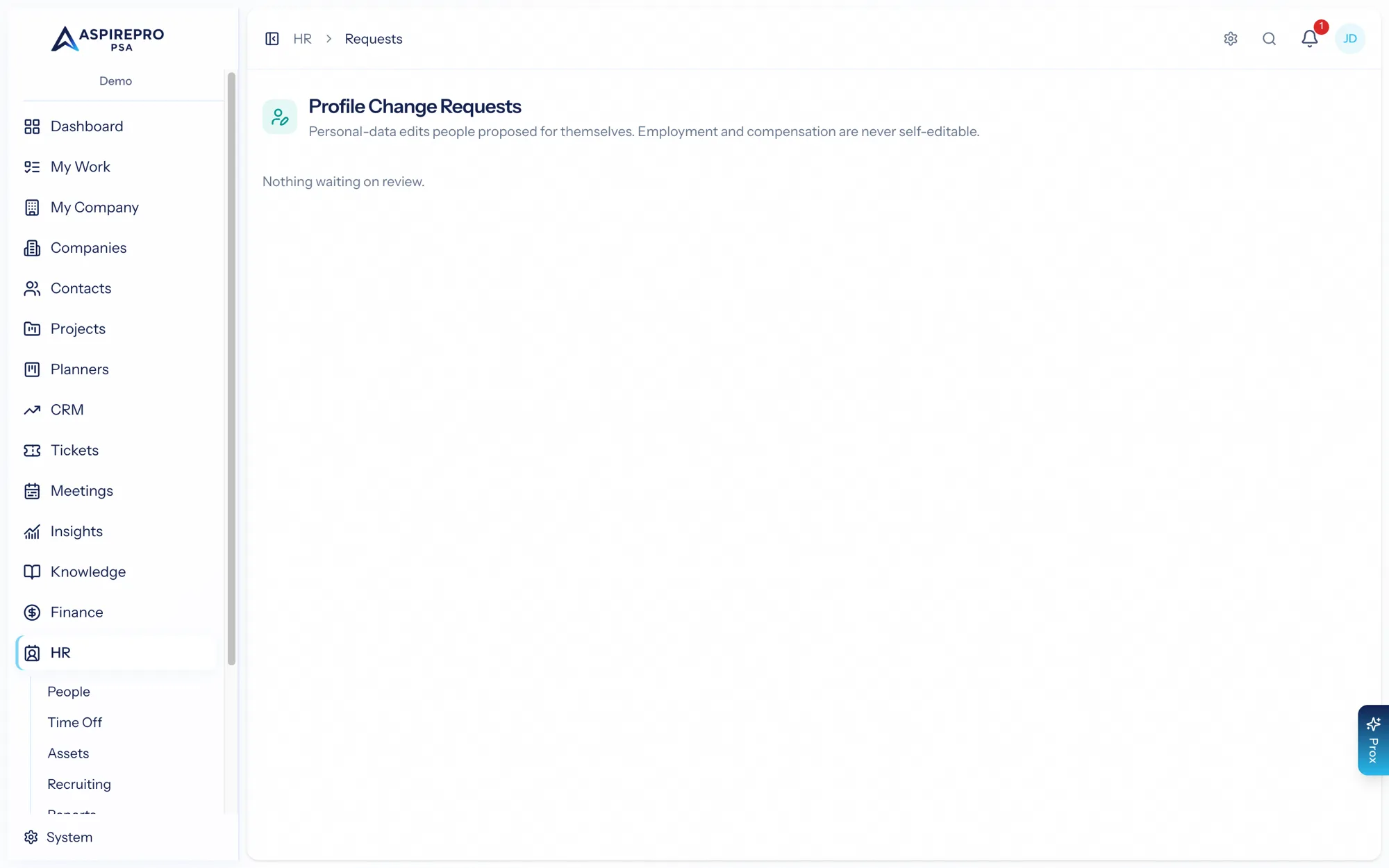
Self-service updates#
From their own profile, a person can propose changes to their personal information only — things like birthday, emergency contacts, address, personal email and phone, and pronouns. They can never change their own employment or compensation through this; those stay firmly in HR's hands.
How a proposed change is applied depends on a setting:
- If approval is required, the change becomes a pending request for HR to review.
- If it isn't, the change applies immediately — but still leaves an identical approved-request trail, so there's always a record of what changed and when.
Self-service can be turned off entirely in HR settings.
The approval queue#
HR → Requests is where HR managers review proposals — pending ones first, each showing a field-level diff of exactly what would change. Approve it (the change writes to the profile) or decline it with a note. HR managers are notified when a request comes in, and the requester is notified when it's decided.
Filter chips at the top narrow the queue to Pending, Approved, Declined, or All. The queue shows the latest 200 requests; narrow by status to reach older ones.
Request details#
Click any request — waiting or already decided — to open its detail drawer. It shows who asked and when, the status, who decided it and when, the decision note, and the same Before → Applied (or Current → Proposed) diff the pending card shows. A pending request can be approved or declined straight from the drawer.
An approved request is stamped Applied to profile with the moment the values were written, so there's never any doubt whether the approval did something. The applied values then appear on the person's profile under Personal Details (address, personal email and phone, pronouns), alongside birthday and emergency contacts. HR can correct any of them from Edit Profile.
Each request has its own link (/hr/change-requests?open={id}) — that's where the notification takes you, and it can be shared with another HR manager.
Change requests strike a balance: people can keep their own contact details fresh, HR keeps oversight of anything that matters, and every change — approved instantly or reviewed — leaves an auditable trail. It removes a pile of small HR admin without giving up control.