Two of the most important — and most sensitive — parts of a person's profile are their employment history and their compensation. HR keeps both as effective-dated records, so you always have an accurate history, not just the current state.
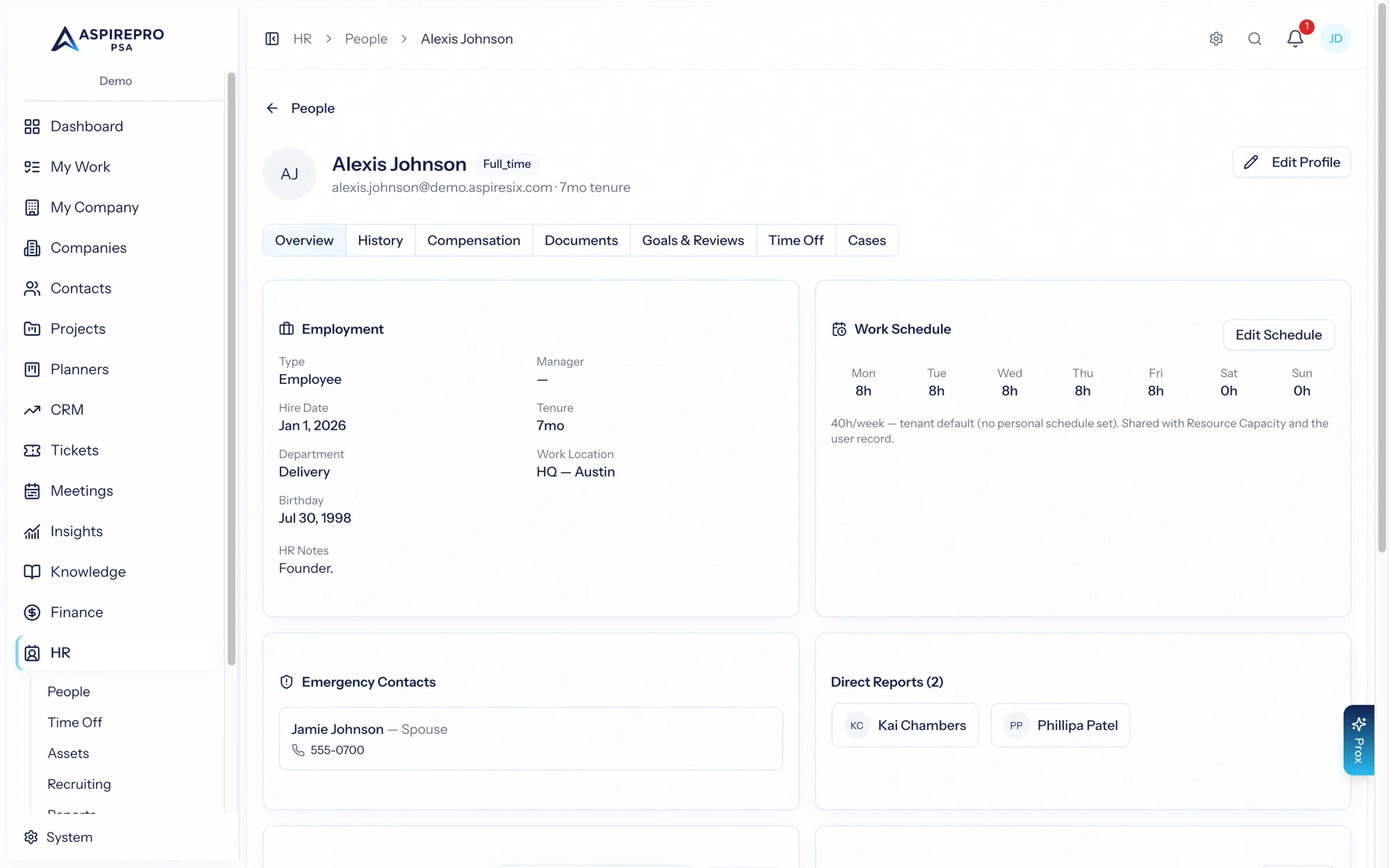
Employment history#
The History tab records each employment event over time — a hire, a promotion, a title or department change, a manager change, a location move. Each employment record carries an effective date, a reason, and the details as of that date (title, department, work location, employment type, manager, notes).
Recording a new record that's the most recent one syncs the profile forward — so the person's current title, department, and manager always reflect their latest record. This keeps "what's true now" and "how we got here" consistent.
Employment history is visible to HR and to the person themselves; editing it requires HR management permission.
Compensation#
The Compensation tab is the person's pay history — each compensation record with an effective date, pay type, amount, currency, and reason.
Compensation is treated as especially sensitive:
- Viewing it requires the compensation-view permission — or it can be a person's own pay, if an administrator has turned on the "show own compensation" (total rewards) option. People never see anyone else's pay.
- Adding or removing records requires HR management permission, and every change is audit-logged.
Cost to the business#
Under the pay history, the Cost to the business card shows what one hour of the person costs you — their cost rate, which Finance → Profitability subtracts from what you bill.
- Contractors cost what you pay them: the hourly rate, or the yearly amount divided by working hours. They pay their own taxes and benefits, so nothing is added unless you add it.
- Employees cost their pay plus what you spend on top of it: employer payroll tax, benefits, and other costs such as equipment and software, divided by working hours. The card shows the arithmetic line by line.
- The starting figures come from System → HR Settings → Cost to the business (payroll tax 7.65%, 2,080 working hours, no benefits or other costs until you set them). Update costs on the card replaces any of them for one person, from a date, and keeps the history. If you already know the all-in hourly figure, enter it directly instead.
The card also says how the figure is used, so HR and Work & rates never tell different stories: "Used as Pat's cost rate on Work & rates and in Profitability", or, when someone set a personal cost rate on Work & rates, that it overrides this one. Time is costed at the rate in force on the day it was logged; if the person has hours this month or last with no cost yet, the card says so and points to Apply current rates on Work & rates.
The card is shown to people with the compensation-view permission only — not to the person themselves under total rewards, because it is the business's number rather than their pay. Changes need HR management permission and are audit-logged.
Why effective dating matters#
Because both employment and compensation are kept as dated records rather than overwritten fields, you get a truthful timeline: when someone was promoted, when their pay changed, what their title was at any point. That history powers HR reporting (tenure, pay bands) and gives you a defensible record when you need one.
Keep these records current as changes happen — a promotion logged as an employment record with a matching compensation record keeps the profile, the org chart, and your reports all correct at once.