Time off and capacity planning go hand in hand: someone on vacation isn't available, and the plan should know it. The Resource Management module handles the request-and-approval flow, and approved time off automatically reduces a person's capacity in the Resource Center.
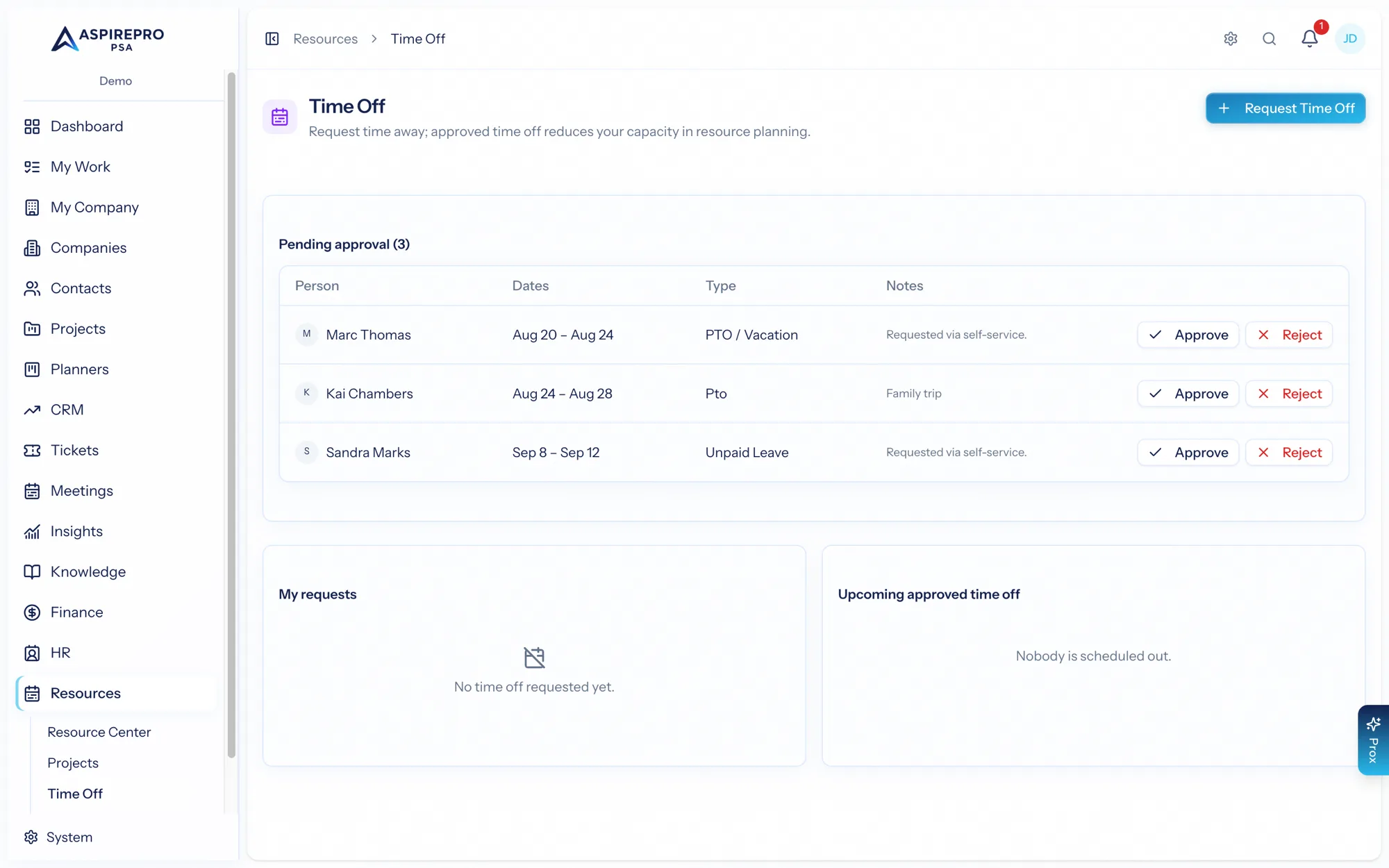
Requesting time off#
From Resources → Time off, submit a request with a type (vacation, sick, and so on), the dates, and any notes. Your request goes to your approver and appears in your "my requests" list. You can update or cancel a request while it's still pending or approved.
Approving time off#
Approvers get a pending queue where they can approve or reject each request (with notes). An approver can also revoke an approval — sending it back to pending — if plans change. Both requester and approvers are notified as a request moves along.
Effect on capacity#
Once time off is approved, those hours come out of the person's capacity for the affected weeks — so the heatmap, availability, and forecasts all reflect that they're out. This is why keeping time off in AspirePro matters: it keeps your staffing plans realistic.
Time off and HR#
Time off spans two modules, and it's worth knowing which owns what:
- Resource Management owns the request → approve → revoke workflow and the capacity impact (this page).
- HR owns balances, accrual policies, and adjustments — how much time off someone has earned and how it accrues.
They share the same underlying time-off records, so it's one system with two front doors: request and approve here, manage balances and policies in HR. Your available balances are shown on the time-off page for convenience, but they're maintained by HR.