An allocation is a booking: it puts a person (or a to-be-named placeholder) on a piece of work for a number of hours per week over a date range. Allocations are what fill the Resource Center heatmap and turn "who's free?" into a plan.
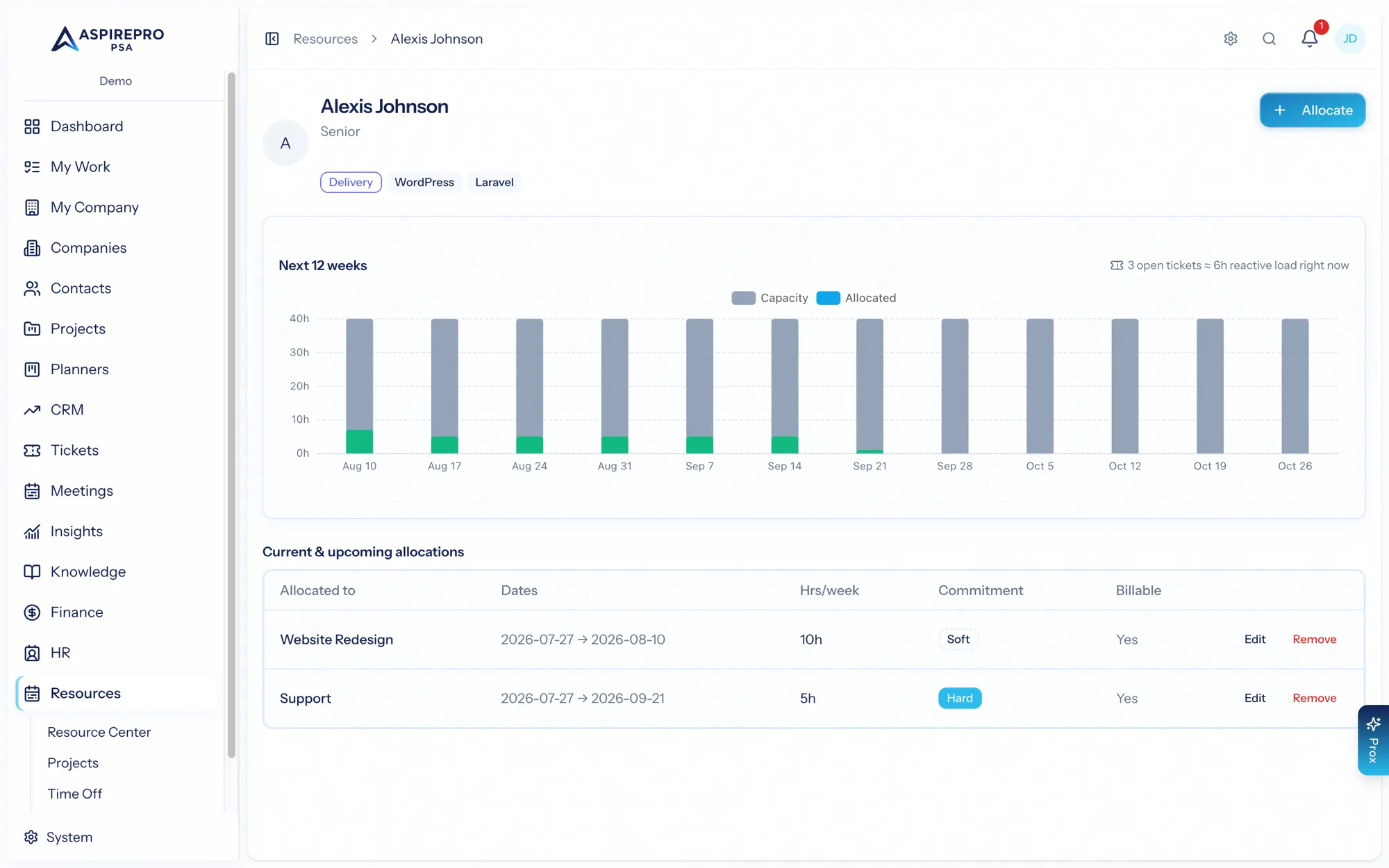
Booking someone#
From the Resource Center, use Allocate to book work. An allocation captures:
- Who — a named person, or a placeholder (a role you'll fill later, labeled like "Senior developer").
- What — the target: a project, a company, or a work category (like Support or Sales).
- Hours per week and a date range.
- Work role and skills for the booking.
- Whether it's billable, plus any notes.
Tentative vs. committed#
Every allocation is either soft (tentative) or hard (committed):
- Soft bookings are provisional plans — they show striped on the heatmap so everyone knows they're not locked in.
- Hard bookings are committed work.
Use soft bookings to sketch a plan or hold someone provisionally, then firm them up to hard when the work is confirmed.
Placeholders and filling#
A placeholder books the need without naming a person — perfect when you know a project needs "a designer for 10 hours a week" but haven't decided who. Later, fill the placeholder to assign a real person, either individually or in bulk with Team Builder.
Overbooking#
AspirePro won't stop you from booking someone beyond their capacity — but it warns you when an allocation would push a person over their available hours in any week, so overbooking is always a deliberate, visible choice rather than an accident.
Allocations are about plan — the intent to spend someone's time. Actual time spent comes from timesheets in Finance; the Estimate vs. Actual report compares the two.