The Insights module (Dashboards & Reporting) lets you build shared dashboards from any metric in AspirePro and deliver them as scheduled reports. Where your personal My Dashboard answers questions for you, Insights lets you build dashboards for your team, share them, and email them on a schedule.
Insights is a toggleable module; an administrator turns it on under System → Features. (Your personal dashboard is always available regardless.)
Personal vs. shared dashboards#
- My Dashboard — your always-on, private dashboard. Just for you.
- Insights — the shared, multi-dashboard system: build as many dashboards as you like, each answering a question, and share them with people or teams.
Both run on the same metric engine and the same widgets, so everything you know from your personal dashboard carries straight over.
The dashboards index#
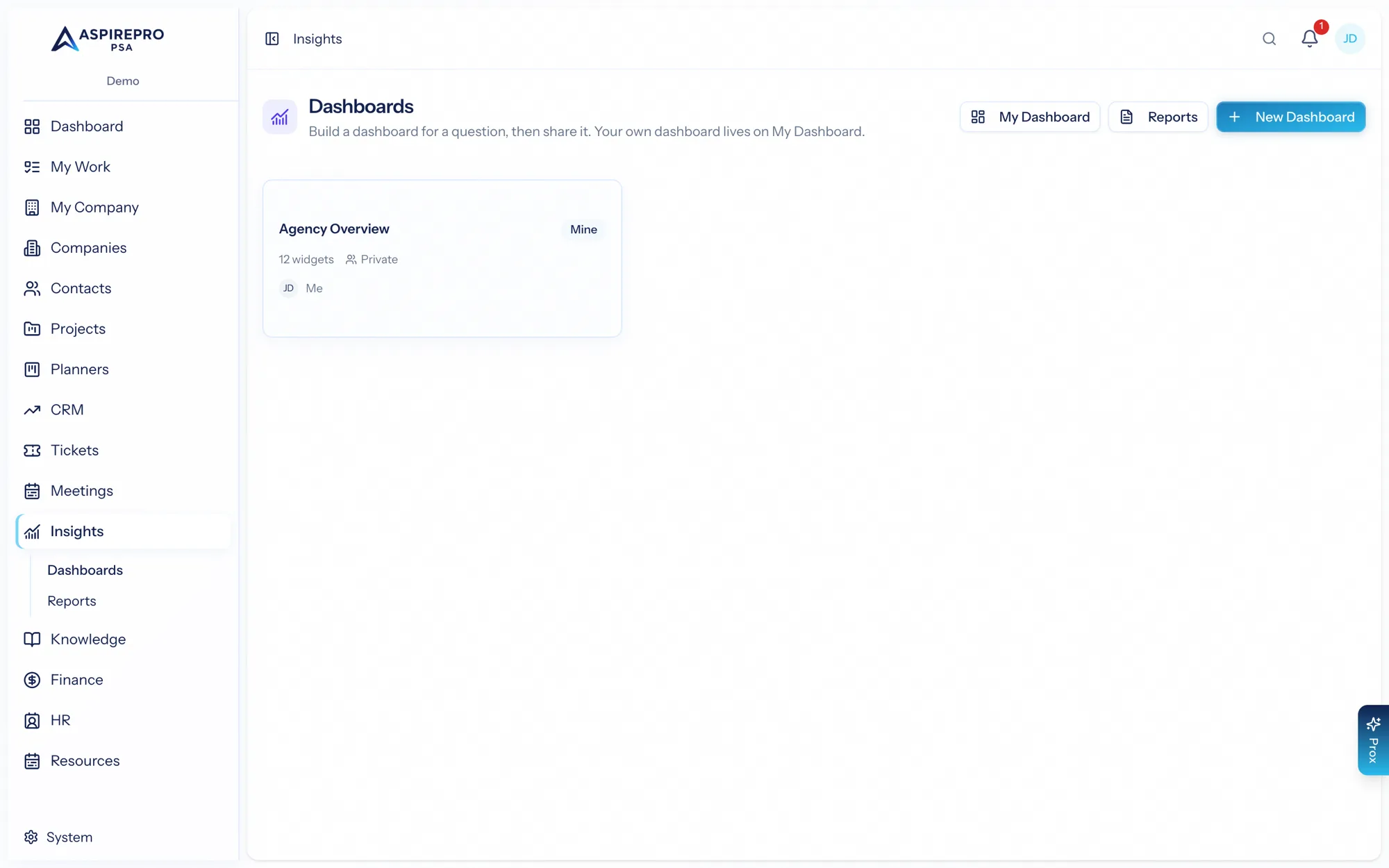
Open Insights for your dashboards — the ones you own plus any shared with you. Each card shows the dashboard's name, how many widgets it has, who it's shared with, and its owner. From here you can open My Dashboard, jump to Reports, or create a New Dashboard. New dashboards start private — you choose who to share them with afterward.
What's in this section#
- Building dashboards — widgets, metrics, and visualizations.
- Metrics catalog — what you can measure, and how scoping stays secure.
- Reports — scheduling dashboards as emailed reports.
- Sharing — sharing internally and via secure links.
A dashboard in Insights is best thought of as a set of metrics answering one question — "how's the support queue?", "how's sales tracking this quarter?" Build one per question and share it with the people who need the answer.