Reports turn a dashboard into something that arrives in inboxes on a schedule. Instead of asking people to log in and check, you deliver the numbers to them — a weekly Monday-morning summary, a monthly board report — automatically.
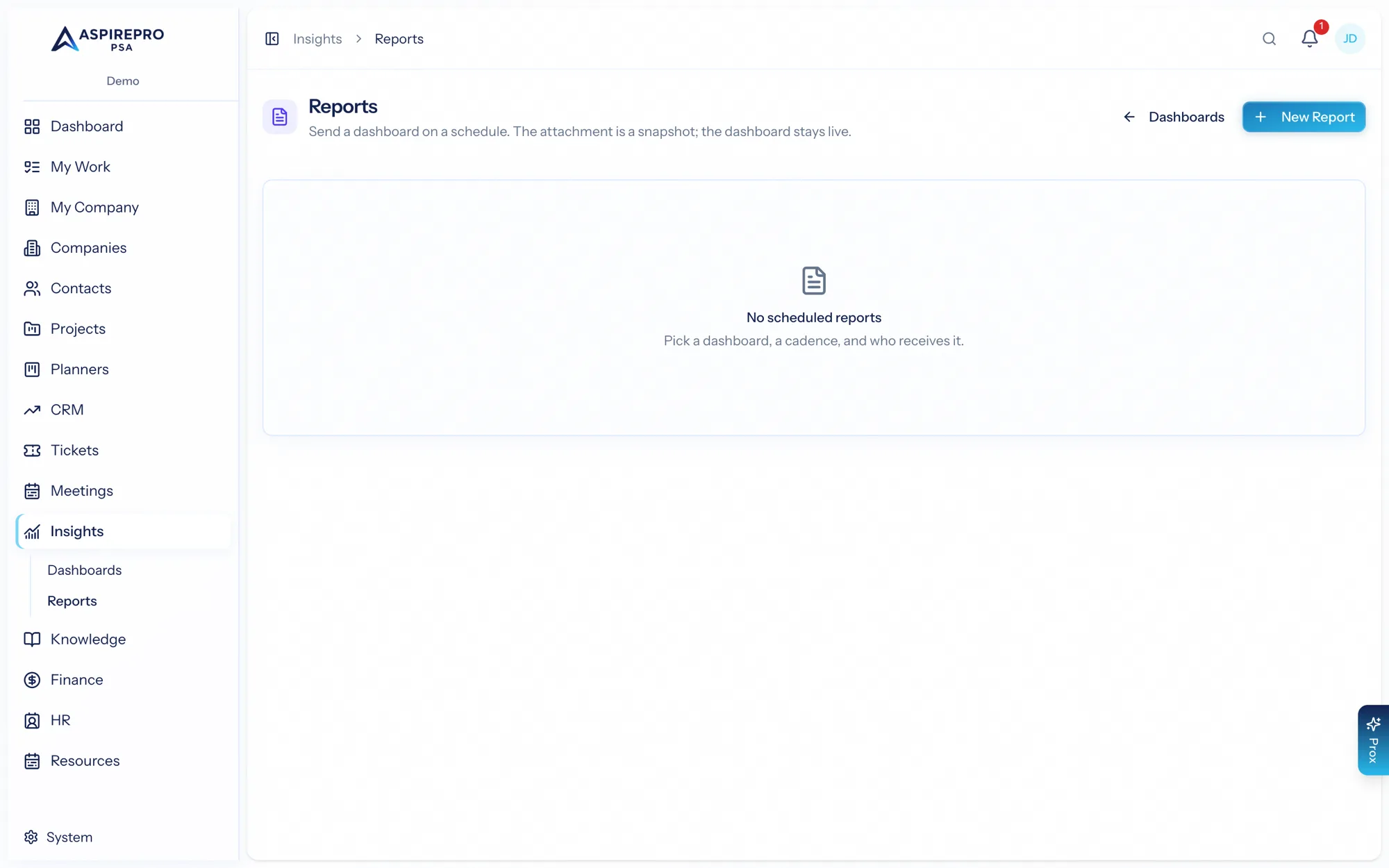
Find them under Insights → Reports.
Creating a report#
A report is built over a dashboard you can see. Set:
- A name and the dashboard it reports on.
- The format — PDF or CSV.
- The cadence — daily, weekly (on a chosen day), or monthly (on a chosen date), plus the hour and timezone (defaulting to your organization's).
- The recipients — organization users and/or plain email addresses.
Everyone on the report gets the same snapshot — the numbers as they render at send time, identical for every recipient.
Running on demand#
- Run now sends the report immediately through the same delivery path as the schedule — and it tells you exactly who it emailed (or that no recipients are configured).
- PDF now opens the report as a PDF in a new tab for a quick look, without emailing anyone or affecting the schedule.
Run history#
Each report keeps a history of its recent runs, with each run's status (delivered or failed, with the error if it failed). Delivered runs are downloadable, so you can grab a past report's file any time.
Ownership#
A report is owned by its creator — only the owner can edit or delete it. This keeps scheduled deliveries under the control of whoever set them up.
Reports are how Insights reaches people who don't live in dashboards — leadership, clients, stakeholders. Build the dashboard once, schedule it as a report, and the right people get the numbers on the right day without lifting a finger.