Contact settings define the taxonomy for people, mirroring Company settings. They're under Contacts → Settings and require the appropriate permission.
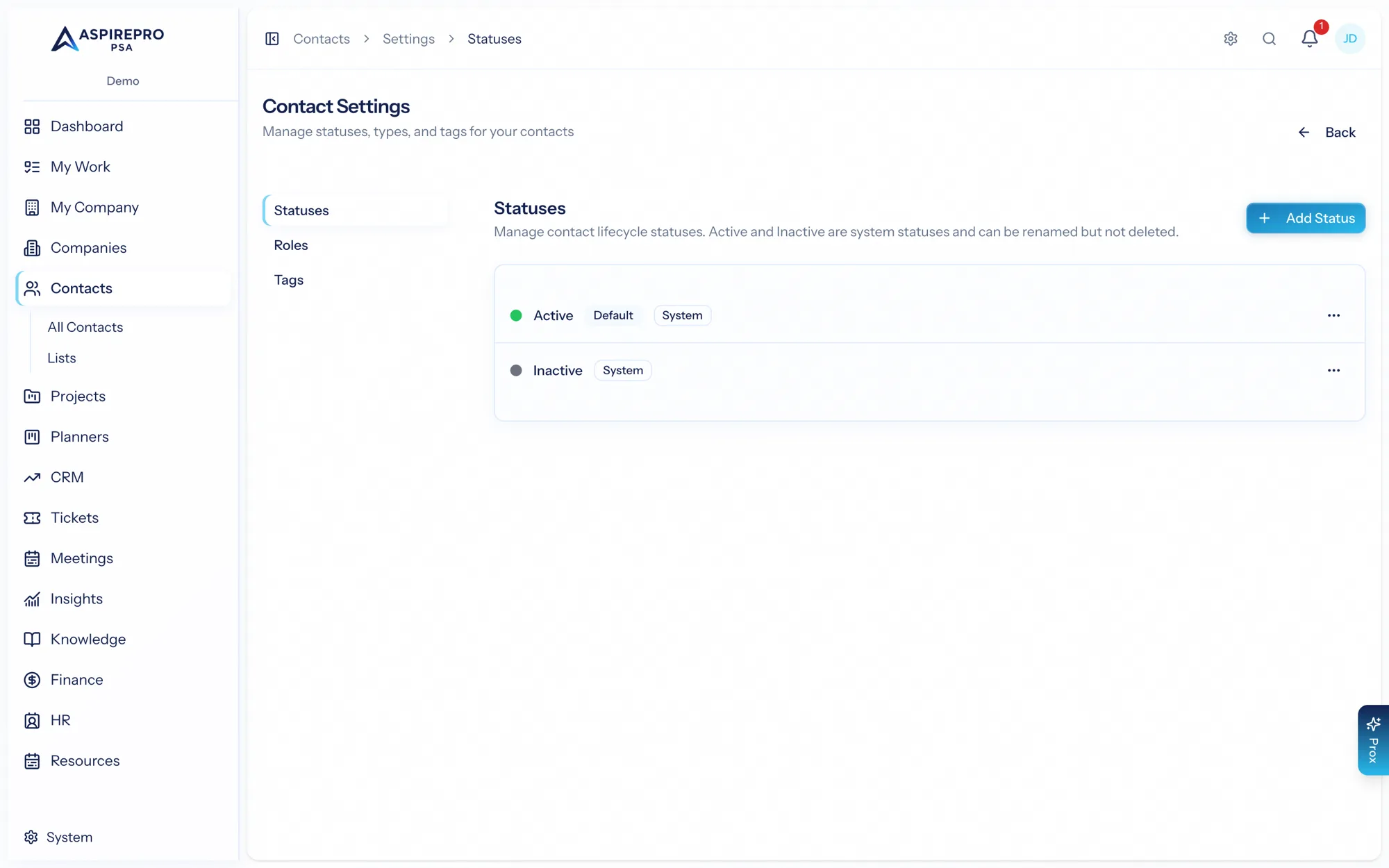
Statuses#
Statuses describe where a contact stands — for example Active, Inactive, Do not contact. Status is a primary filter and segmentation axis for people.
Types#
Types classify the kind of contact — Decision maker, Billing contact, Technical contact, Champion. Types help you find the right person fast and tailor how you engage.
Lead statuses#
Lead Status is a field of its own on every contact — beside your Status, never instead of it — with HubSpot's standard options out of the box: rename or recolour them, add your own, and map each to a HubSpot value. With the HubSpot integration connected, the portal's options are mirrored here and the value syncs the moment it changes, in either direction. An outbound block can name the statuses that mean a person is done — Unqualified, say — and an outcome can set one (Disqualified sets Unqualified out of the box). A status you retire stops counting.
Tags#
Tags are flexible, multi-select labels you apply to contacts for any purpose that doesn't warrant a formal status or type — event attendance, interests, campaign membership. A contact can carry many tags at once.
Using the taxonomy#
As with companies, every status, type, and tag becomes a filter, a saved-view dimension, and a reporting axis. Keep the set tight and well-named so segments stay meaningful as your contact database grows.
Tags are the low-commitment option — reach for a tag when you're not sure something deserves a permanent status or type. You can always formalize later.