My Company is a shortcut to your own organization's record inside AspirePro. Just as you keep records for the companies you work with, your organization has a record for your own business — and My Company takes you straight to it, so internal details, documents, and settings that belong to your organization are always one click away.
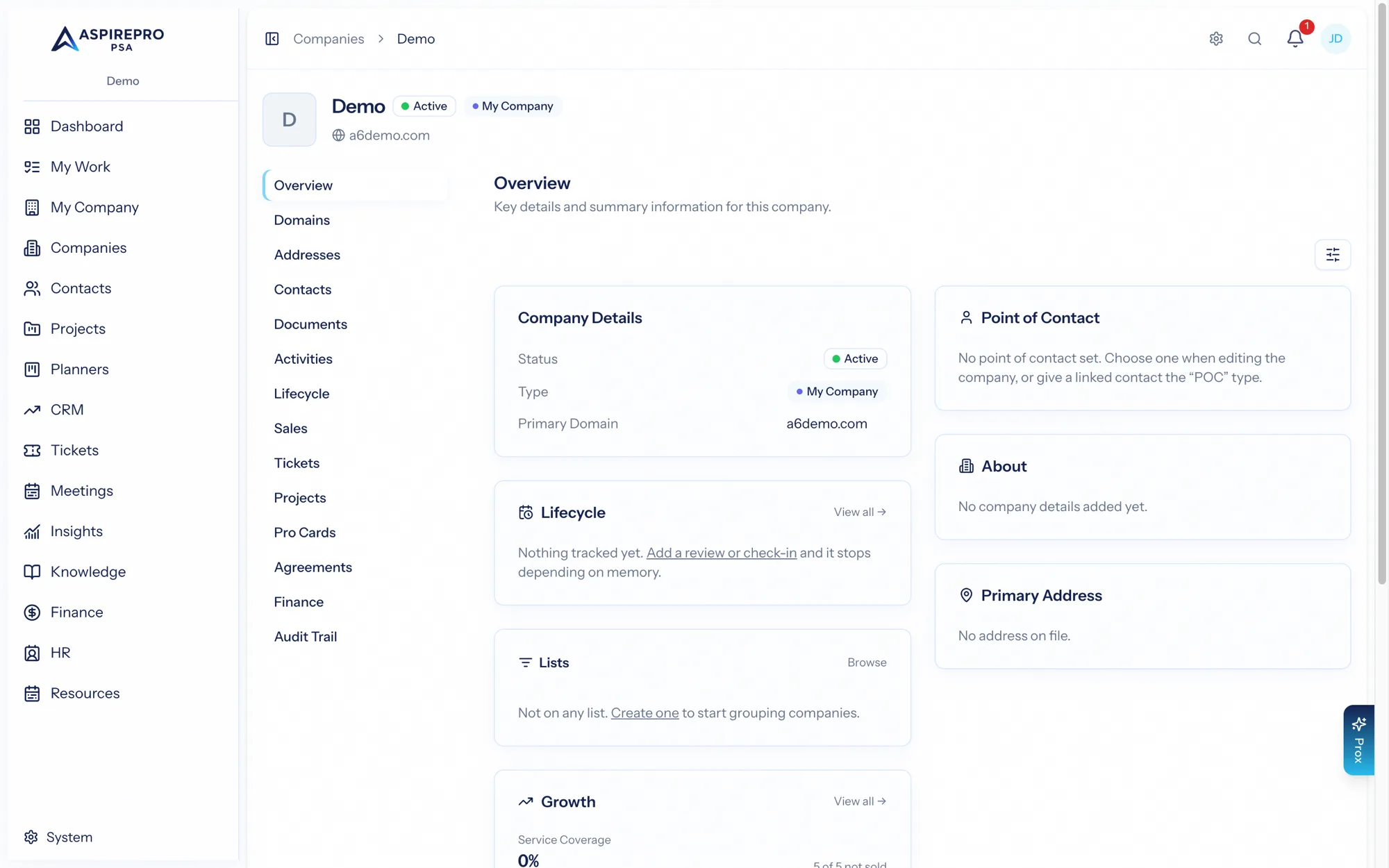
Your organization's record#
Opening My Company lands you on your organization's company record, using the same familiar company record layout — overview, documents, addresses, and the other tabs — but pointed at you. It's a convenient home for internal reference material: company documents, office addresses, and the like.
Directory#
With the HR module enabled, My Company gains a Directory — a searchable roster of your people, with their roles and contact details. It's the fastest way to find a colleague and see where they sit in the organization.
Org chart#
Also with HR enabled, the Org chart visualizes your reporting structure — who reports to whom, top to bottom. It's kept in sync with the employment records in HR, so it stays accurate as your team changes.
The Directory and Org chart are surfaced here for convenience but are powered by the HR module. Without HR enabled, My Company is simply the shortcut to your organization's record.