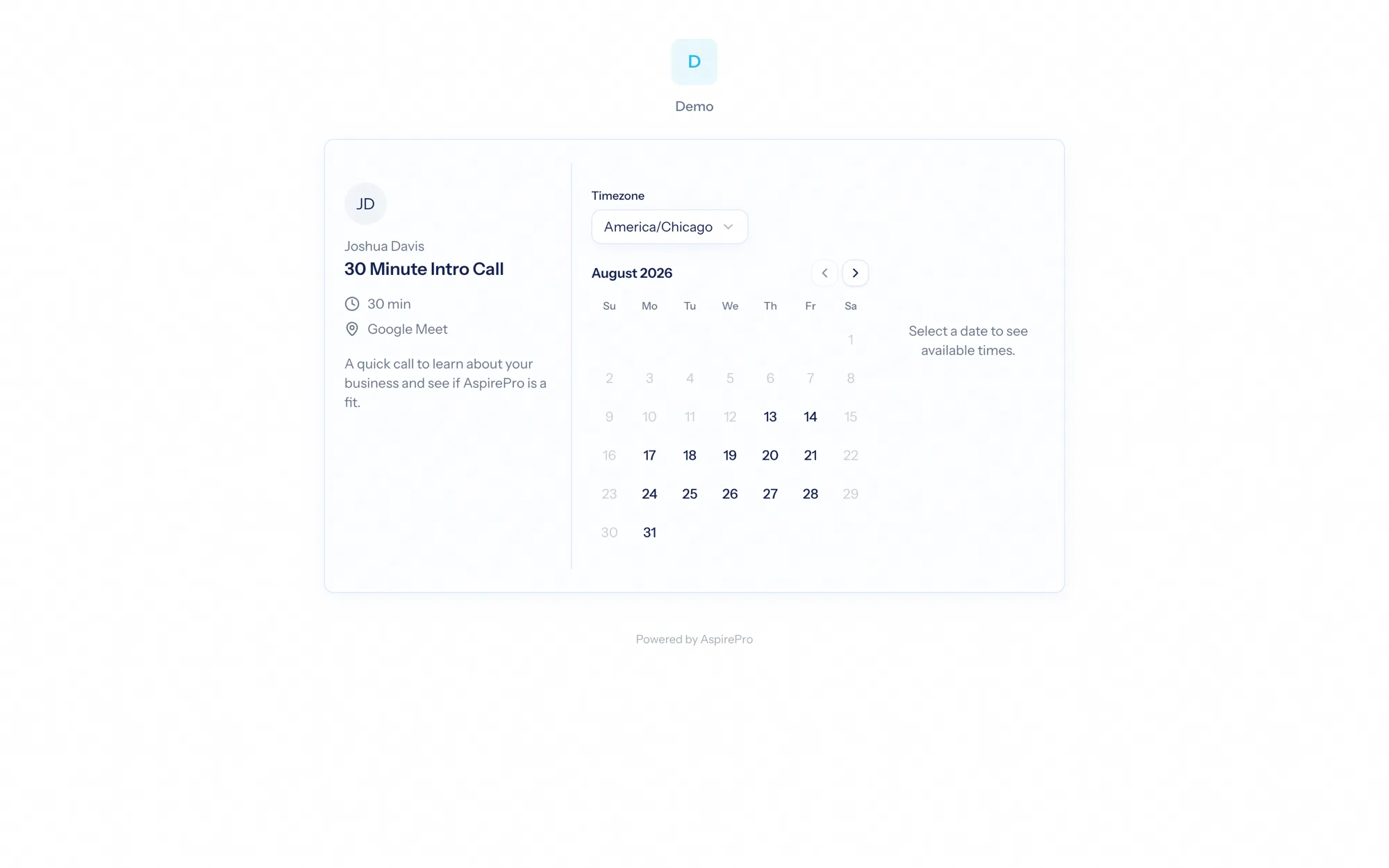
This is the experience from the invitee's side — the public, no-sign-in flow people go through when they book with you. It's clean, branded to your organization, and works without any account.
Booking a meeting#
- Your page — at your booking URL, an invitee sees your listed booking pages (or you can link straight to one).
- Pick a time — they choose an event and see real available slots for a month, in their own timezone, drawn live from your calendars. If your calendar can't be reached, the page shows no slots rather than risk a double-booking — it fails safe.
- Confirm — they answer your intake questions and book. AspirePro re-checks availability at the moment of booking (so two people can't grab the same slot), writes the event to your calendar, emails a calendar invite (
.ics) to both of you, and lands the invitee on a confirmation page (or your custom redirect).
Booking is protected against spam and abuse — a honeypot, optional human-verification, and per-invitee rate limits keep it clean.
Rescheduling and cancelling#
Every booking confirmation includes a manage link. From it, the invitee can reschedule (pick a new time) or cancel — no account needed. Manage links expire a while after the meeting, so old links don't linger.
Automatic CRM logging#
When an invitee's email matches a contact on an open deal, the booked meeting is logged against that deal automatically as a scheduled-meeting activity — and can trigger a "meeting scheduled" CRM workflow. So a prospect booking time with you shows up on their deal without anyone logging it.
The whole flow is designed to feel effortless for the person booking — pick a time, answer a couple of questions, done — while doing the busywork for you behind the scenes: calendar invites, conflict checks, and CRM logging all happen automatically.