Planners are flexible boards for organizing work that doesn't need the full weight of a project. Where a project is client-delivery work with time, budgets, and phases, a planner is a lighter Kanban board you can spin up for anything — a backlog, a personal to-do board, a team's weekly work, an initiative. Planners run on the same task engine as Projects, so everything you know about tasks carries over.
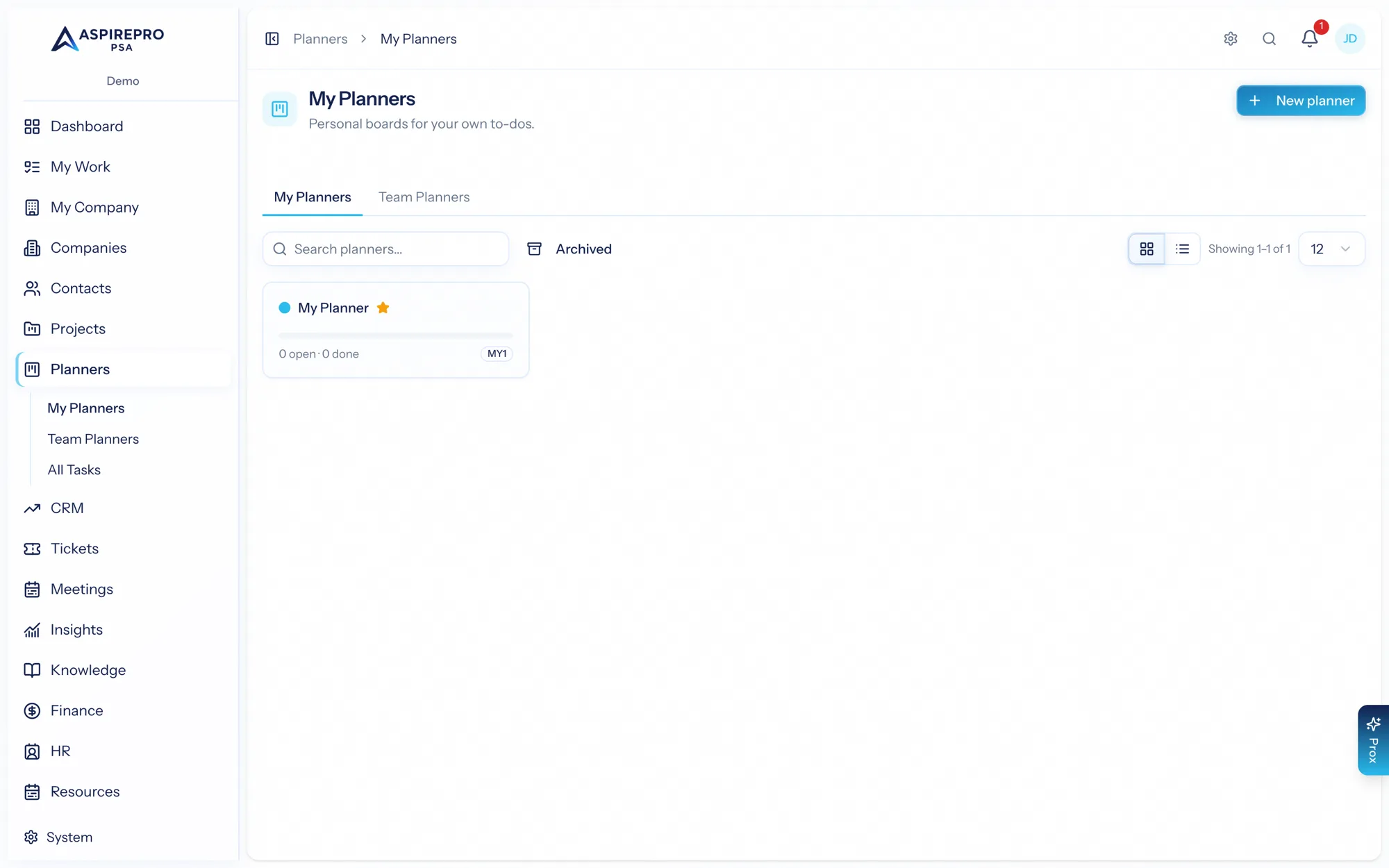
Planners is a toggleable module; an administrator turns it on under System → Features.
My Planners and Team Planners#
Planners come in two flavors:
- My Planners — your personal boards, for organizing your own work however you like.
- Team Planners — shared boards a group works from together, with members.
Open Planners to see both, create new ones, and jump into any board.
Planners as your personal to-do system#
My Planners aren't just for internal work "where budgeting doesn't matter" — they're a full personal planning system. Spin up a private planner for anything you're driving yourself: a learning plan, a home-lab build, your quarter's goals. Nobody sees a personal planner but you (not even admins), and it gets the whole task engine — buckets, statuses, priorities, checklists, recurring tasks.
For planning a single day out of everything on your plate, use My Work → My Day — a one-click pick list over all your existing tasks, activities, and tickets. Personal planners are for work that's yours; My Day is for choosing what today looks like.
Cross-planner: All Tasks#
Like Projects, Planners has an All Tasks view that rolls up tasks across every planner you can access into one filterable list — a single place to see everything on your planners at once.
The board#
Open a planner for its board — buckets (columns) of task cards you drag, plus the full task panel (checklist, comments, files, links, dependencies, subtasks, review, recurrence). It's the same engine documented under The task engine. See The planner board.
Managing a planner#
You can add members to a team planner, duplicate a planner to reuse its structure, and archive or restore planners you're done with.
What's in this section#
- The planner board — buckets, cards, and the task panel.
- Projects vs. Planners — which to reach for.
- Git & settings — per-planner Git and task taxonomy.