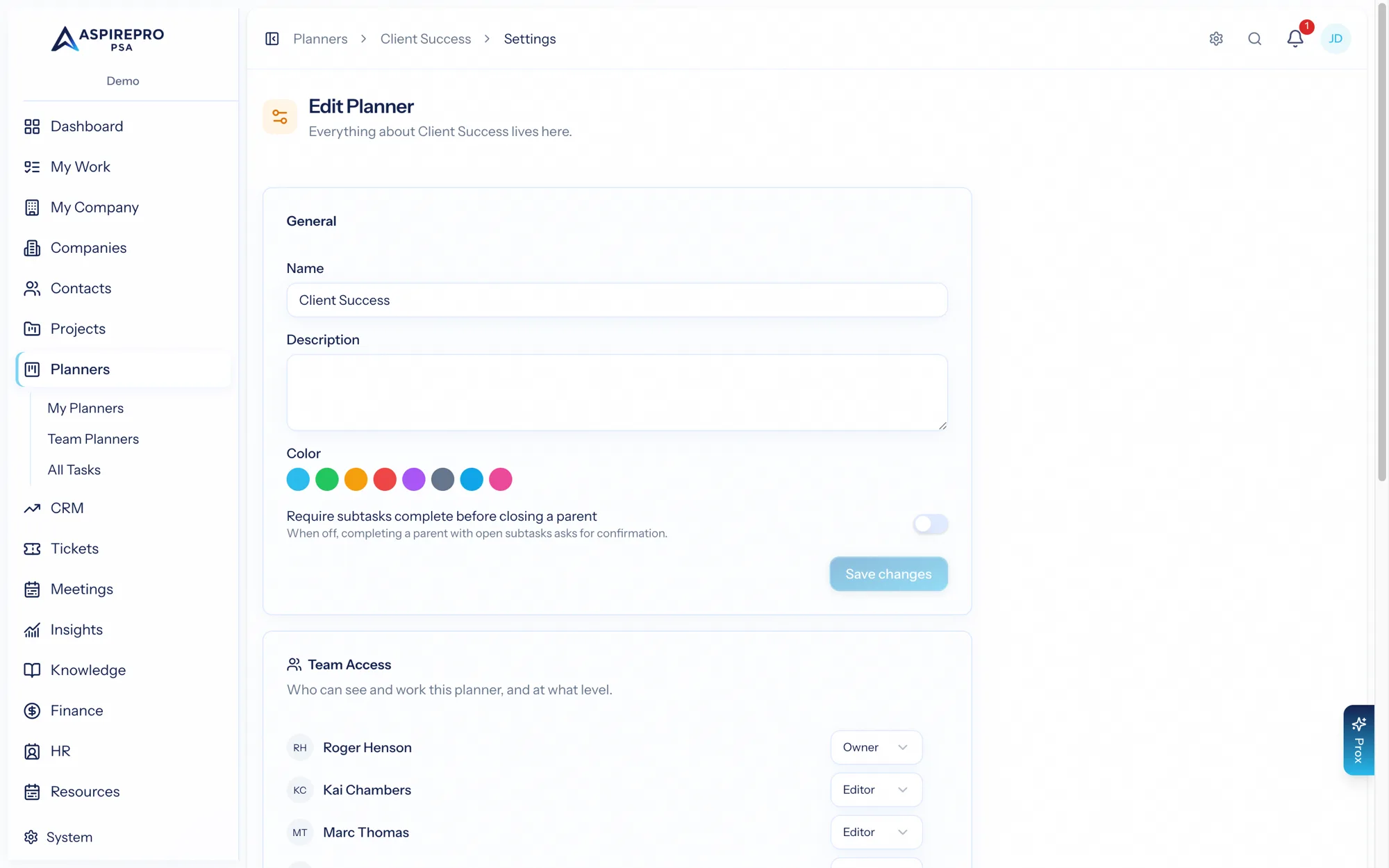
Planners carry a couple of settings of their own — Git linking per planner, and their own task taxonomy.
Git links#
Like projects, a planner can enable Git links so tasks connect to pull requests and branches from a connected repository. The behavior is the same as on projects — a task shows a Git card, and branches/PRs can auto-link and move task status — configured per planner. See Git links for the full explanation; it applies here too, with a Git integration connected.
This makes planners a good fit for engineering backlogs, where each card can track the code that resolves it.
Task taxonomy#
Planners have their own task statuses, priorities, and tags, separate from the ones projects use. That means you can tune how tasks are classified on your planners — a lightweight status set for a backlog, say — without touching your project delivery taxonomy.
Manage these under the planner settings (task-settings permission). Because the taxonomy is planner-scoped, planners and projects each keep the vocabulary that fits their kind of work.
Keeping planner and project task taxonomies separate is deliberate: internal planning boards and client delivery often want different statuses and labels, and this keeps them from stepping on each other.