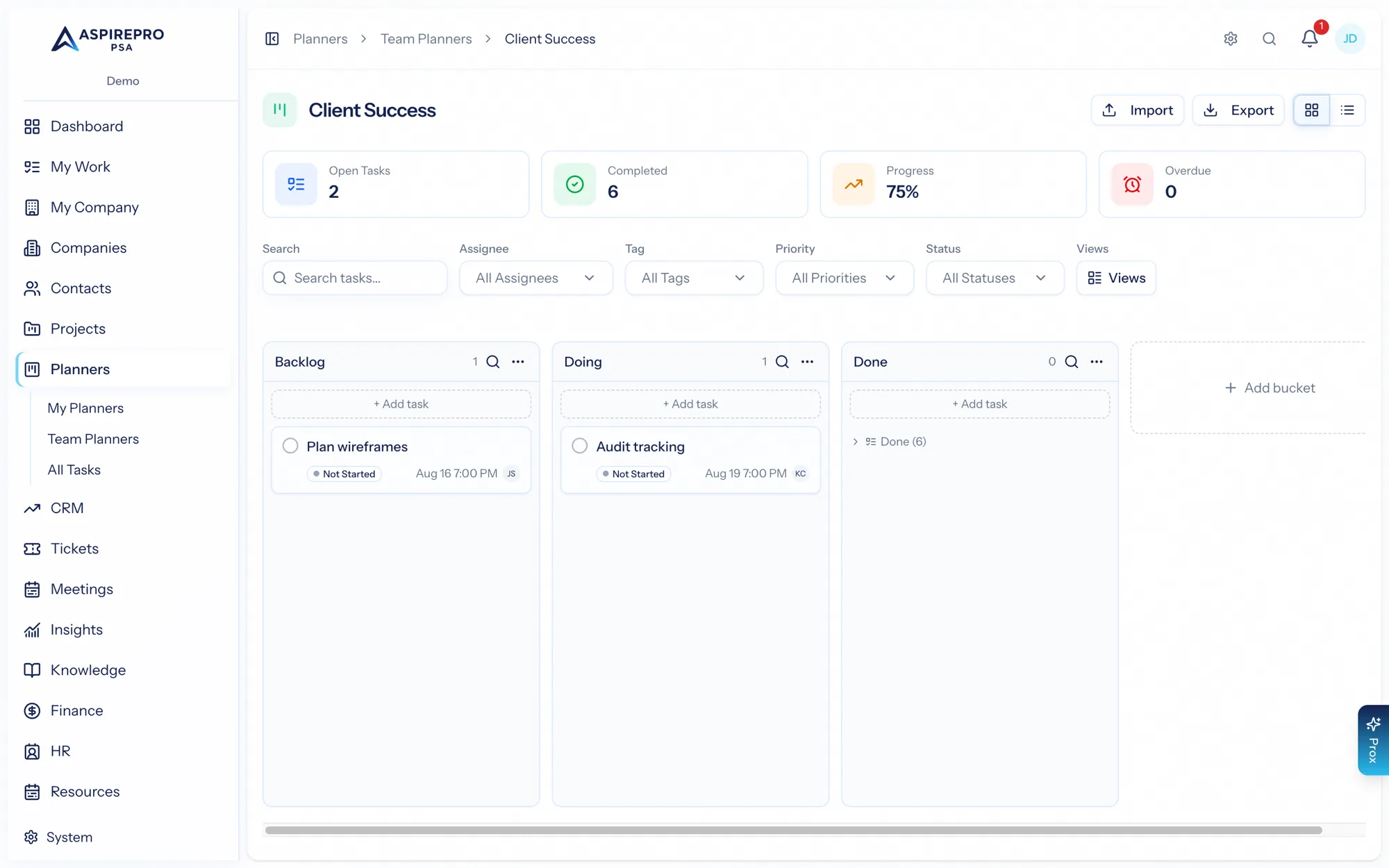
Projects and Planners share the same task engine — the same board, buckets, cards, and task panel. The difference is what each one wraps around that engine, and therefore what it's best for.
The short answer#
- Reach for a Project when the work is client delivery that needs structure — time tracking, budgets, phases, a point of contact, review sign-off, Git links, and the ability to share progress in the client portal.
- Reach for a Planner when you just need a flexible board — a backlog, a personal to-do board, a team's ongoing work — without any of that overhead.
Side by side#
Projects | Planners | |
|---|---|---|
Task engine (buckets, cards, panel) | ✓ | ✓ |
Checklist, comments, files, links | ✓ | ✓ |
Subtasks, dependencies, review, recurrence | ✓ | ✓ |
Tied to a company & contact | ✓ | — |
Phases, budget, time-to-budget | ✓ | — |
Client-portal sharing | ✓ | — |
Personal ("My Planners") boards | — | ✓ |
How to choose#
Ask: is this work I'm delivering for a client, and do I need to track time, budget, or share it with them? If yes, make it a Project. If it's internal organizing — however big or small — a Planner is lighter and faster.
Because both run on the same engine, nothing is lost either way: the tasks, checklists, and comments work the same. You can even start something as a planner and recreate it as a project later if it grows into client work.
Many teams use both at once: Projects for the client engagements they bill and report on, and Planners for the internal backlogs and personal boards that keep everyone organized.