Meeting recordings are sensitive, so Notetaker's sharing model is deliberately careful. By default a meeting is private to its owner; sharing is always an explicit choice, and there's no admin override — administrators can't browse other people's recordings.
Internal sharing#
Share a meeting inside your organization with a specific person, a team, or everyone. A person you share with directly is notified. Internal shares give access to the full meeting — notes, transcript, and recording — to the people you choose. You can revoke a share at any time.
Public external links#
For sharing outside your organization, you can create a public link (if your administrator allows external sharing). This generates a secure URL that anyone can open without signing in — the token is the credential.
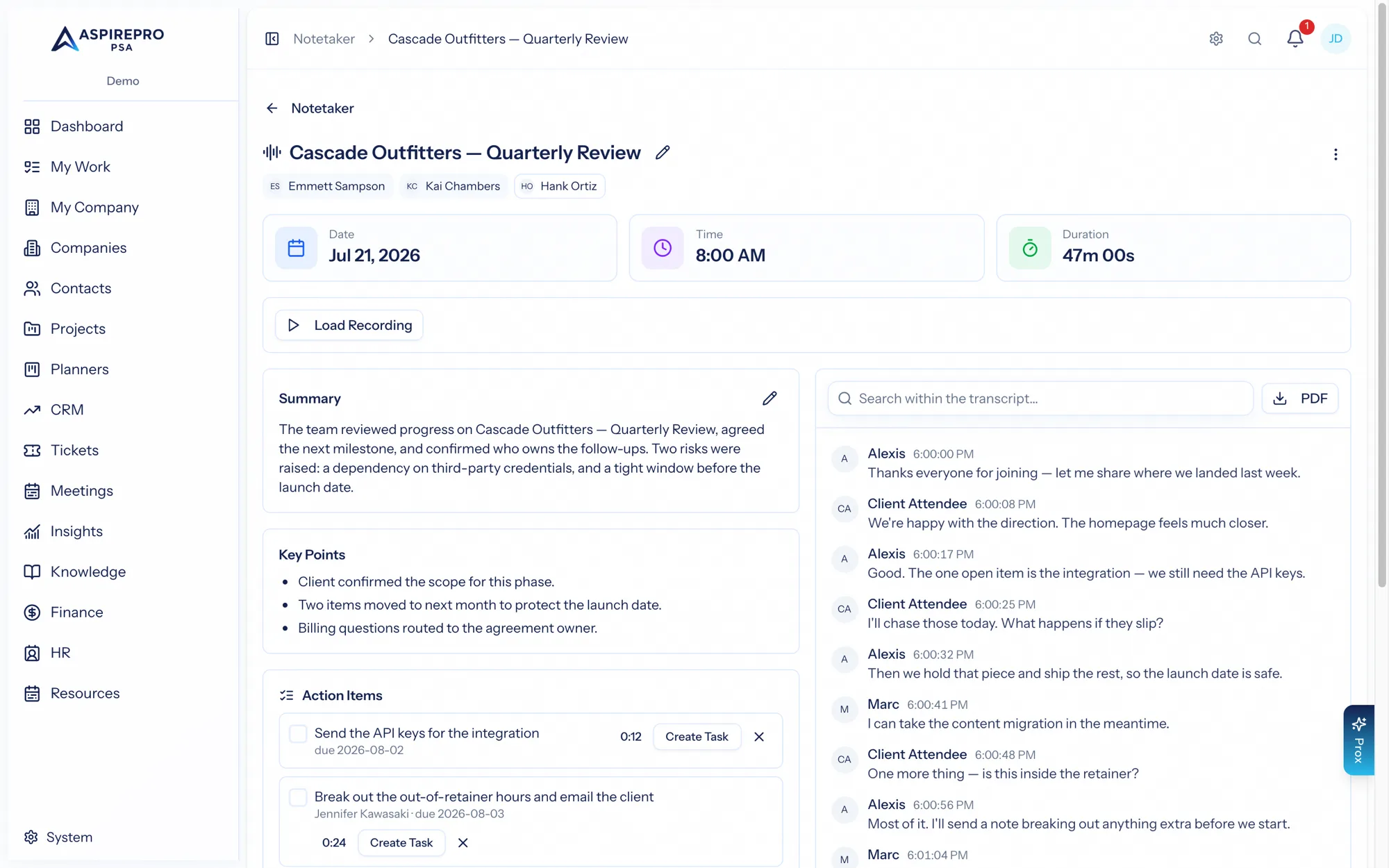
Crucially, a public link shows the AI notes only — the summary, key points, action items, and decisions — and never the transcript or the recording. So you can share the outcome of a meeting with a client or partner without exposing the full conversation. You can revoke a public link, and re-sharing revives it with a fresh token.
The privacy model#
The rules are simple and strict:
- A meeting is visible to its owner and to anyone it's been shared with — and no one else.
- There is no admin bypass: recordings are personal-grade data, not organization-wide data.
- Editing, deleting, and sharing a meeting are owner-only.
- External links are gated by both a permission and a organization-level "allow external sharing" setting, and expose notes only.
Treat the distinction plainly: internal shares give trusted colleagues the whole meeting; external links give outside parties the summary. Both are explicit, revocable, and audited — and nothing is ever visible to an administrator just because they're an administrator.