The Notetaker module turns your meetings into work: a bot joins from your calendar, records and transcribes the conversation, and produces a clean summary, key points, decisions, and action items you can turn into real tasks. No more scrambling to take notes while trying to participate.
One thing to know up front: AspirePro doesn't supply the recording bot itself — the module is an integration. Your organization connects its own notetaker service (a compatible meeting-bot provider of your choice), and AspirePro becomes the home for everything it produces: the meetings feed, transcripts, sharing controls, and action items.
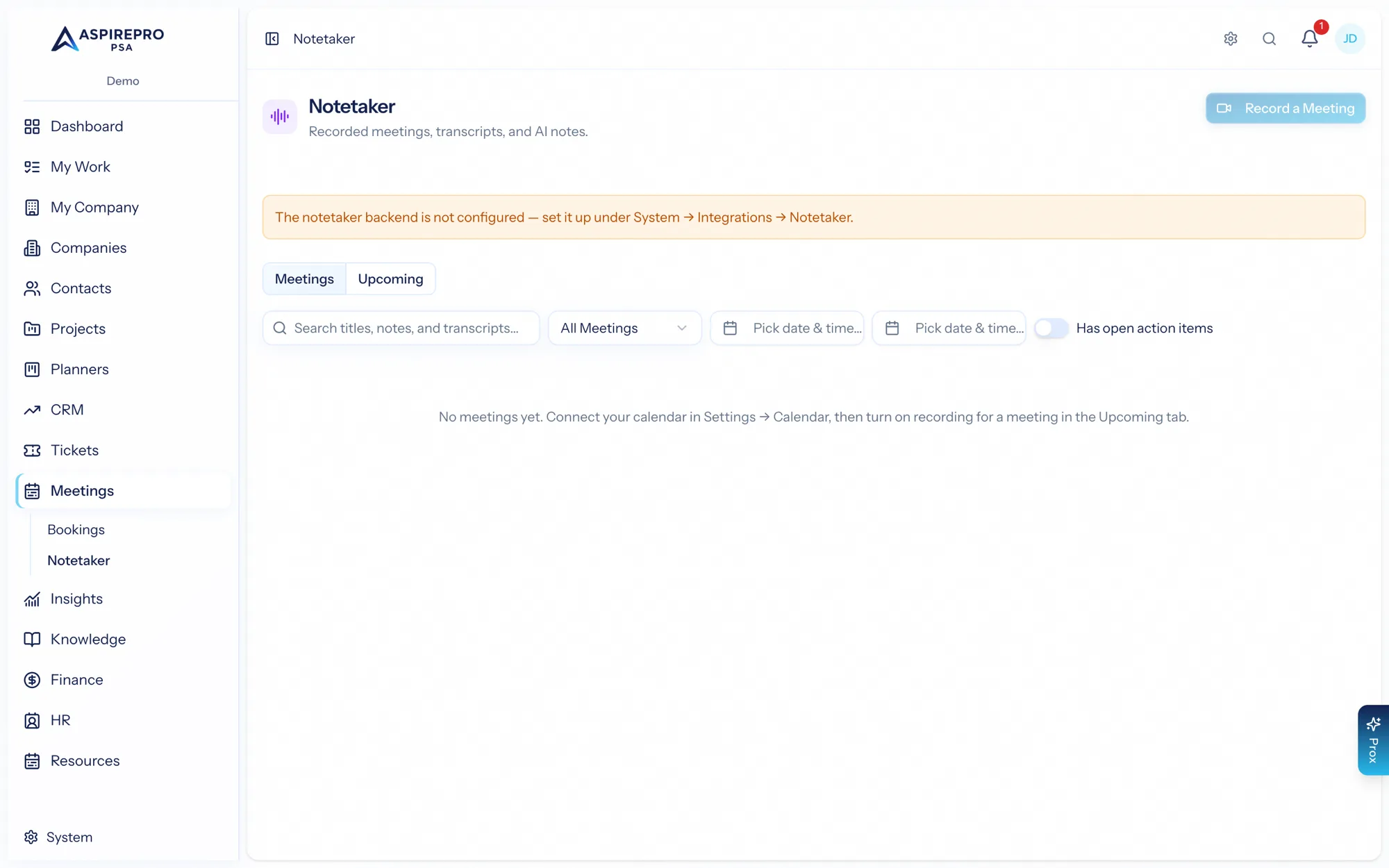
Notetaker is a toggleable module; an administrator turns it on under System → Features, and it needs a one-time connection to your notetaker service (see Setup).
The Notetaker home#
Meetings → Notetaker has two tabs:
- Meetings — your feed of recorded meetings. Each card shows the title, a status (recording, processing, writing notes), a summary teaser, the date, duration, attendee count, and how many open action items it has. Search across titles, summaries, and transcripts, and filter by ownership, date, or whether a meeting has open action items.
- Upcoming — your calendar events for the next couple of weeks, so you can decide what to record.
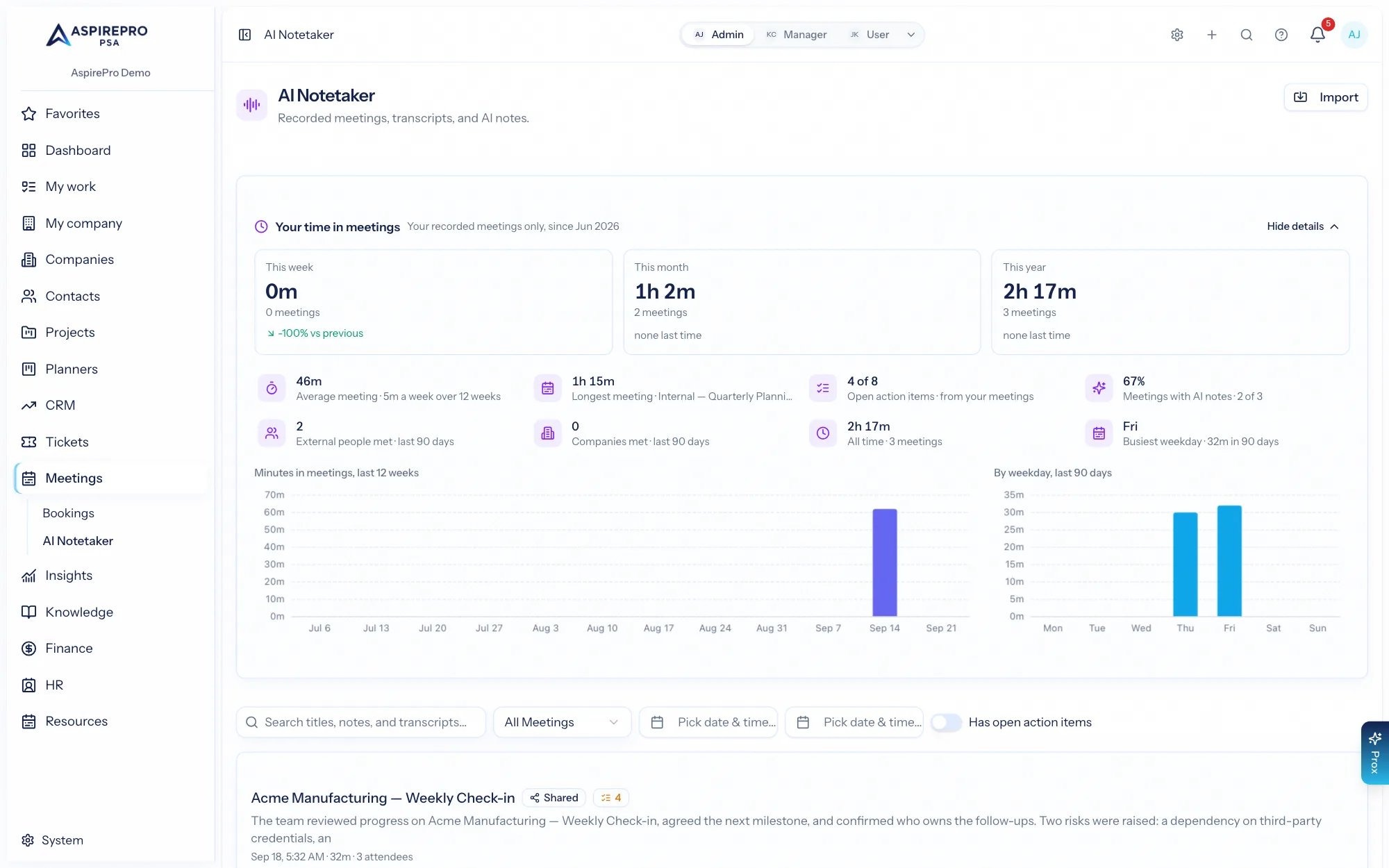
Above the tabs, Your time in meetings sums up your own recorded meetings: minutes and meeting counts for this week, this month and this year, each against the previous period. Show details adds your average and longest meeting, open action items from your meetings, how many outside people and companies you met in the last 90 days, how much of your time has AI notes, a 12-week trend, your busiest weekday and the companies you meet most. The figures count only meetings you recorded — a colleague's meeting shared with you is their time, not yours. Ask Prox "how much time did I spend in meetings this month?" for the same numbers.
Getting a meeting recorded#
There are three ways a meeting gets recorded:
- Auto-join — turn on "record new meetings by default" and the notetaker joins your calendar meetings automatically.
- Per-event — toggle recording on or off for a specific upcoming event.
- Ad-hoc — paste a Meet, Teams, or Zoom link and Record a meeting sends the bot to join right now.
Use Sync now to refresh your calendar events on demand.
What's in this section#
- The meeting record — recording, transcript, summary, and action items.
- Sharing — sharing a meeting internally or via a public link.
- Setup — connecting your calendar and the notetaker service.
Recordings are treated as personal-grade data — see Sharing for the privacy model, which has no admin override.