In AspirePro's knowledge base, collections do double duty: they organize your articles and control who can read them. An article inherits the access of the collection it lives in — so where you put an article decides who can see it. This is the single most important concept in the module.
Collections are the access control#
Every collection is one of two kinds:
- Everyone — open to everyone in the organization.
- Restricted — visible only to the specific people and teams you grant.
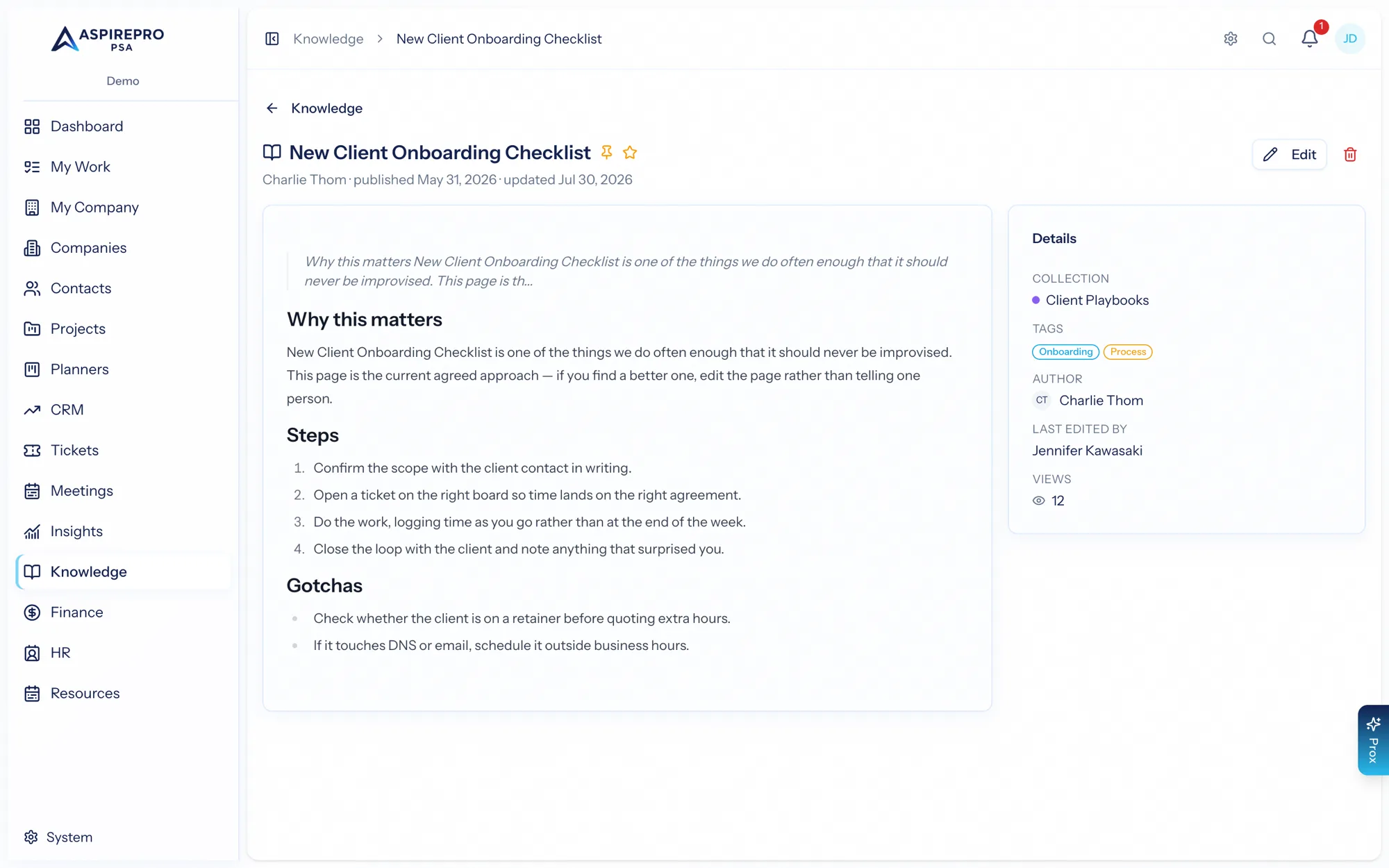
An article in an "Everyone" collection is readable by the whole organization; an article in a restricted collection is readable only by those granted the collection. There is no per-article access — access always comes from the collection, which keeps the model simple and predictable: to change who can read an article, move it to a collection with the right access.
What this means in practice#
- Put company-wide reference material (holiday policy, brand guidelines) in an Everyone collection.
- Put sensitive or team-specific material (finance runbooks, security procedures) in a restricted collection granted to the right people or teams.
- Reorganizing access is as simple as moving an article between collections.
A default General collection (open to everyone) exists as a home for anything that doesn't need special access.
Drafts and access#
The edit permission lets someone see drafts — but it does not override collection access. Even an editor only sees articles in collections they've been granted. So the two controls compose cleanly: collections decide who can read, and publish status decides what's ready.
Tags are just labels#
Tags organize and filter articles but carry no access — access lives entirely on collections. Use tags freely for topics and cross-cutting themes without worrying about visibility; they never expose an article to someone who couldn't already see its collection.
The rule to remember: an article is exactly as private as its collection. Design your collections around who should read what, and access takes care of itself.