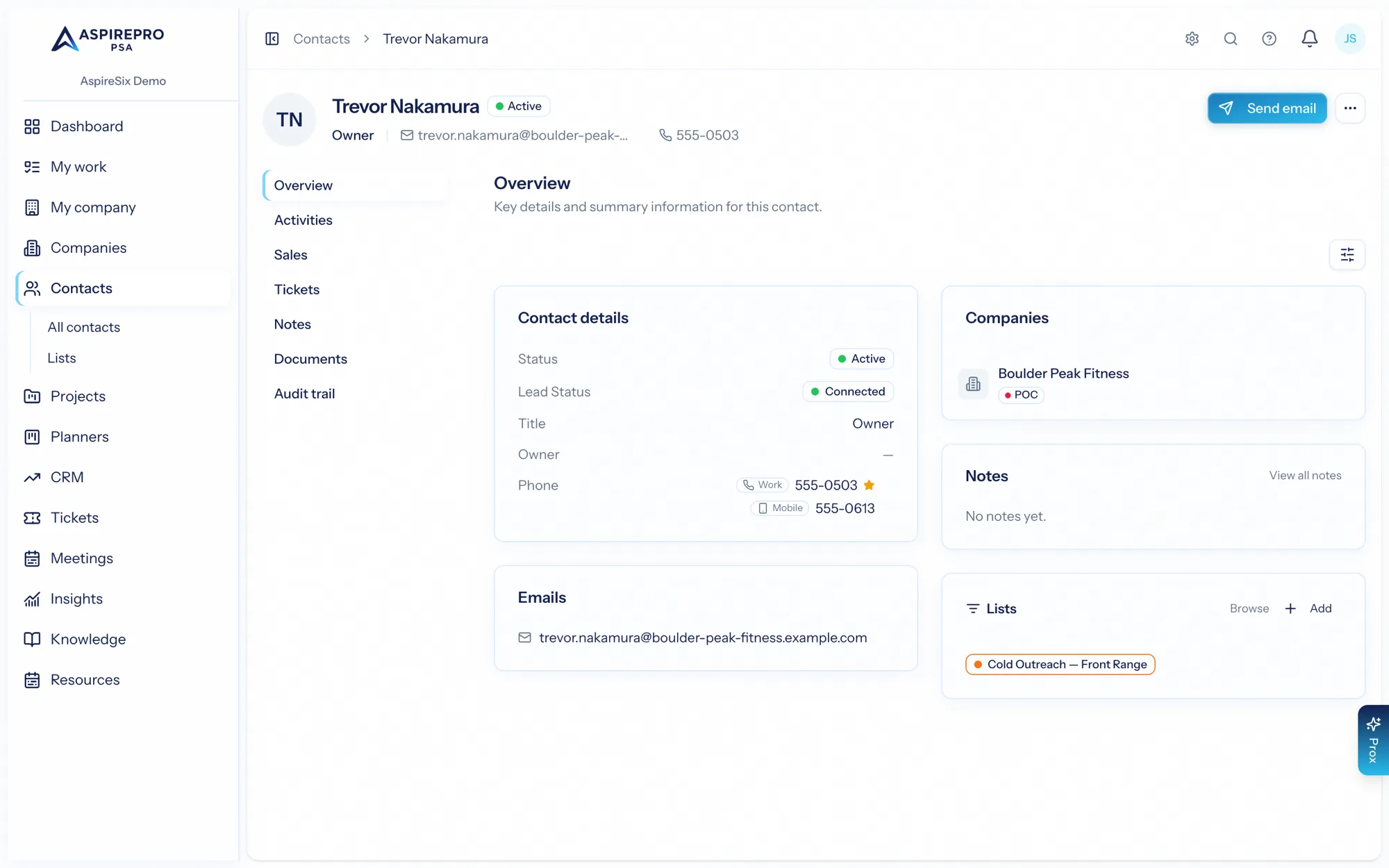
Your team controls client portal access entirely from the staff side — specifically from a contact's record. This is the same access management described under Contacts → Client portal access; here's how it fits the portal.
Company opt-in first#
Before any of a client's contacts can see anything, their company must be portal-enabled — a per-company toggle. This is the master switch for a client organization: turn it on to allow portal access for that company's people, off to shut the whole company out at once. Only portal-enabled companies' data ever appears in the portal.
Granting a contact access#
From a contact at a portal-enabled company, grant portal access. When you do, you:
- Choose the capabilities they get (see What clients can see) and, for tickets, an allowlist of boards they can reach.
- Send them an invitation to set a password and sign in.
Managing and revoking#
From the contact's portal controls you can:
- Update their capabilities or board allowlist as the relationship changes.
- Resend the invitation if they didn't receive it.
- Reset their password (after they've activated) — you send a reset link; you never see their password.
- Revoke access, which deactivates their login immediately while preserving all the underlying records.
Managing portal access requires the client-management permission, so only the right staff can extend or change who gets in.
Two levers, two scopes: the company opt-in governs a whole client organization, and per-contact access governs each individual and exactly what they can do. Together they let you open the portal to a client precisely — the right people, the right boards, the right capabilities.