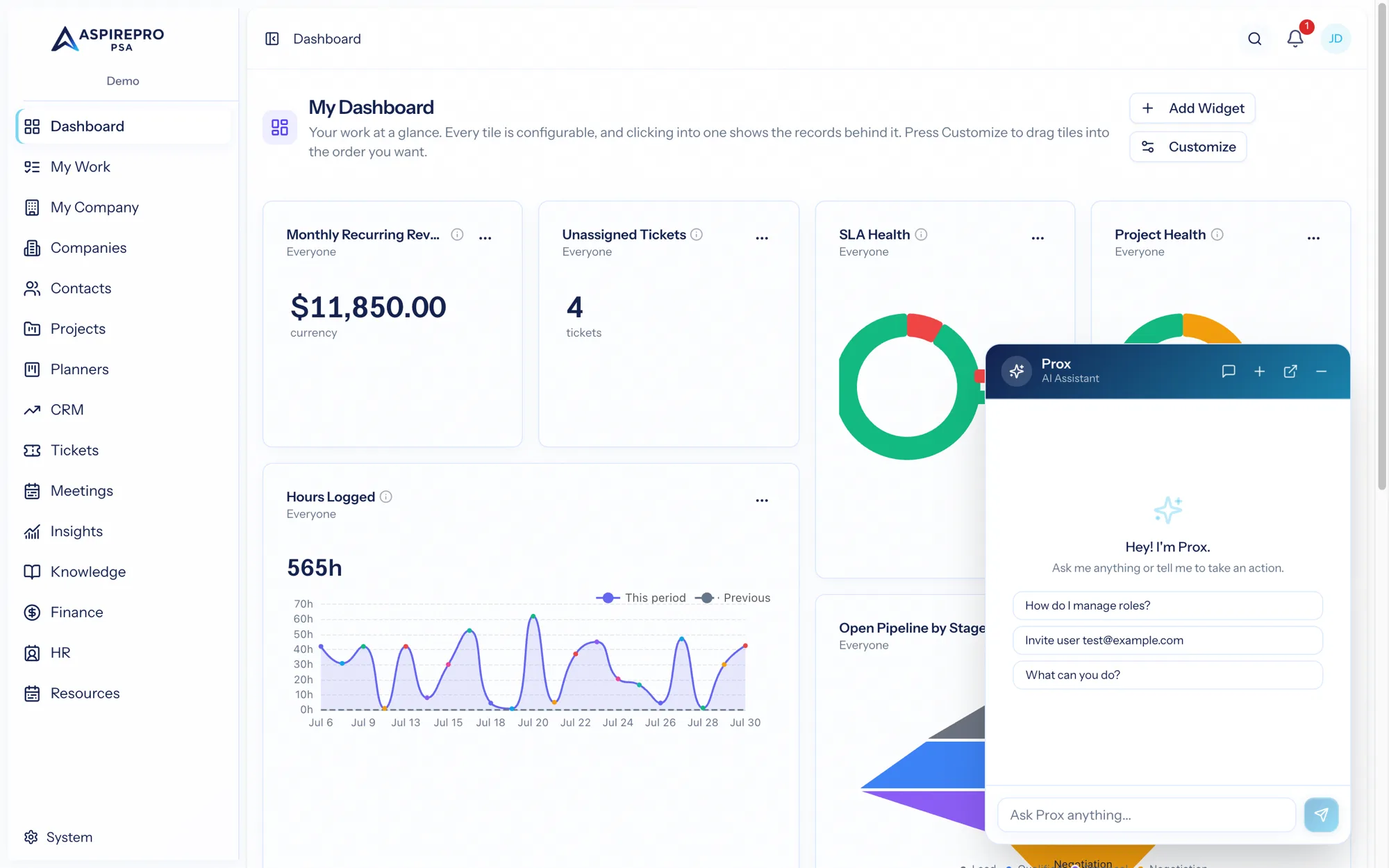
Prox is AspirePro's built-in AI assistant. It lives on every page, understands plain English, and works directly with your live organization data. Ask it a question and it answers from real records; ask it to do something and it takes the action for you — with two firm guarantees: it uses your exact permissions, and it asks before it changes anything.
What Prox can do#
Prox connects to the same modules you do, so it can help across the whole platform. For example:
- Answer questions — "How many open tickets does Acme have?", "What's my pipeline value this quarter?", "What changed on the Riverside project this week?"
- Find things — "Pull up the contact for Dana at Meridian," "Show me overdue tasks assigned to me."
- Create and update — "Create a company called Northwind," "Add a task to the onboarding project," "Log a note on this deal."
- Summarize — "Summarize this ticket thread," "Give me the highlights of this project."
Because Prox reaches the modules through the same tools the app itself uses, its abilities grow as your organization's enabled modules grow.
Permissions come first#
Prox never sees or does more than you can. Every request runs with your permissions:
- It only reads records you're allowed to read — ask about data you can't see and it simply won't find it.
- It only takes actions you're allowed to take.
There's no "AI override." If your role can't delete tickets, neither can Prox on your behalf.
Confirmation before changes#
Prox will happily read your data to answer a question. But before it changes anything — creating, updating, or deleting a record — it shows you exactly what it's about to do and waits for your confirmation. Nothing is written to your organization behind your back.
Where to find Prox#
Open Prox from the assistant button in the top bar on any page. You can keep chatting in the panel, or pop it out into its own window to work alongside the app. Your conversations are saved so you can pick up where you left off — see Working with Prox.
Think of Prox as a capable teammate who knows the whole system, works at your permission level, and always checks with you before making a change.