Win it, deliver it, bill it — and know which clients were worth it
AspirePro runs a services business end to end on one client record: the deal, the project, the tickets, the hours, the invoice — and the return on time and health score that say which clients to keep, reprice or let go.
- Return on time per client, in plain words — who is worth the hours, who isn't.
- A health score that warns you before a client goes quiet, with the reason spelled out.
- Every fact about a client on its record: deals, projects, tickets, hosting, credentials, hardware.
Everything your services team runs on — in one login
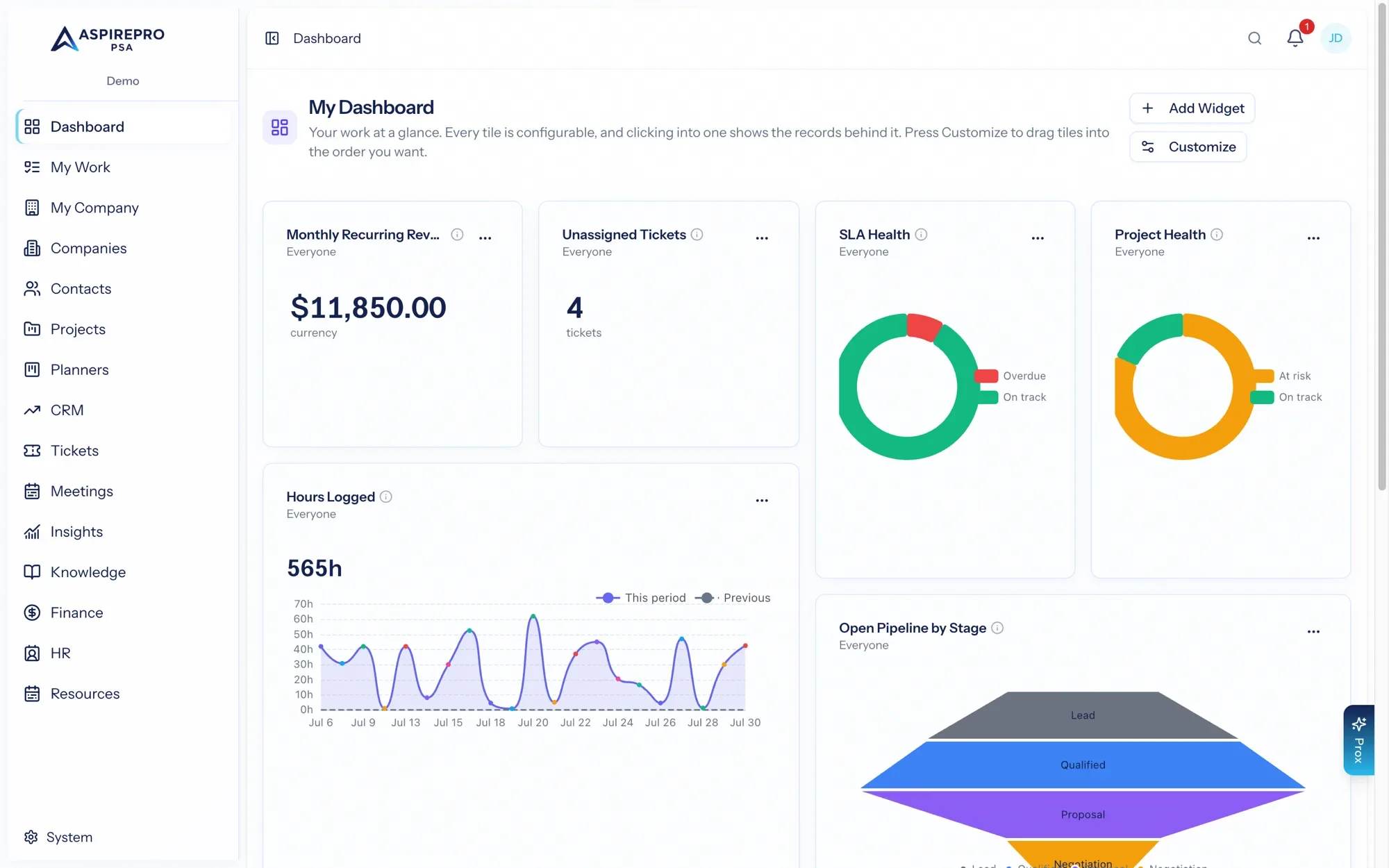
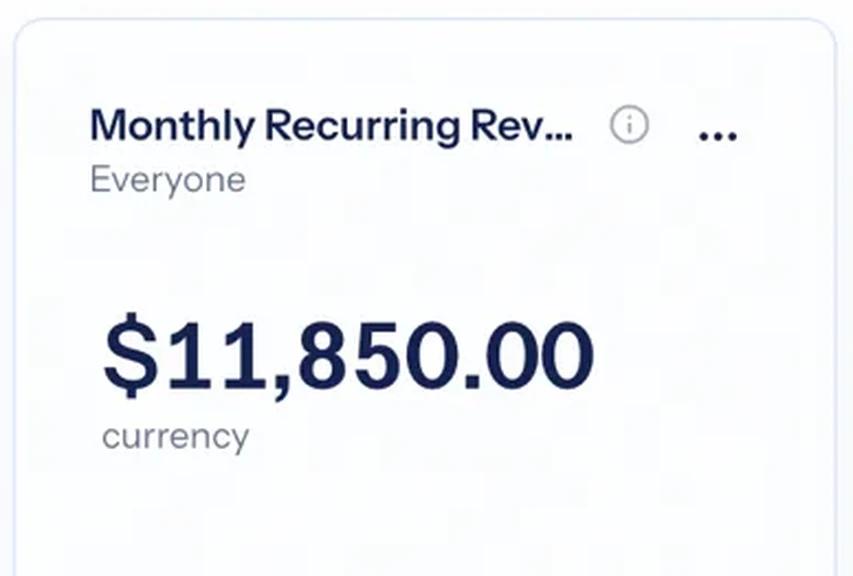
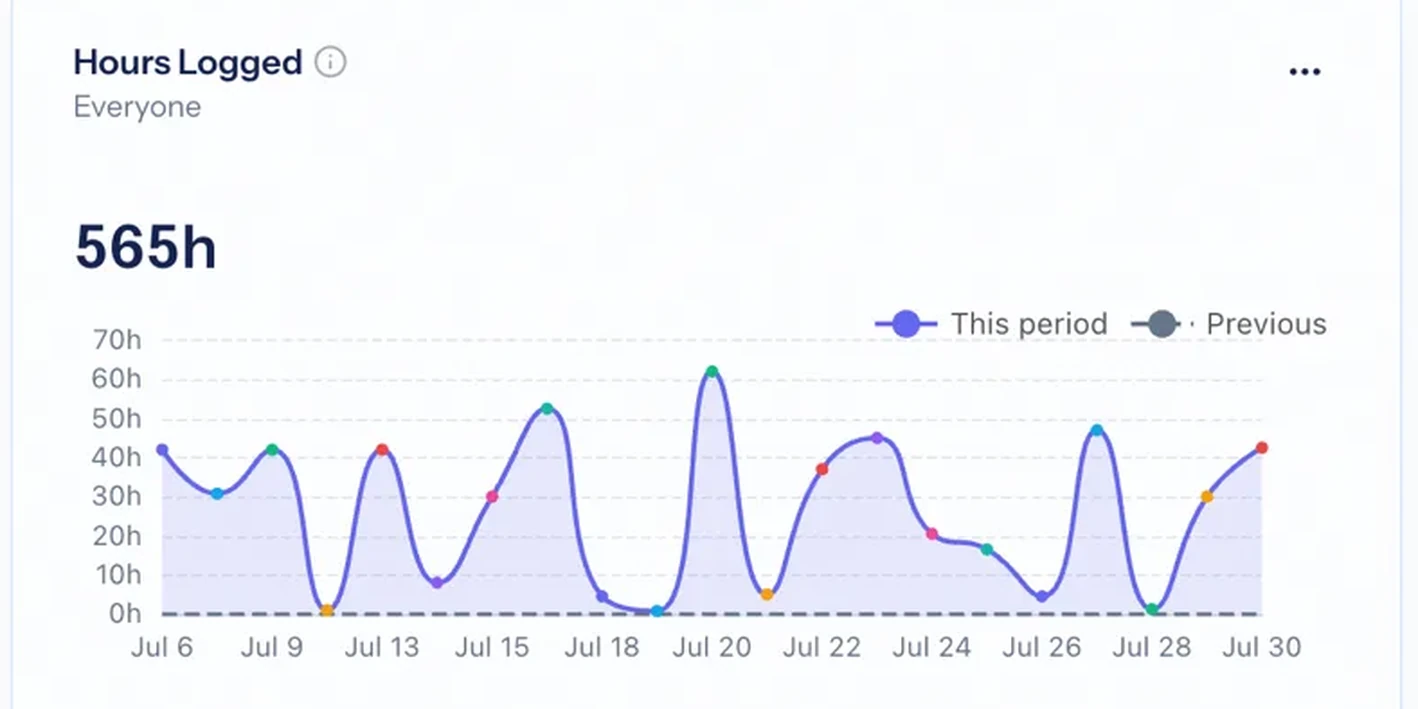
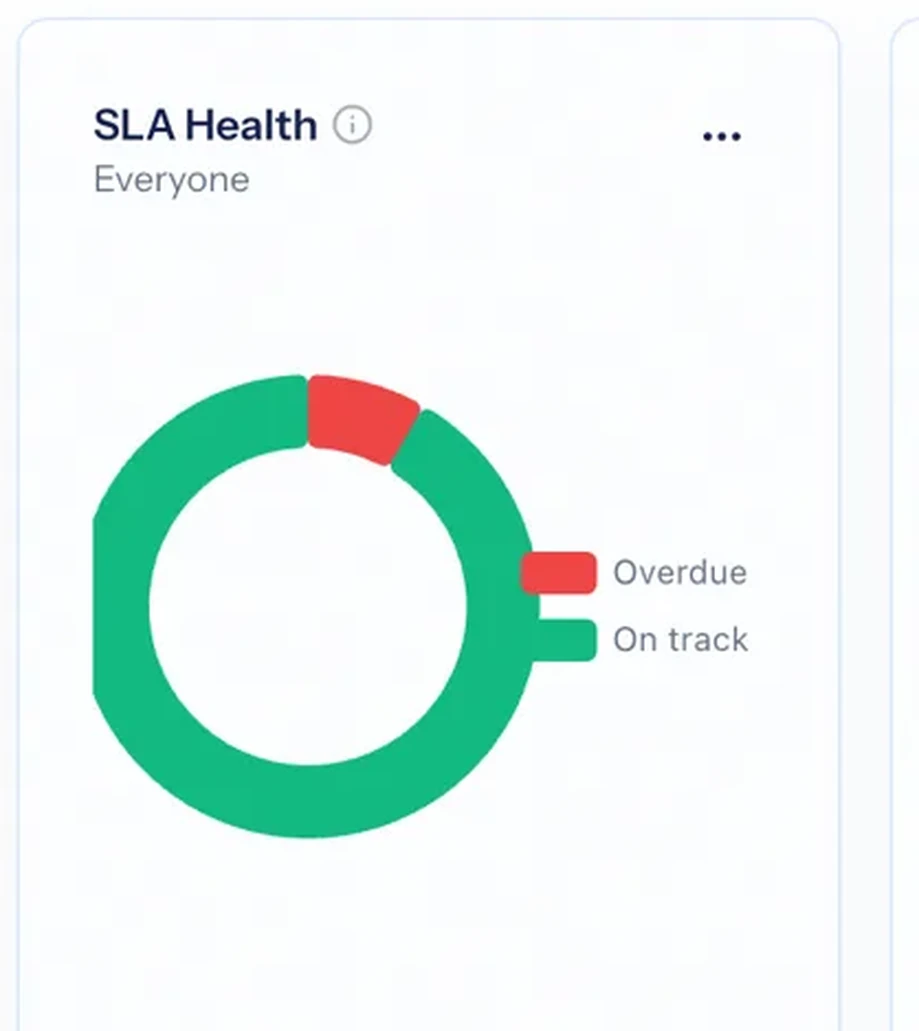
Dashboards. Build a dashboard for any question — pipeline, delivery load, cash collection, client health — from live metrics across every module.

CRM. Every opportunity from first touch to signed deal, with email and meetings logging themselves onto the record — and outbound call blocks for the list you're working.

Projects. Plan projects, assign tasks, track phases and budgets, and see delivery load across the whole team.
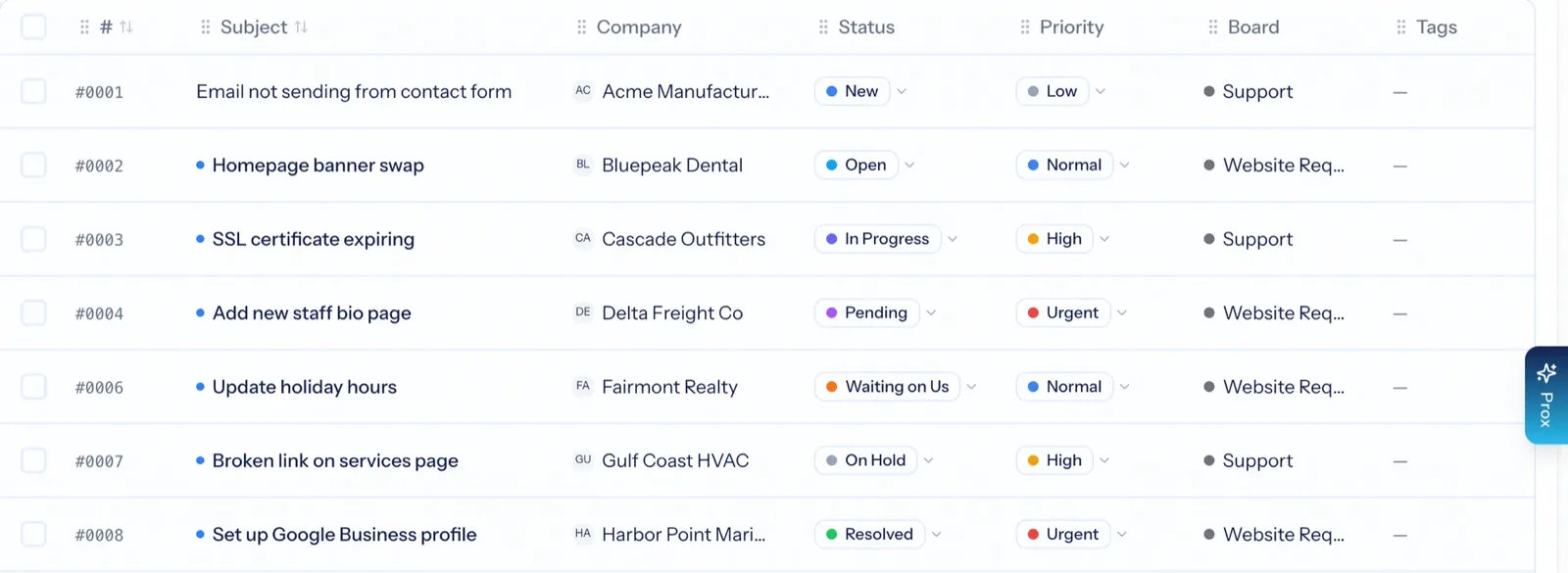
Service Desk. Emails become tickets with a response clock; rules escalate and route; a one-question survey keeps score when it closes.
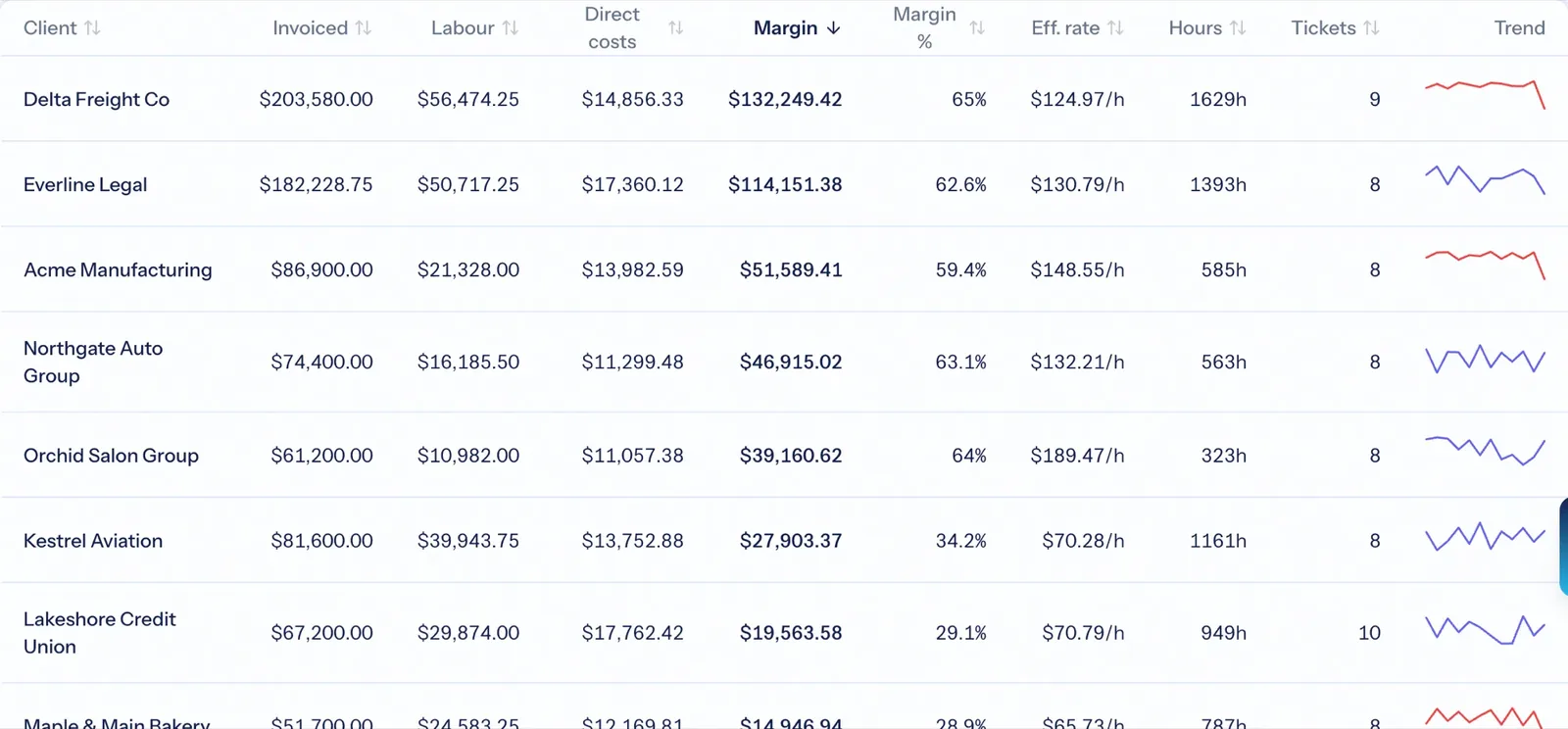
Finance. Quotes, agreements, timesheets and invoices — and each client's return on your team's time, in plain words.
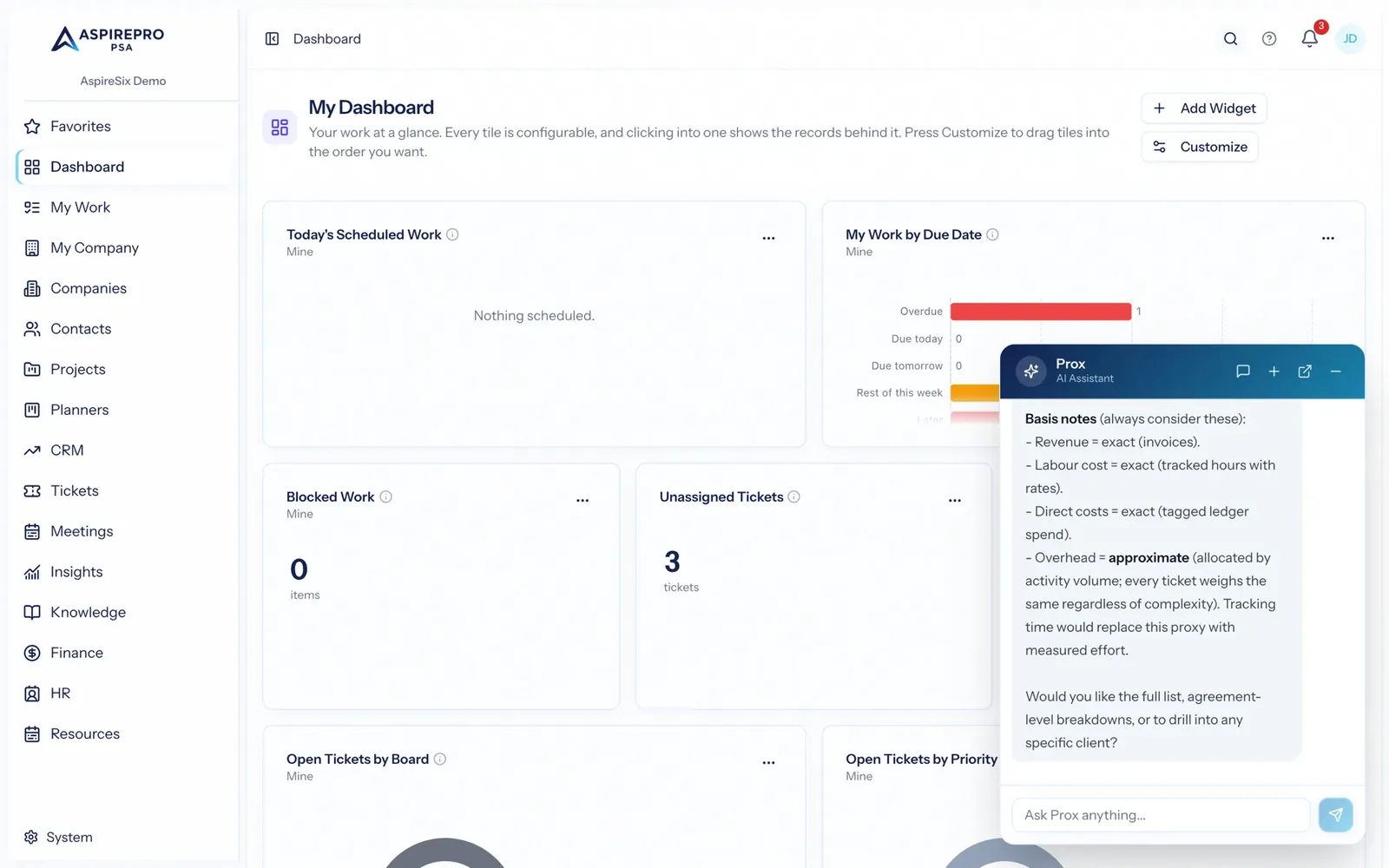
Prox AI. Ask your workspace anything in plain English. Prox reads your data and takes action, with permissions enforced on every request.


Five tools that don't know who the client is
A CRM, a project tool, a help desk, a time tracker and an invoicing app each keep their own copy of the client — and somebody reconciles them on Friday. AspirePro keeps one record and hangs everything off it.
Five subscriptions
- The deal in one tool, the project in another
- Support requests in a third
- Hours in a fourth, invoices in a fifth
- The client's hosting details in a wiki nobody updates
- A spreadsheet to work out whether the client made money
- And the copy-pasting between all of them
One client record
- The deal becomes the quote, the agreement and the first invoice
- A ticket logs time against the agreement
- That time lands on a timesheet, then the invoice
- The client's configuration sits beside the ticket
- Return on time and a health score on the same record
- Every module a switch you can turn off
“The connections are the product. A ticket logs time against an agreement; that time lands on a timesheet; the invoice writes itself — and the profitability report can finally say whether the client was worth it.”
The connections are the product
One piece of work moves through five modules without anyone re-typing it. Five separate subscriptions can never give you that chain.
Know which clients are worth your time
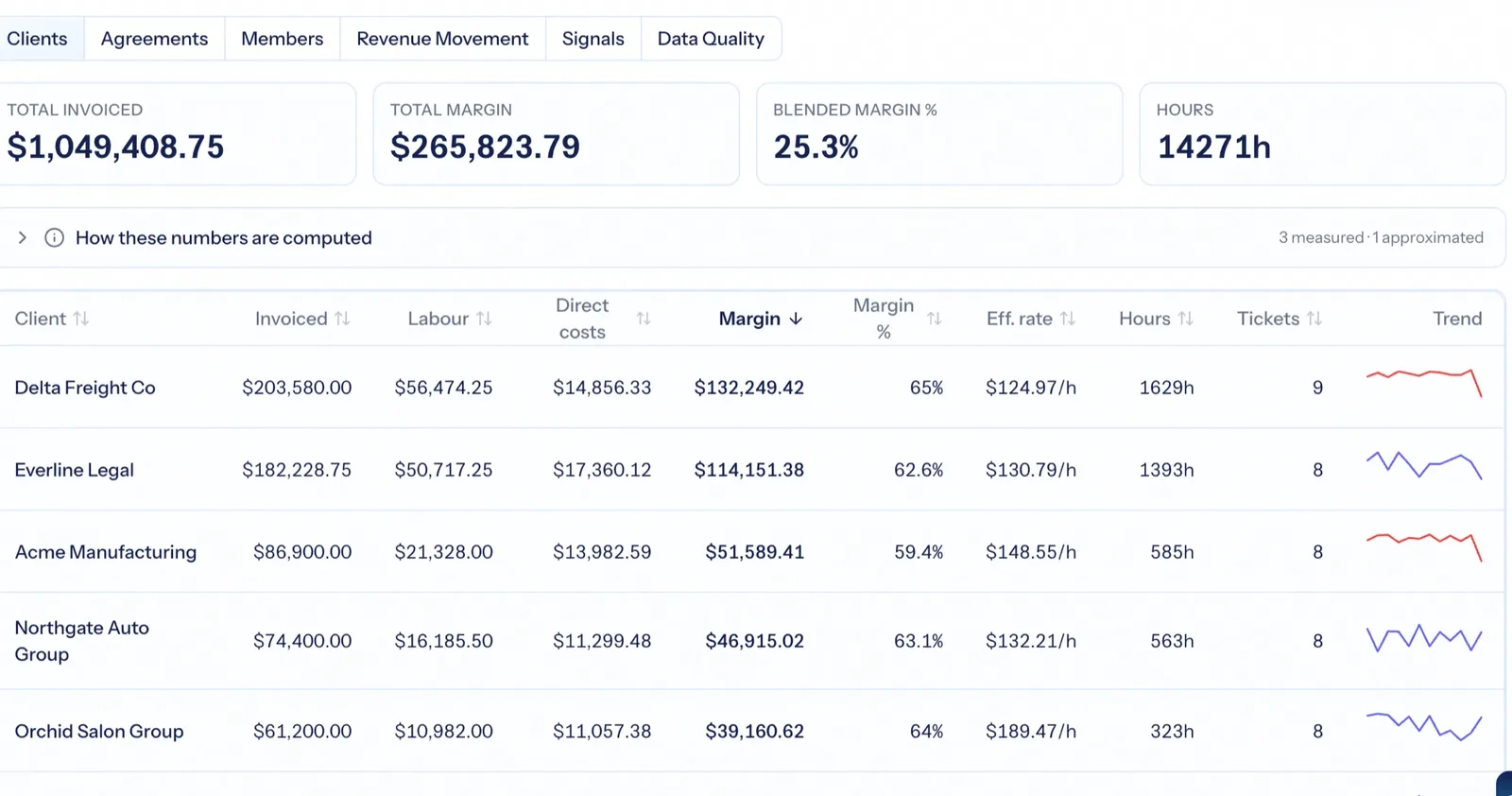
Every client's revenue against what your team's hours actually cost, as a return on time in plain words — with a give-or-take range, dollars earned per hour, and a 'what to fix' list when the inputs are missing. Sort by return and the conversation about who to keep, reprice or let go has evidence.
- Return on time per client and per agreement
- A share-of-work figure even for clients with no logged time
- Signals that flag clients at risk and room to grow
Hear about a slipping account before the client does
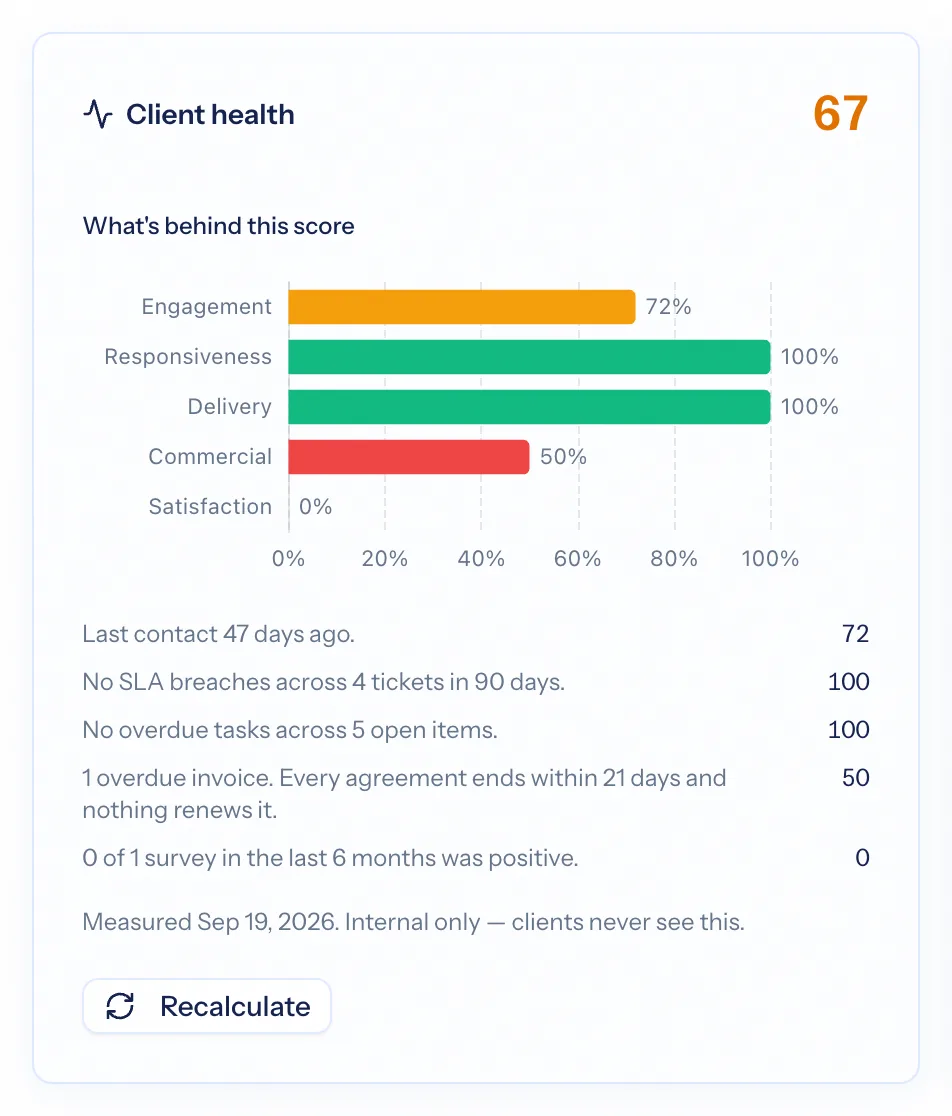
The check-ins you promised each client become scheduled periods with owners and attestation. A 0–100 health score reads kept promises, recent contact, support responsiveness, delivery, contracts and satisfaction — each with a sentence explaining it — and tells the owner when an account drops a band.
- Lifecycle templates: QBRs, monthly check-ins, renewals
- Six explained health contributors, weights rebalanced around missing data
- One notification per band drop, never for a wobble
Every detail about a client, in one place your team can trust
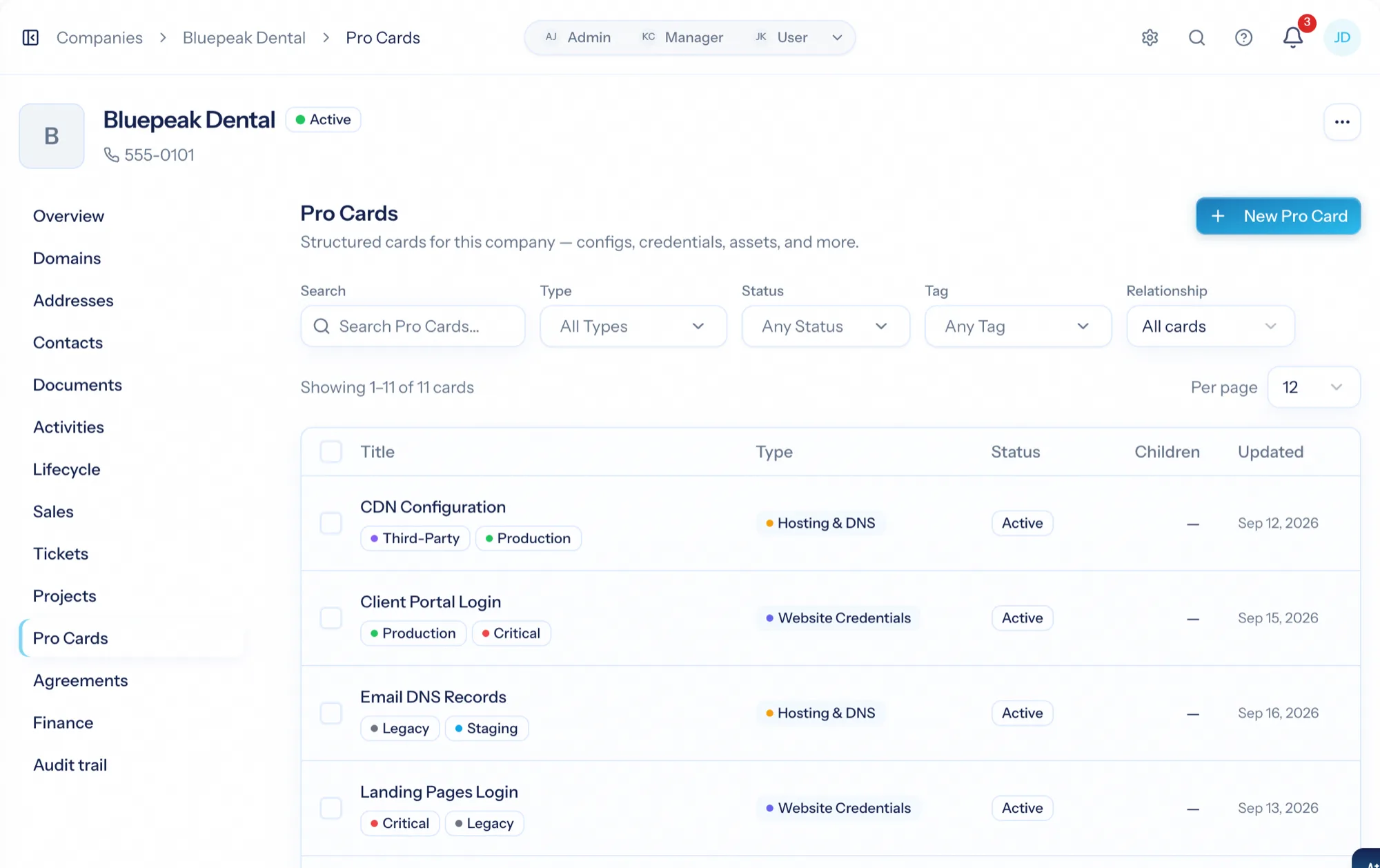
Hosting, DNS, credentials inventories, equipment with serial numbers, brand rules — typed record cards you design, attached to the company, linked to the tickets they explain, searchable across every client. Delivered hardware becomes a card on its own.
- Card types with a field builder
- Parent, child and related cards; link to tickets
- Fleet view across every client with board and bulk actions
Every client request, answered on time and on the record
Emails become tickets on a shared queue with a visible response clock. The whole conversation stays on the ticket, time is logged as you reply, rules escalate and route, and a one-question survey keeps score when it closes — with support hours reaching the invoice without being typed twice.
- Email-to-ticket per board, threads that stay together
- Response and resolution targets on the queue
- Satisfaction surveys with review gating
An assistant on every page — and your own AI on the same data
Ask Prox anything about your organization in plain English; it reads your data and takes action under your permissions. Prefer Claude or ChatGPT? One connector URL gives them the same 350+ tools, as you, with nothing more than your role allows.
One platform, not five subscriptions
Turn on exactly the modules you need. Everything shares the same clients, people and permissions — no more copy-pasting between disconnected tools.
Built for teams that take security seriously
The controls larger organizations expect — without an enterprise-only price tag.
Isolated per-tenant databases
Every organization gets its own dedicated database — your data is never co-mingled with another company’s.
SSO with Microsoft & Google
Let your team sign in with the identity provider they already use, with OAuth handled end-to-end.
Passkeys and two-factor
Sign in with Face ID, Touch ID, Windows Hello or a hardware key — or enforce TOTP-based MFA on every account.
Granular roles & permissions
Fine-grained, per-module permissions decide exactly who can see and do what across the platform.
Full audit logging
Every create, update, and state change is recorded — a complete, searchable trail across every module.
Nightly backups
Every customer database is backed up nightly with 30 days of retention, and payments run entirely on Stripe.
Simple, per-seat pricing
Plans start at $7.99 per seat / month. Only pay for the people who use it; client-portal users are free.
Questions worth asking any PSA
What is professional services automation (PSA) software?
Do I have to use every AspirePro module?
How is AspirePro different from using separate tools?
Is my data isolated from other customers?
Can clients see anything inside AspirePro?
How long does it take to get started?
See it on your own clients this week
Start a trial without a card, or ask us to walk you through it with your data. Sales, delivery, support and billing on one record — with an assistant on every page.